Version 1.0

Effective date:

Feb 5, 2026

Image viewing

Distance calibration tool


What this feature does 

The Calibration tool lets you turn pixel-only images into images with real-world distance units (cm/mm) by drawing a line of known length. 


The problem it solves 

Many ultrasound exams and other images arrive without built‑in calibration. On these images, rulers and other distance tools only show pixels. This tool is a local, per-image solution to make uncalibrated images more useful in daily reading. 


How to use it  

Step 1: Start the Calibration tool 

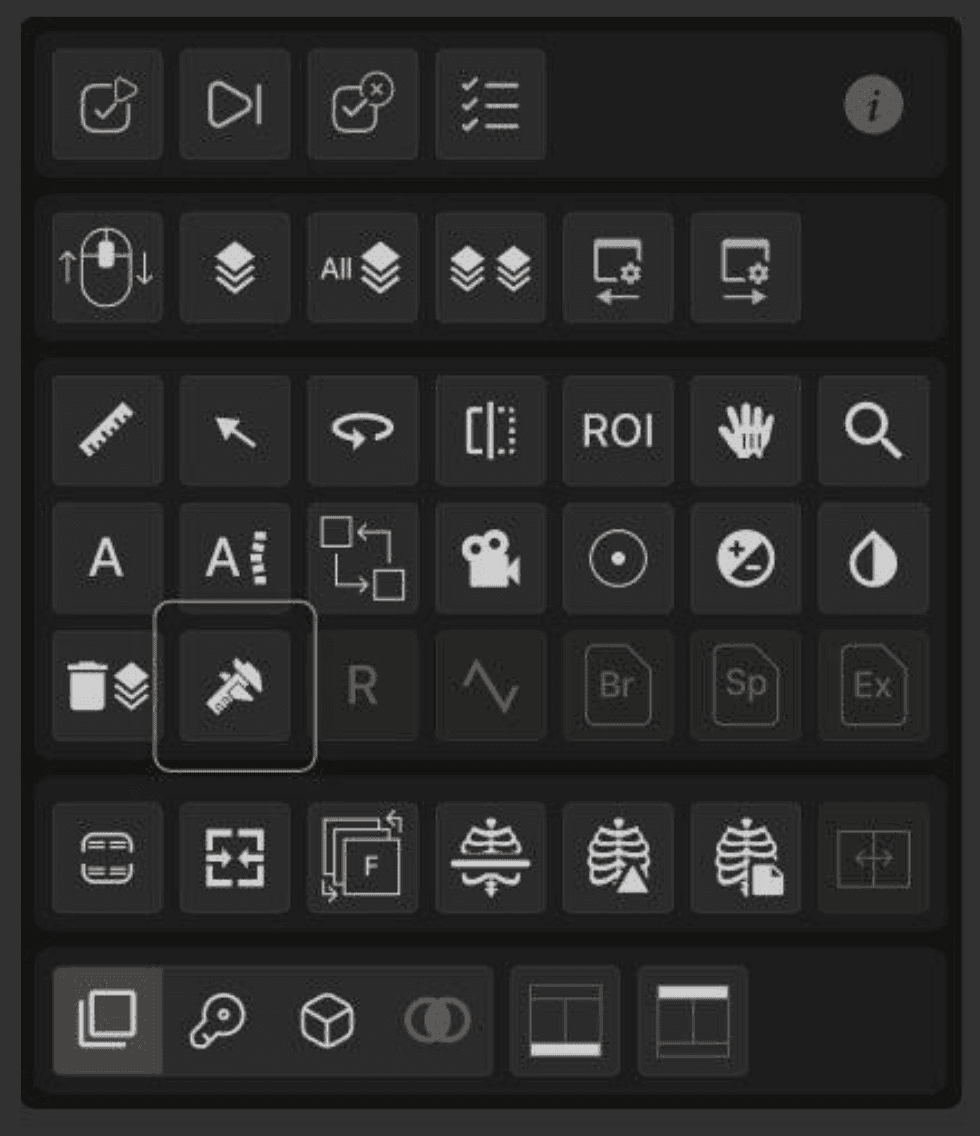
  1. Click the Calibration tool in the toolbar, or press Alt +C 

  2. Move the cursor over the image you want to calibrate. 

  3. Confirm that the calibration cursor is active on that image (it will be disabled on images that cannot be calibrated). 


Step 2: Draw the reference line

  1. Choose a structure with a known real-world length that is clearly visible and straight 

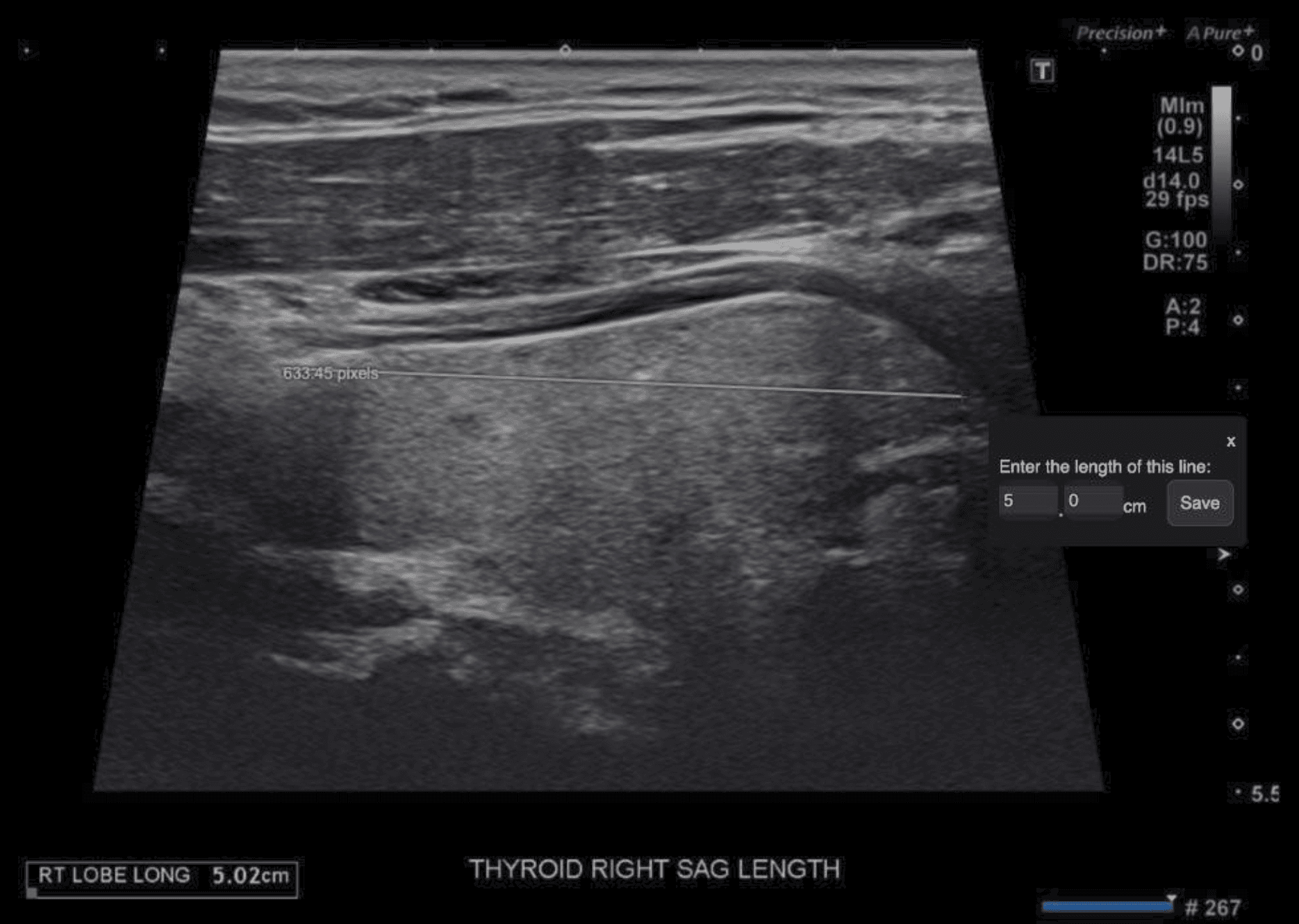
  2. Click at one end of the known distance, then drag and release at the other end to draw a straight line along that distance. 


Step 3: Enter the real distance 

After you draw the line: 

  1. A small window appears near the cursor. 

  2. Enter the real length of the line. 

  3. Click Save to apply the calibration, or Cancel to discard it. 


Step 4: Measure as usual 

Once calibration is saved:

  1. Use your normal distance measurement tools on that image. 

  2. All measurements on that image: 

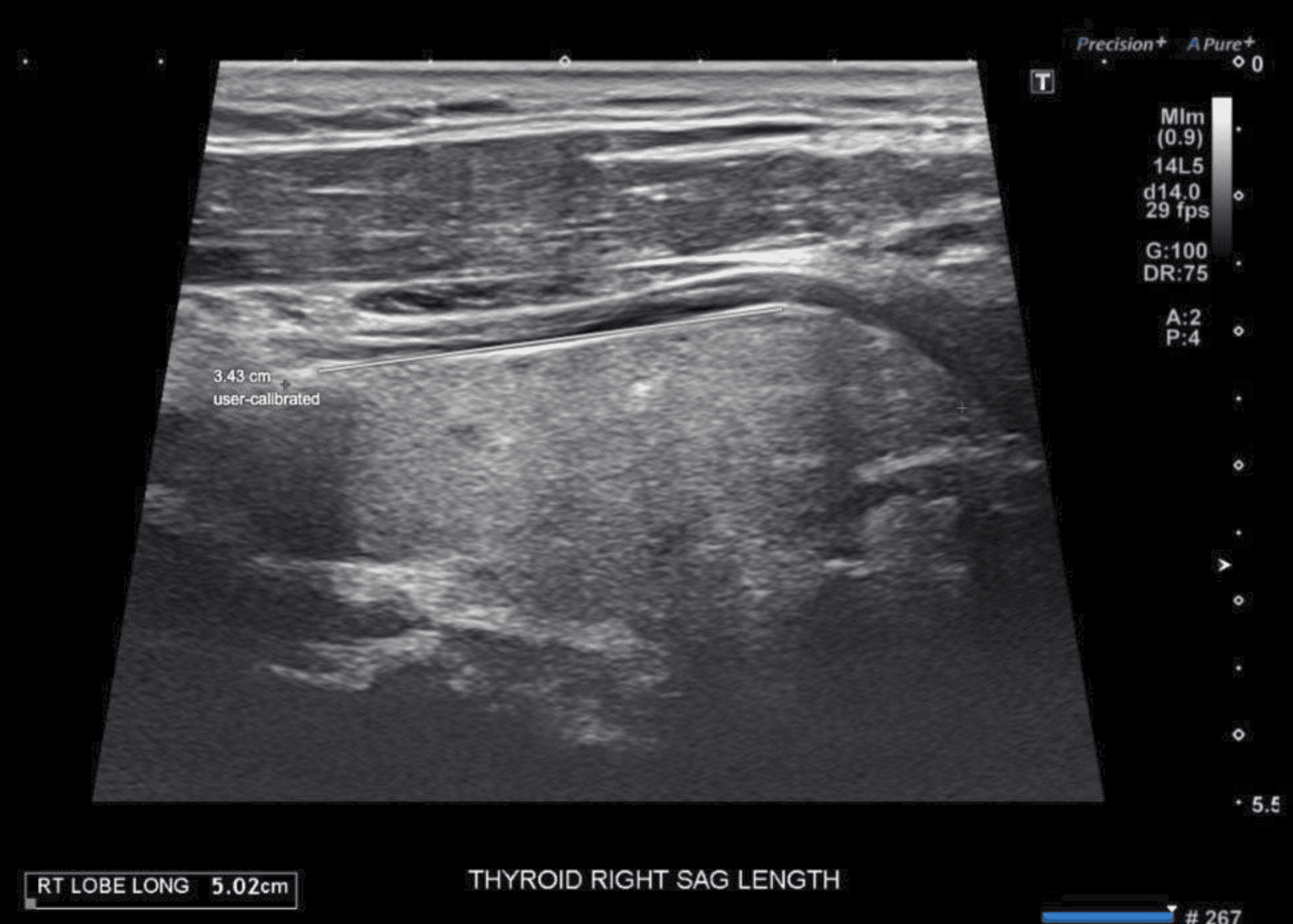
  • Show values in cm/mm (not pixels). 

  • Display the label “User calibrated” under the measurement text for transparency. 

Existing measurements on that image (created before calibration) are also updated to use cm/mm and show “User calibrated.” 


Step 5: Recalibrate this image (if needed) 

If you realize your reference line was not accurate: 

  1. Keep the Calibration tool selected (Alt + C), or select it again. 

  2. Draw a new line on a better or more accurate reference. 

  3. Enter the correct real-world distance and click Save. 

This replaces the previous calibration for that image. 

All measurements on that image will be updated to use the new calibration. 


Limits and known constraints 
  • Calibration applies to one image at a time. 

  • Calibration is not saved when you close the exam. 

  • If an image already has DICOM calibration, the Calibration tool is disabled 

  • Only one calibration can be active on an image at any time.