"Inflight" is a tab within the "Exams" section. Inflight represents all exams that are ready to read. | |
|---|---|
 |
Filters allow you to further refine your exam list. | |
|---|---|
 |
Filters can also be saved as presets. | |
|---|---|
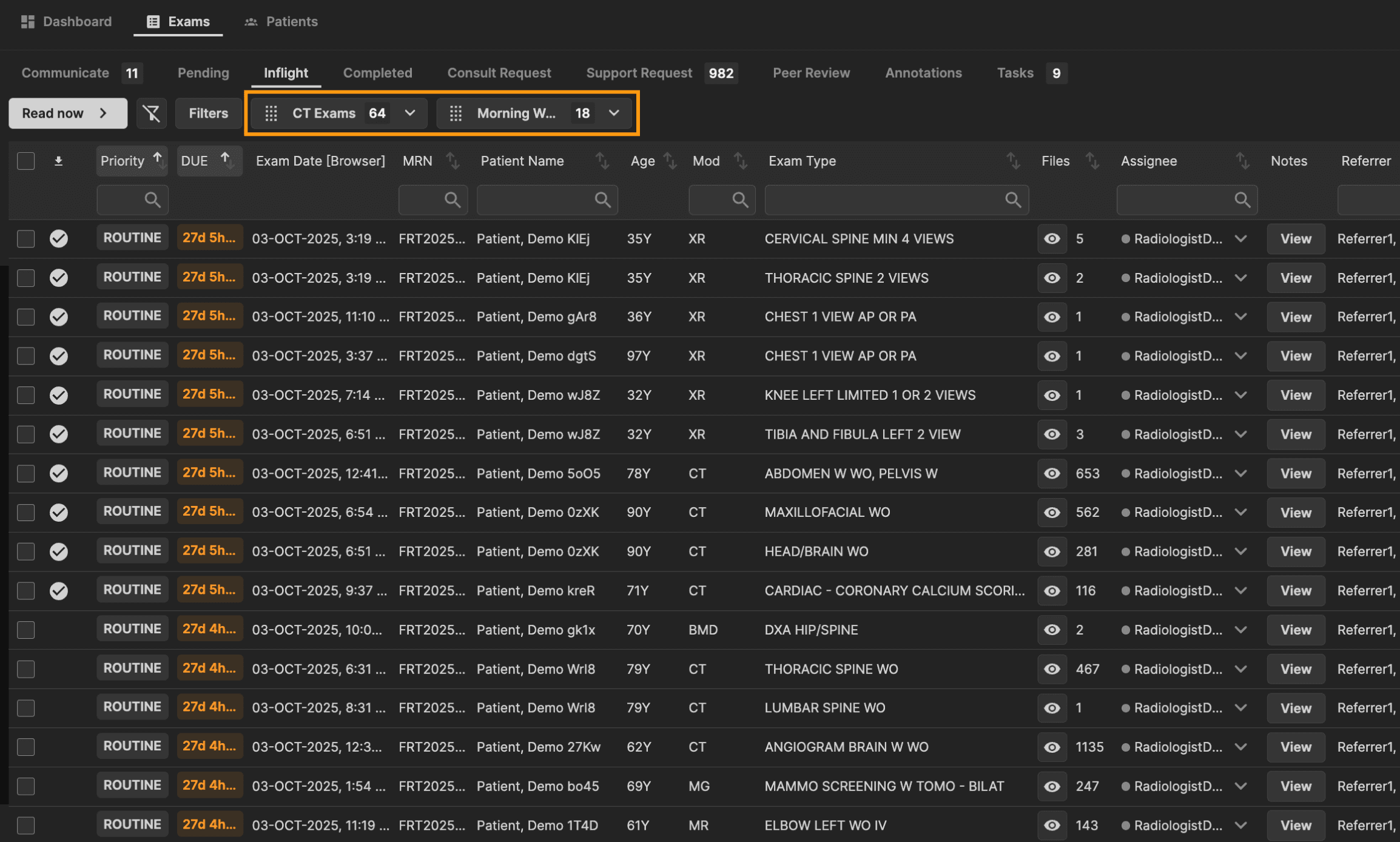 |
Columns can be individually filtered and sorted. The column updates as you type based on a match to a portion of a word within the column. | |
|---|---|
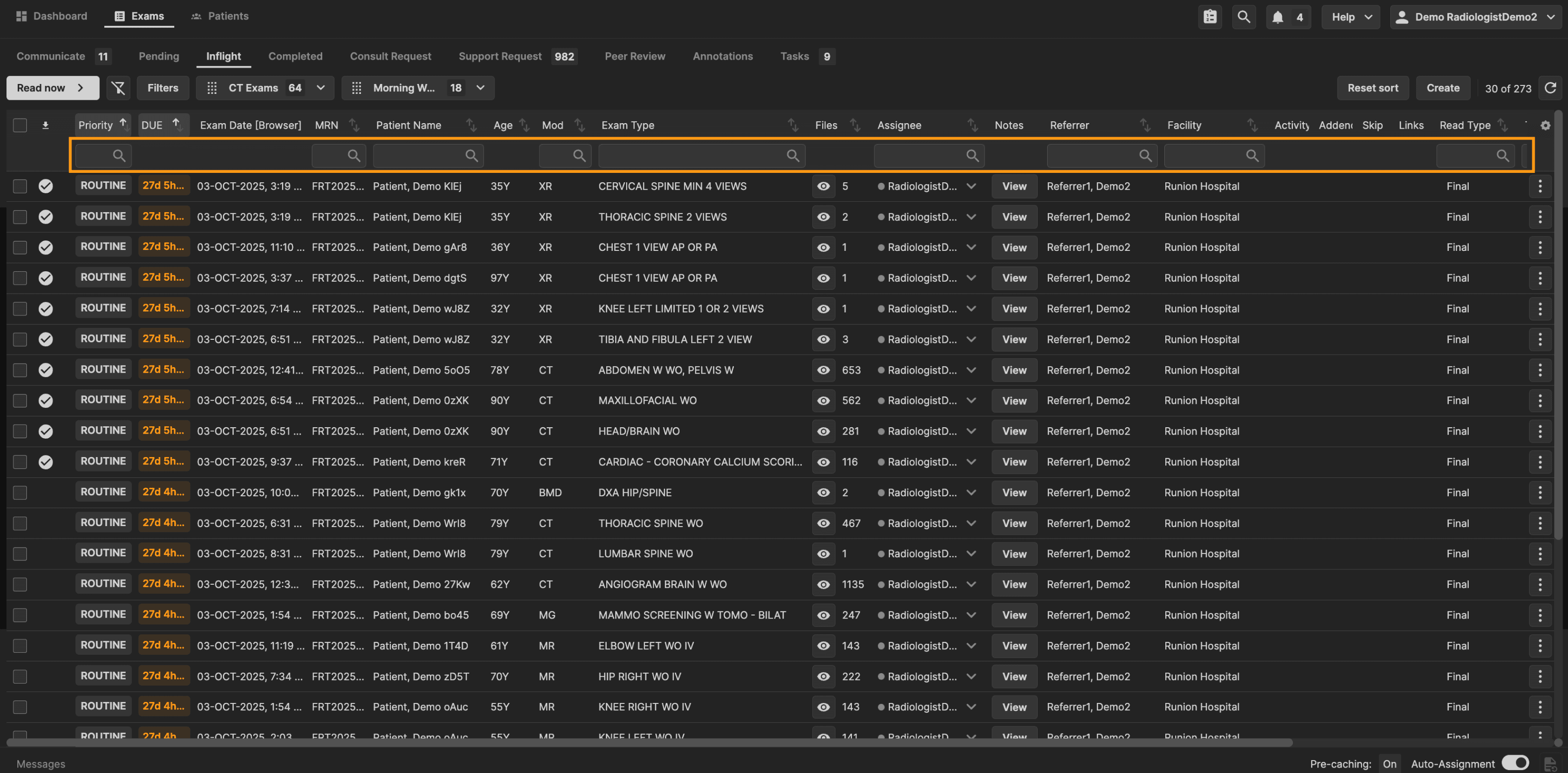 |
The sort order for each column is adjustable by clicking the column title. | |
|---|---|
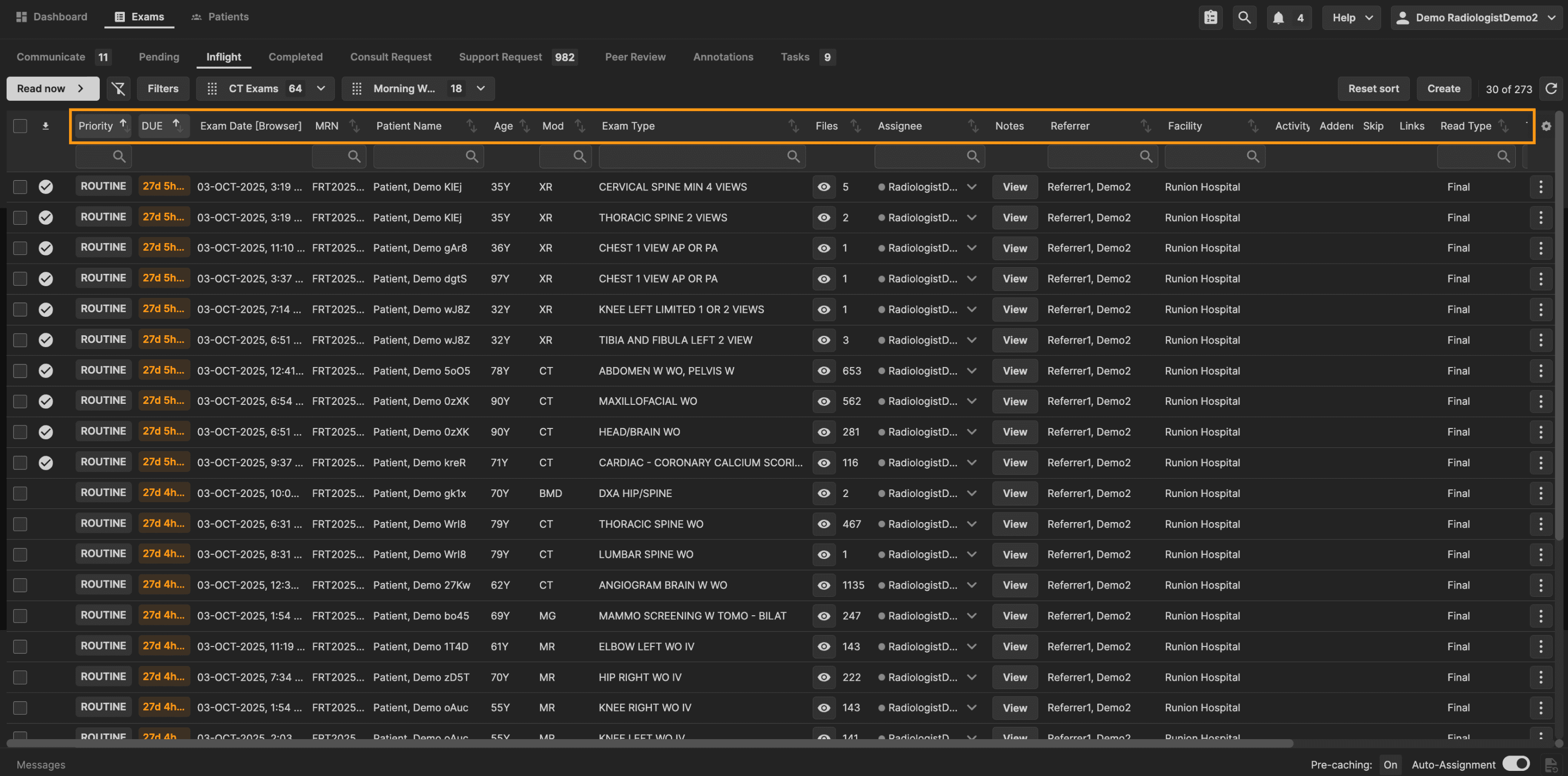 |
Column width is adjustable by selecting the side of a column and dragging your mouse. | |
|---|---|
 |
Use column settings to configure which columns are displayed, and in what order. | |
|---|---|
 |
Click the three dots at the end of any exam to view all exam actions. You may also view exam actions by right clicking on the exam. | |
|---|---|
 | |
 |
To report an exam, click "Read Now," or click on a line item. The Read Now button opens and sequences only the exams that have been assigned to you, ignoring any unassigned or skipped exams. Once all assigned exams are completed, a ‘You’re done’ message appears to confirm you’ve finished your queue. If you want to read both assigned and unassigned exams, use manual open (single click) instead of Read Now. | |
|---|---|
 |