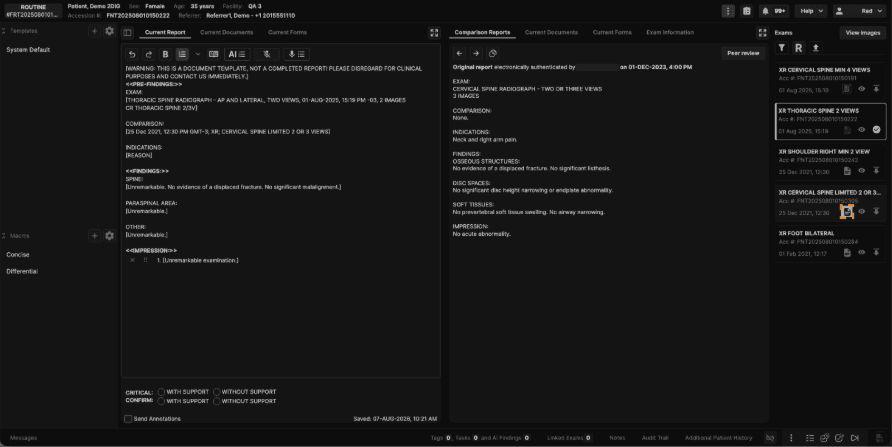
Reporting
Exam list panel: View images and reports from the exam list panel
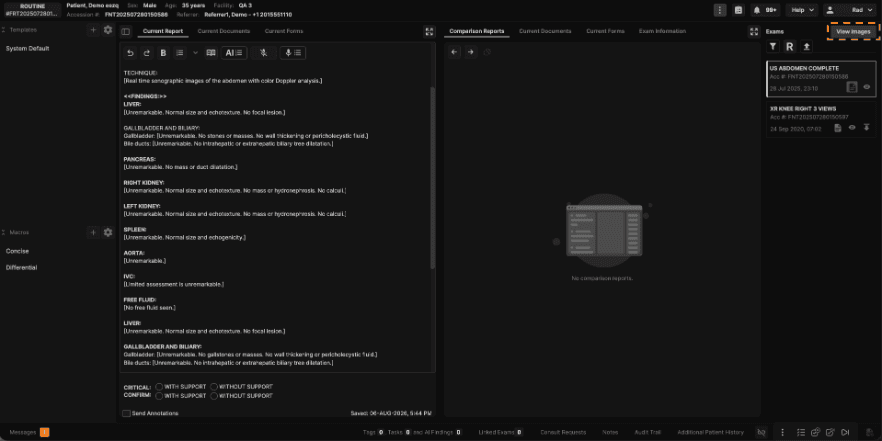
1. Click "View Images" to launch your viewer with the primary exam and its relevant comparison prior loaded automatically.
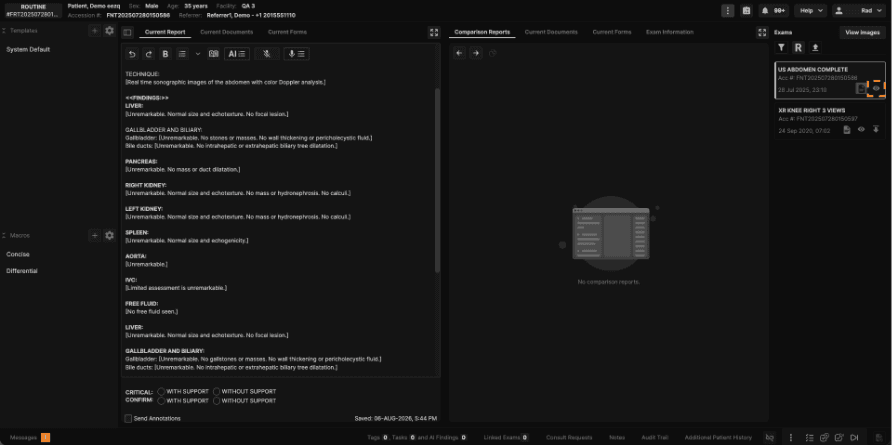
2. Click the eye icon to load images from a specific exam.
3. Click the report icon to view the report from a specific exam.