Administrator workflows
Managing facility’s/facility groups: Add a department to a facility
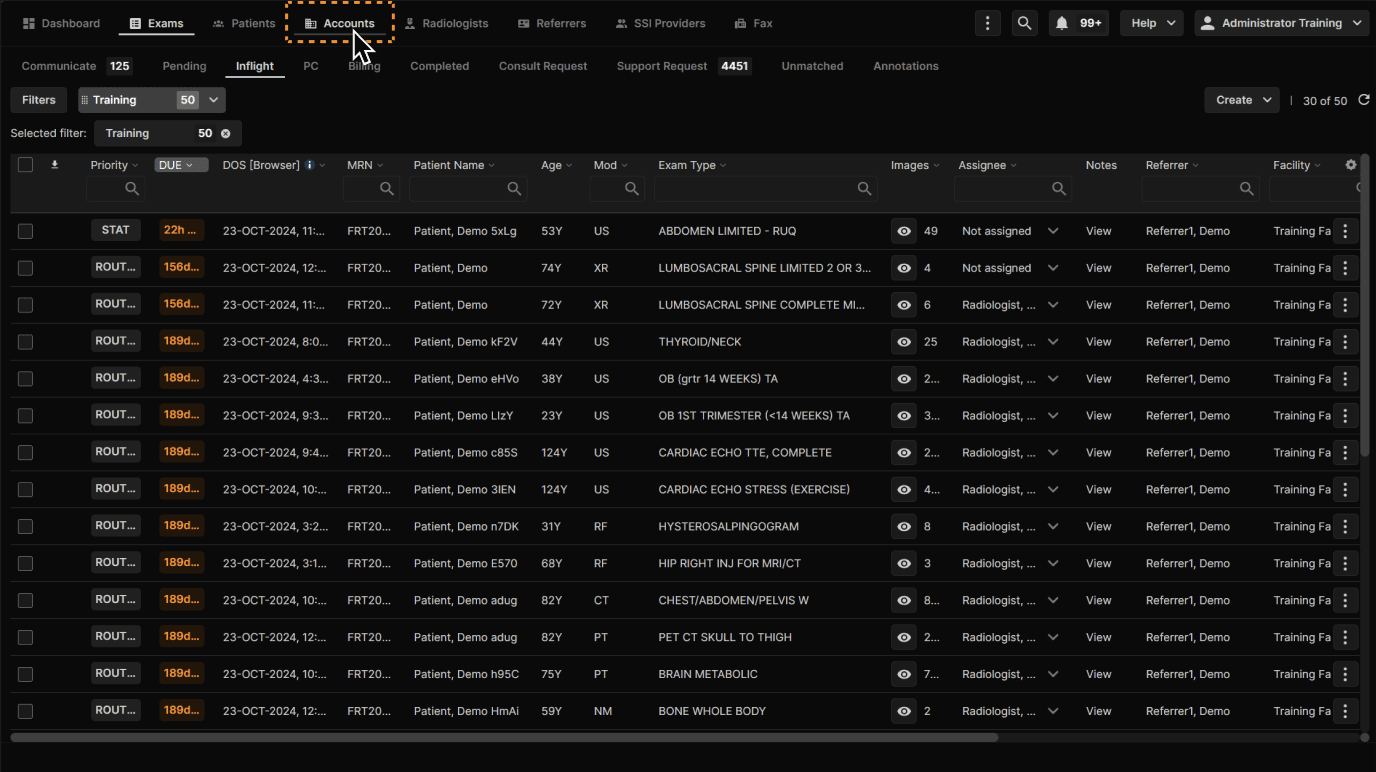
Click "Accounts." | |
|---|---|
 |
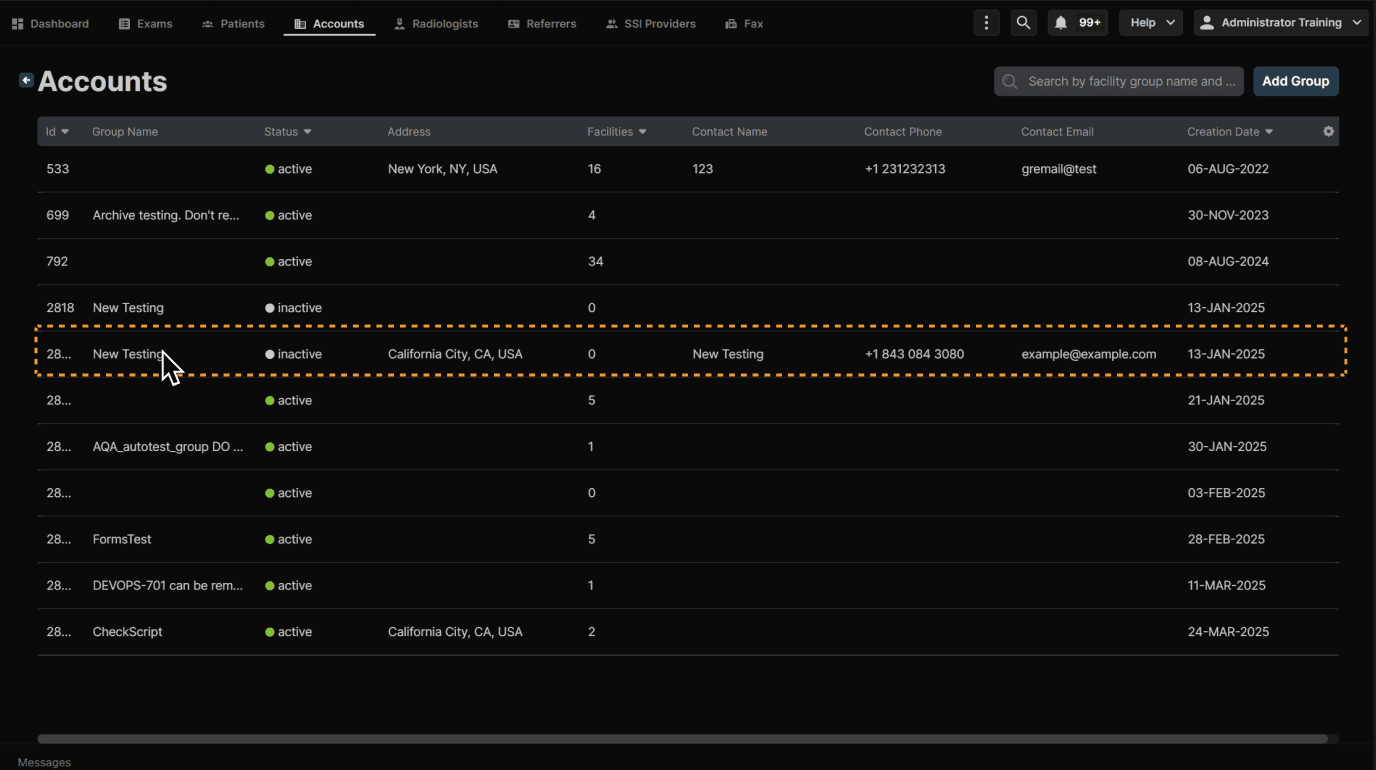
Select a facility group. | |
|---|---|
 |
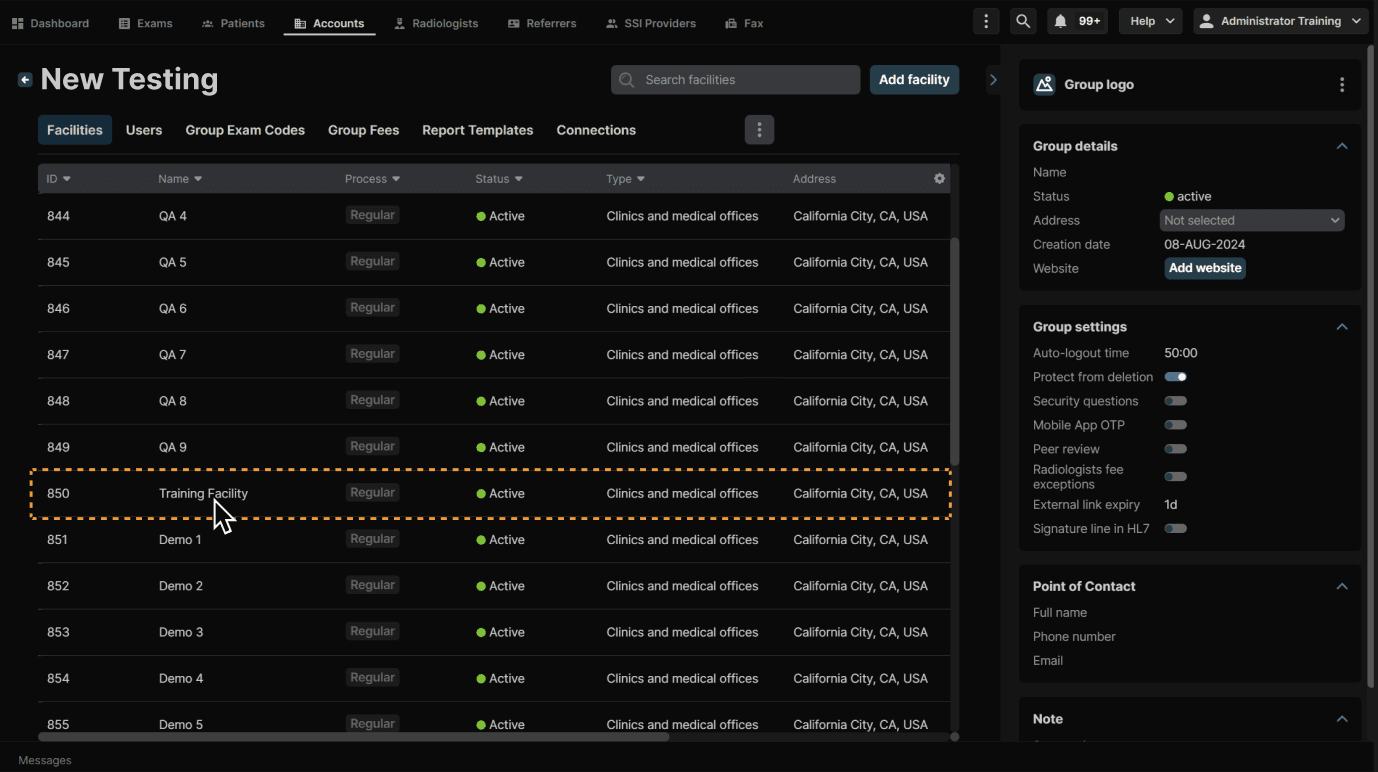
Select a facility. | |
|---|---|
 |
Click "Add Department." | |
|---|---|
 |
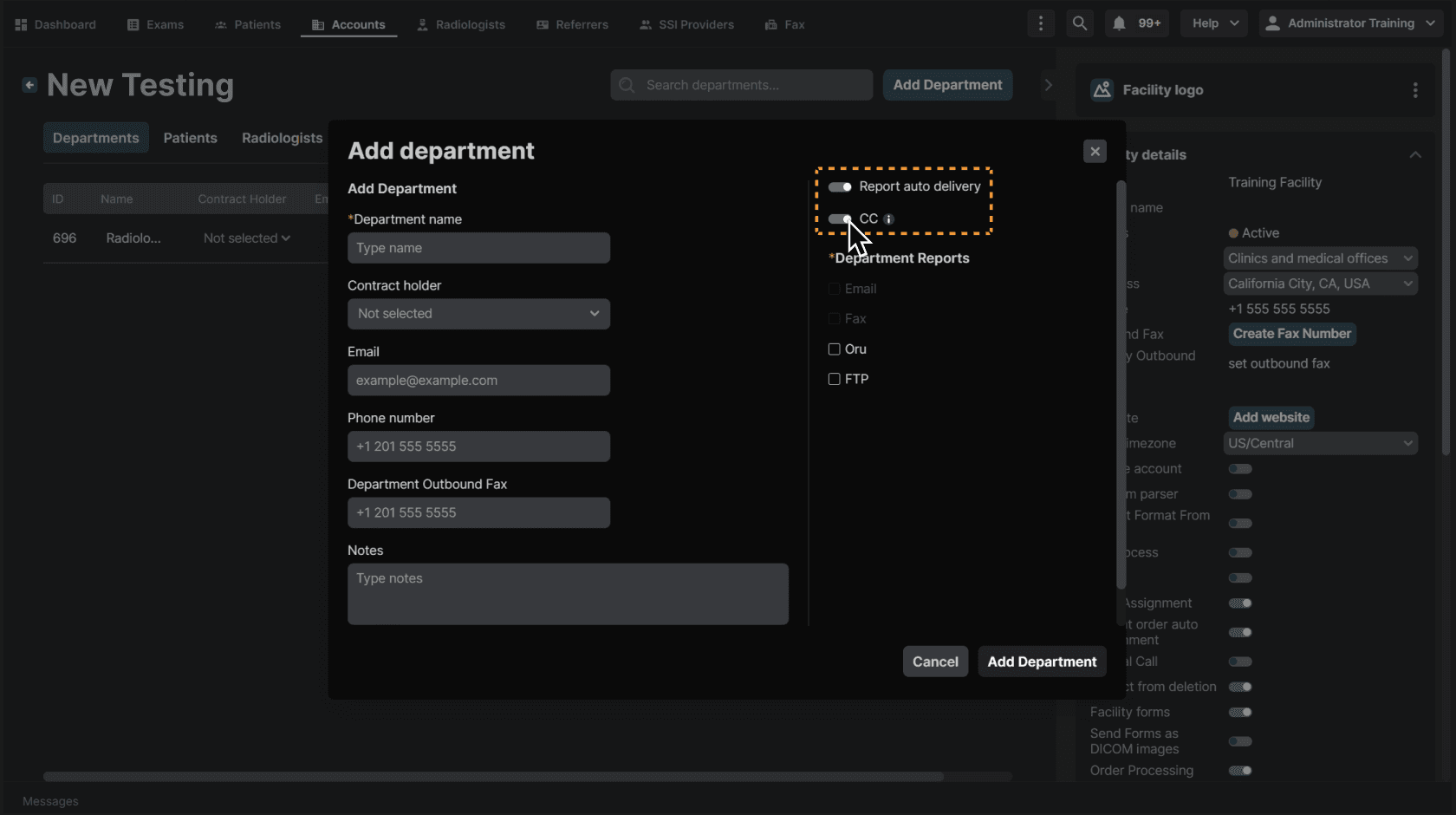
Fill in the fields and select how reports will be delivered using the checkboxes. | |
|---|---|
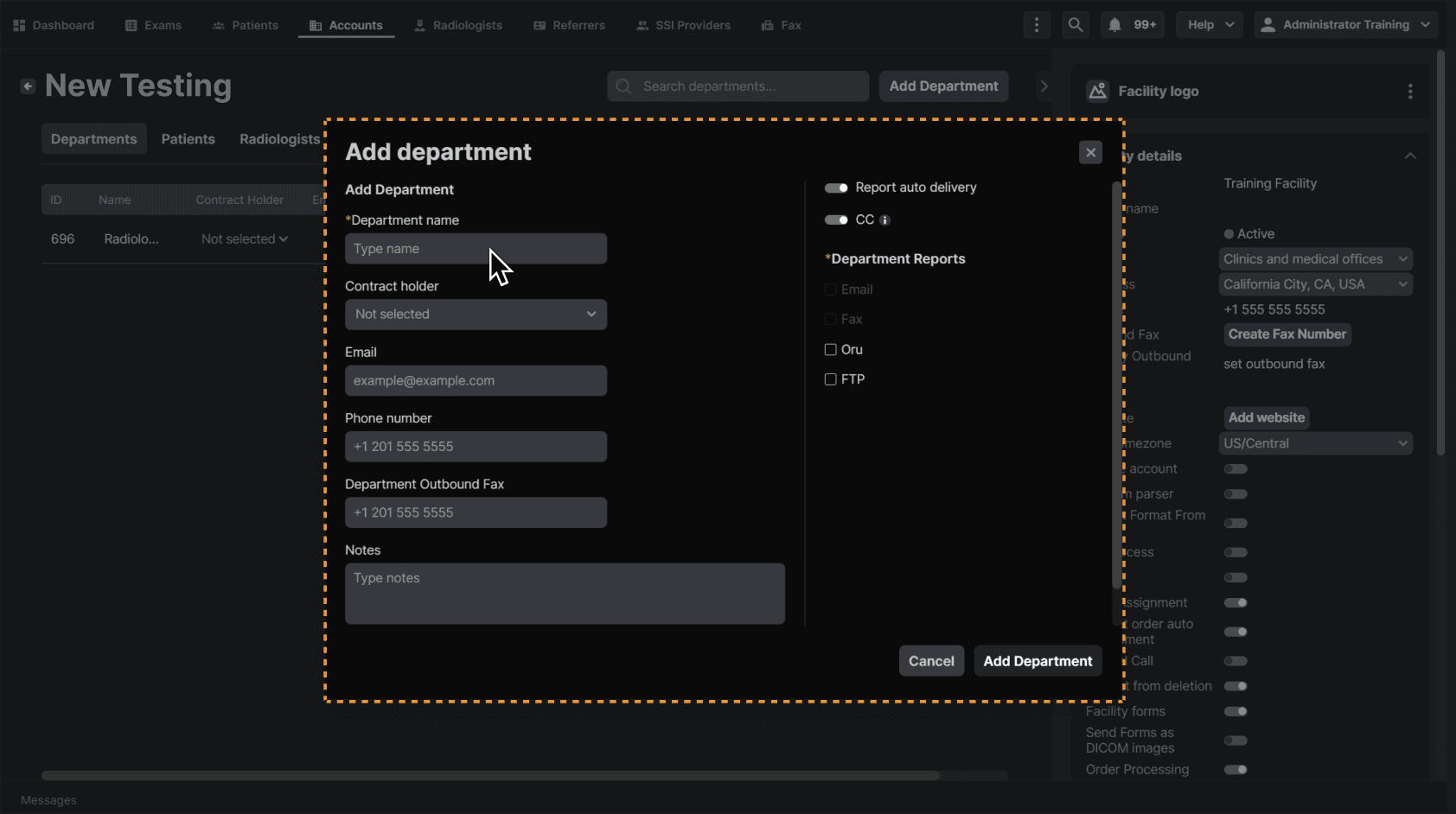 |
You can also toggle off report auto delivery and CC (these are on by default). Report auto delivery will automatically send the report via your selected delivery method. Turning on CC will send a copy of the report to this department by default. | |
|---|---|
 |