Administrator workflows
Managing facility’s/facility groups: Adding groups and facilities
Click "Add Group." | |
|---|---|
 |
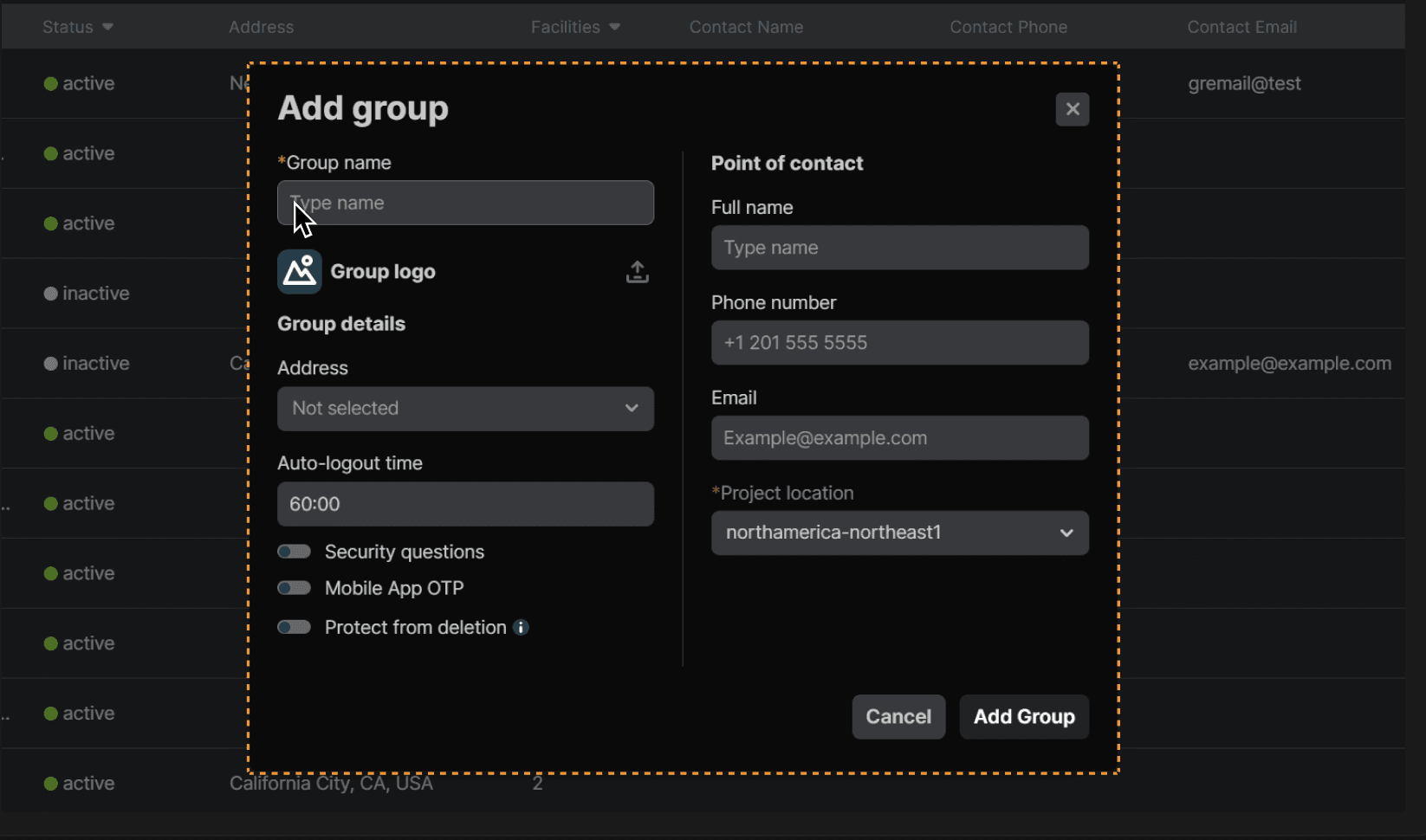
Fill out the fields. "Group name" and "Project location" are required fields. | |
|---|---|
 |
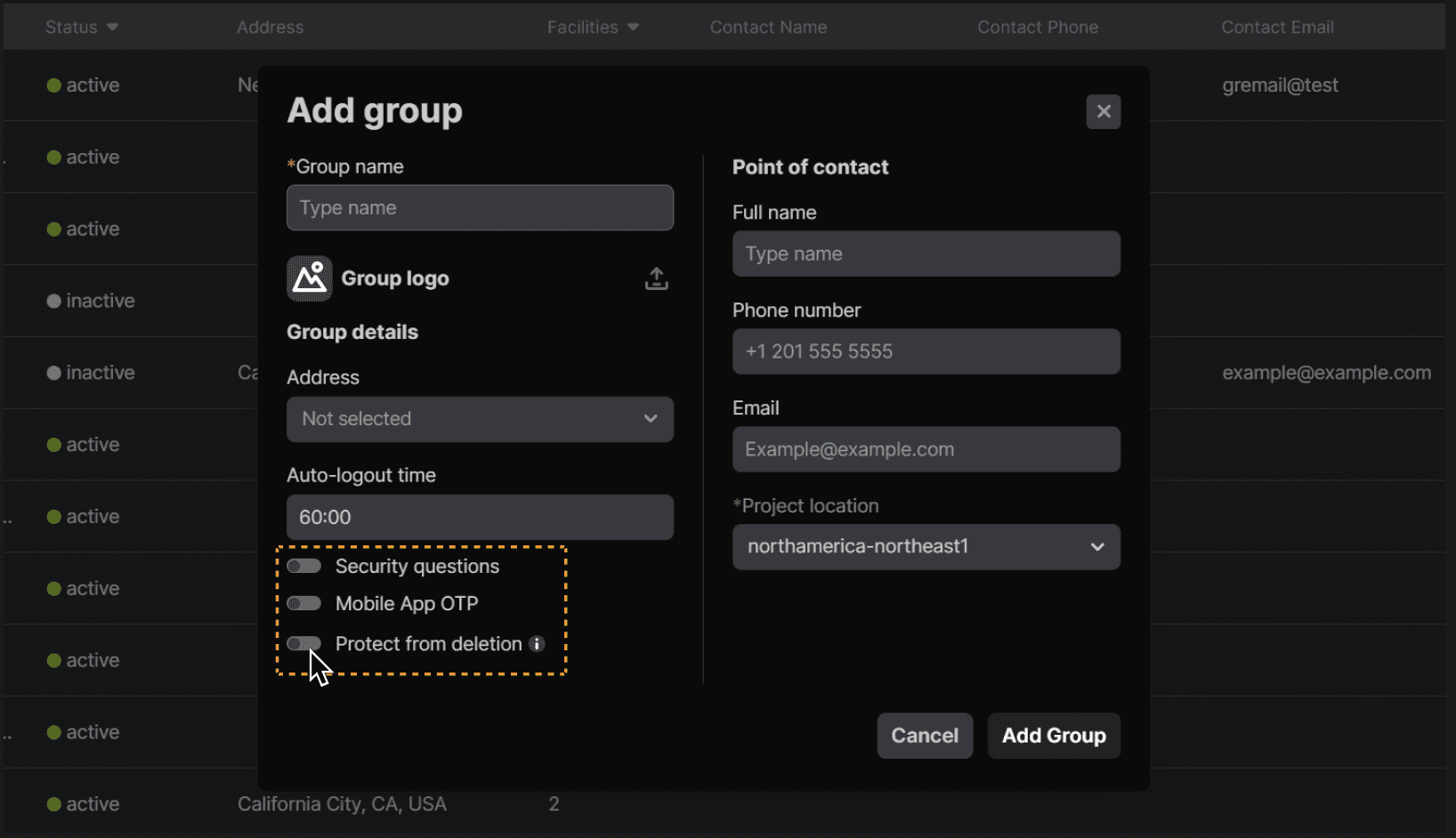
You can also toggle options on for the facility here. For example, "Protect from deletion" (facility group cannot be deleted) and "Security questions" (security questions required to login). | |
|---|---|
 |
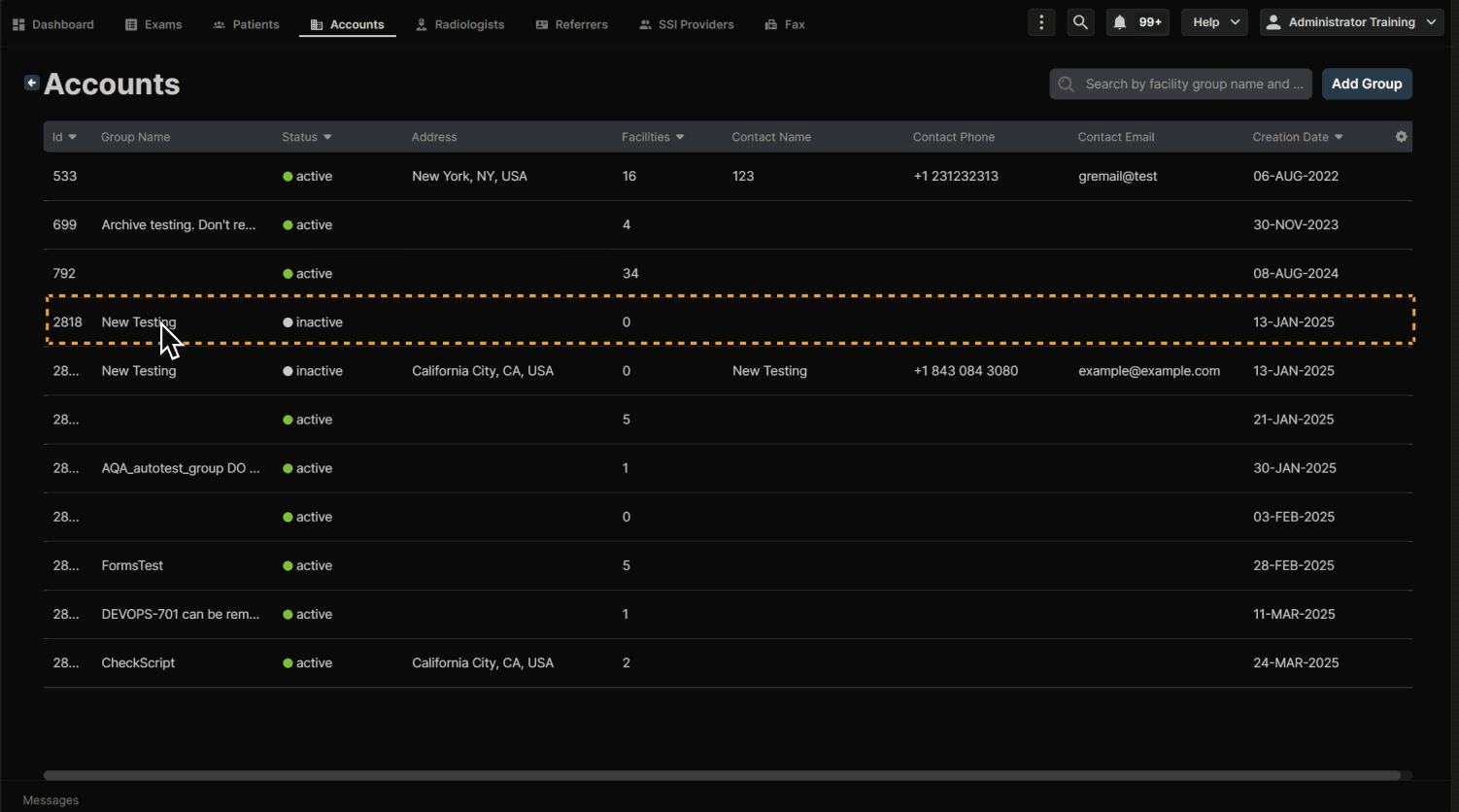
Enter the facility group account. | |
|---|---|
 |
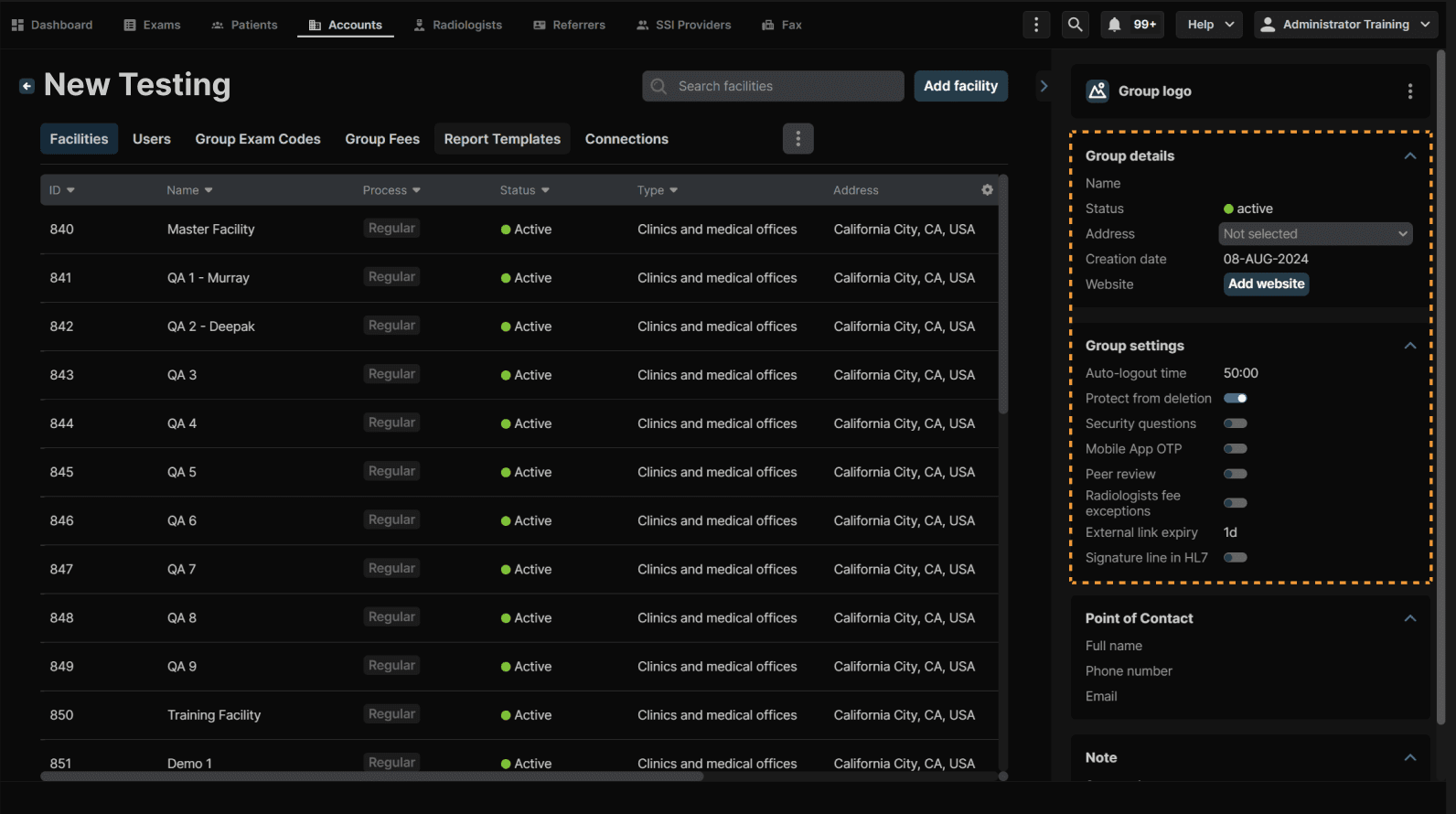
You can edit the group details and settings here. | |
|---|---|
 |
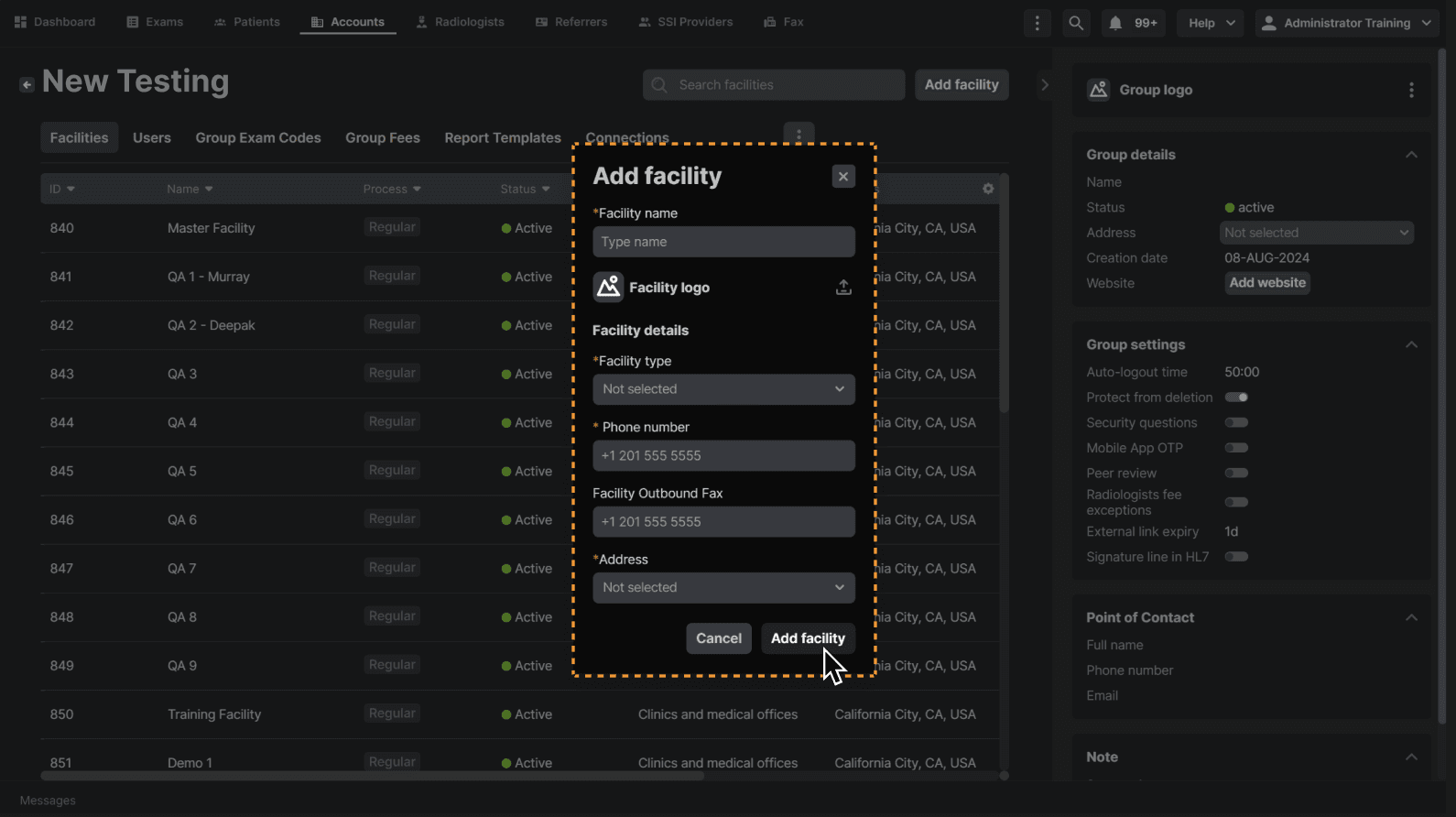
Click "Add facility." | |
|---|---|
 |
Enter all required information and click “Add facility” when complete. | |
|---|---|
 |