Administrator workflows
Managing reading physician accounts: Physician reading access for a facility
Note: This guide just shows the order of steps needed. Please see "Adding Facilities for Radiologists", "Adding Licenses", "Adding Privileges" and/or "Adding Mnemonics" for more specifics on how to complete these steps. | |
|---|---|
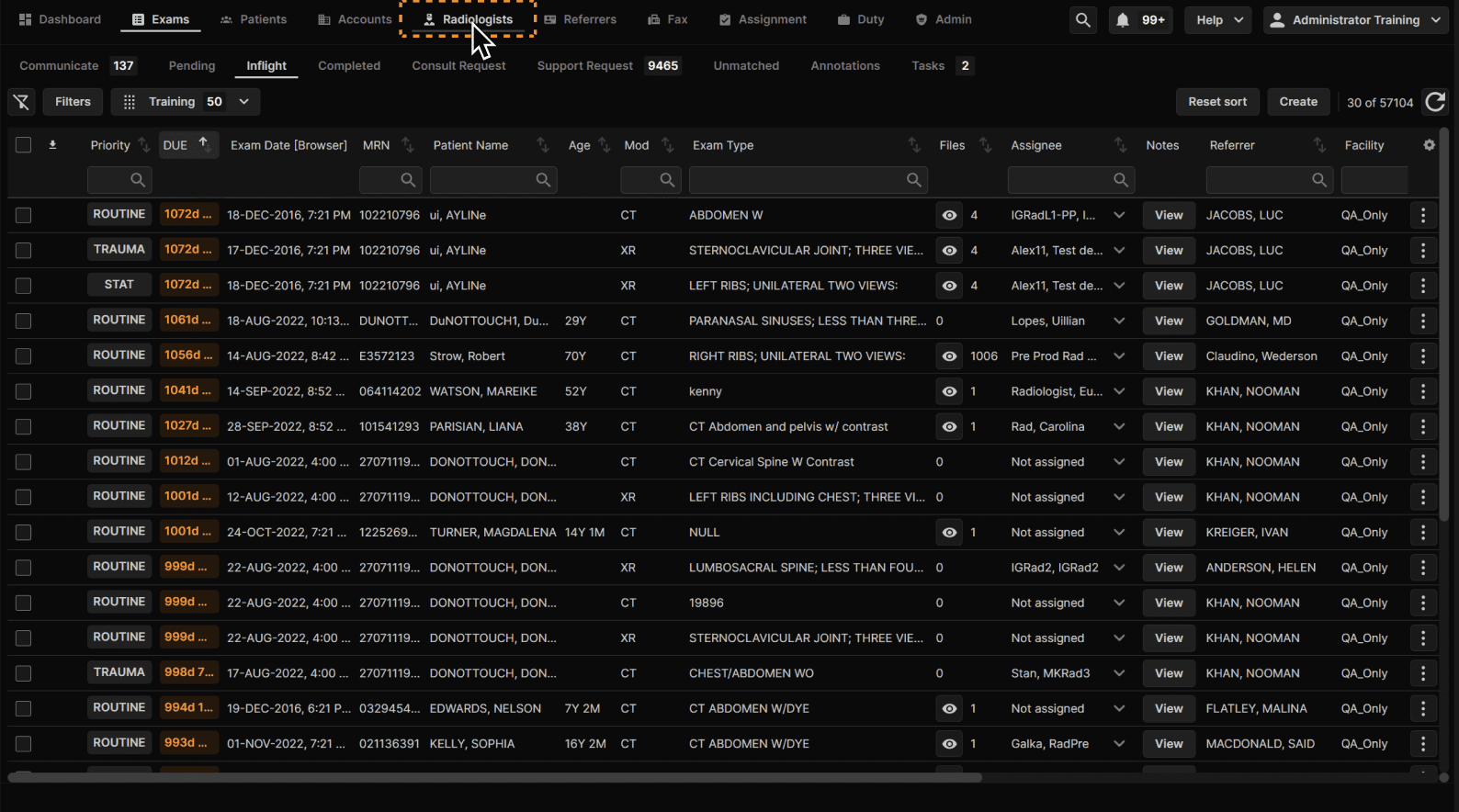 |
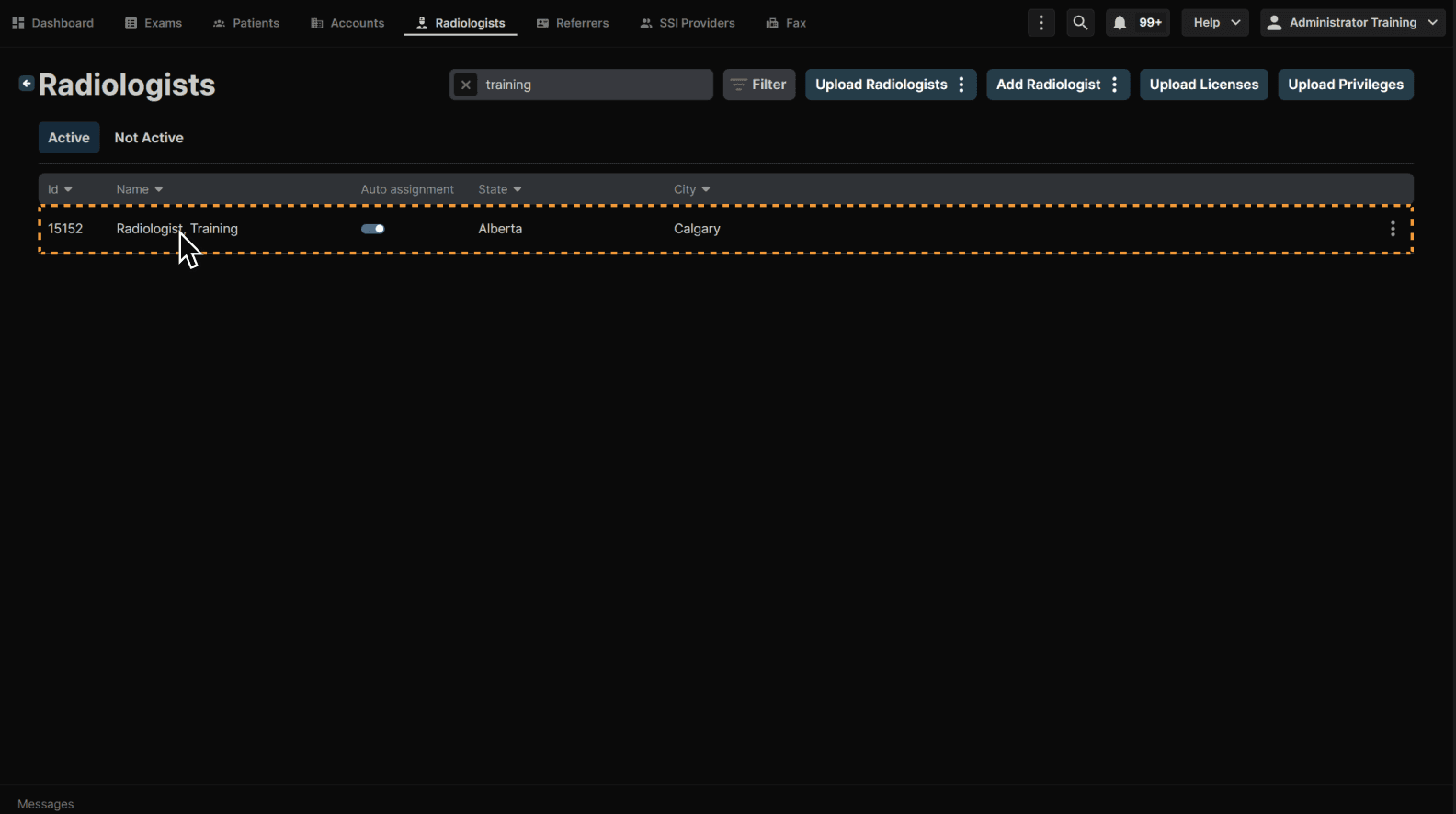
Select a radiologist. | |
|---|---|
 |
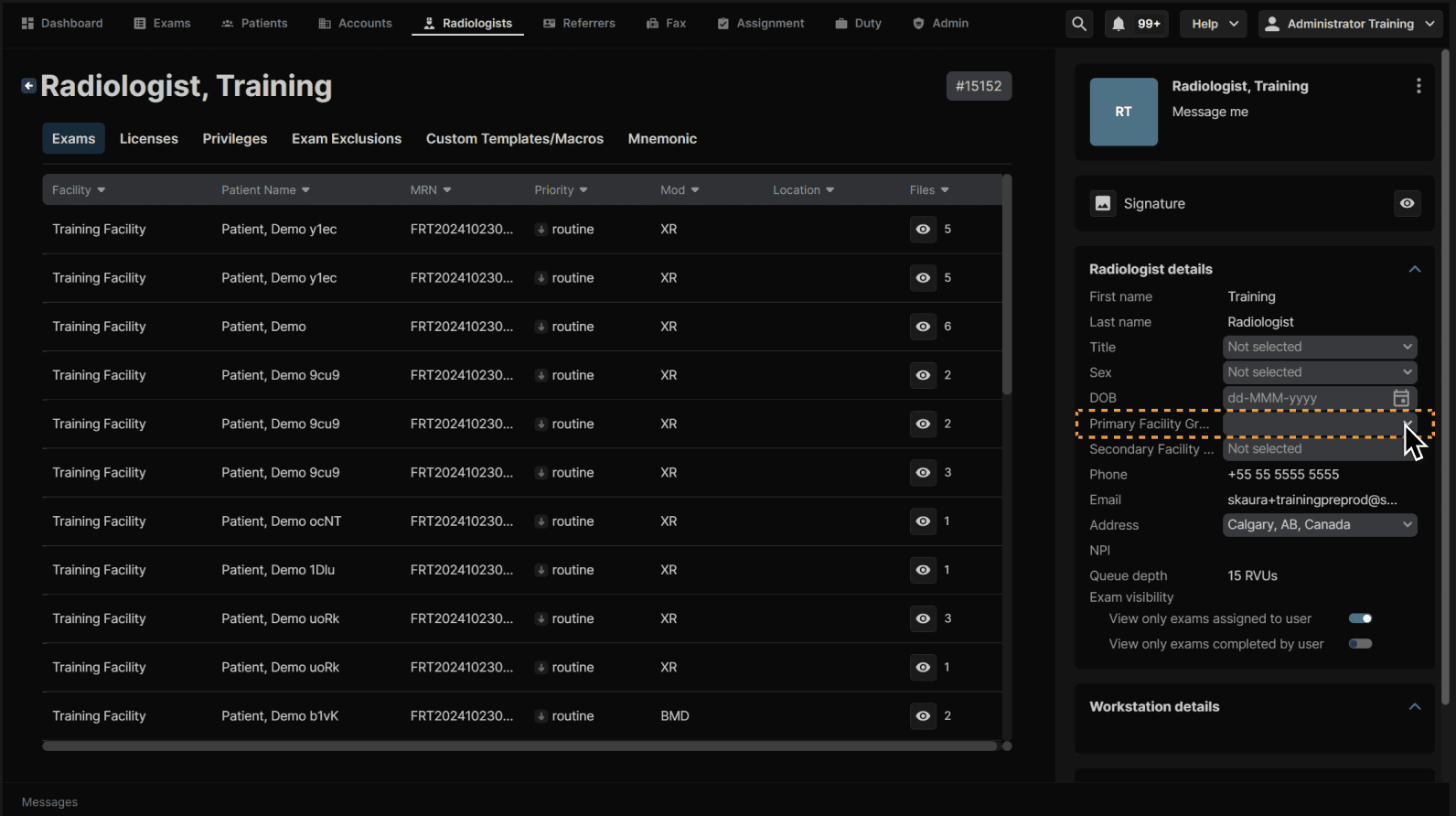
The first step in the process is adding the facility/facilities. You WILL NOT be able to add privileges or mnemonics for a facility until you add the facility to the radiologist account. | |
|---|---|
 |
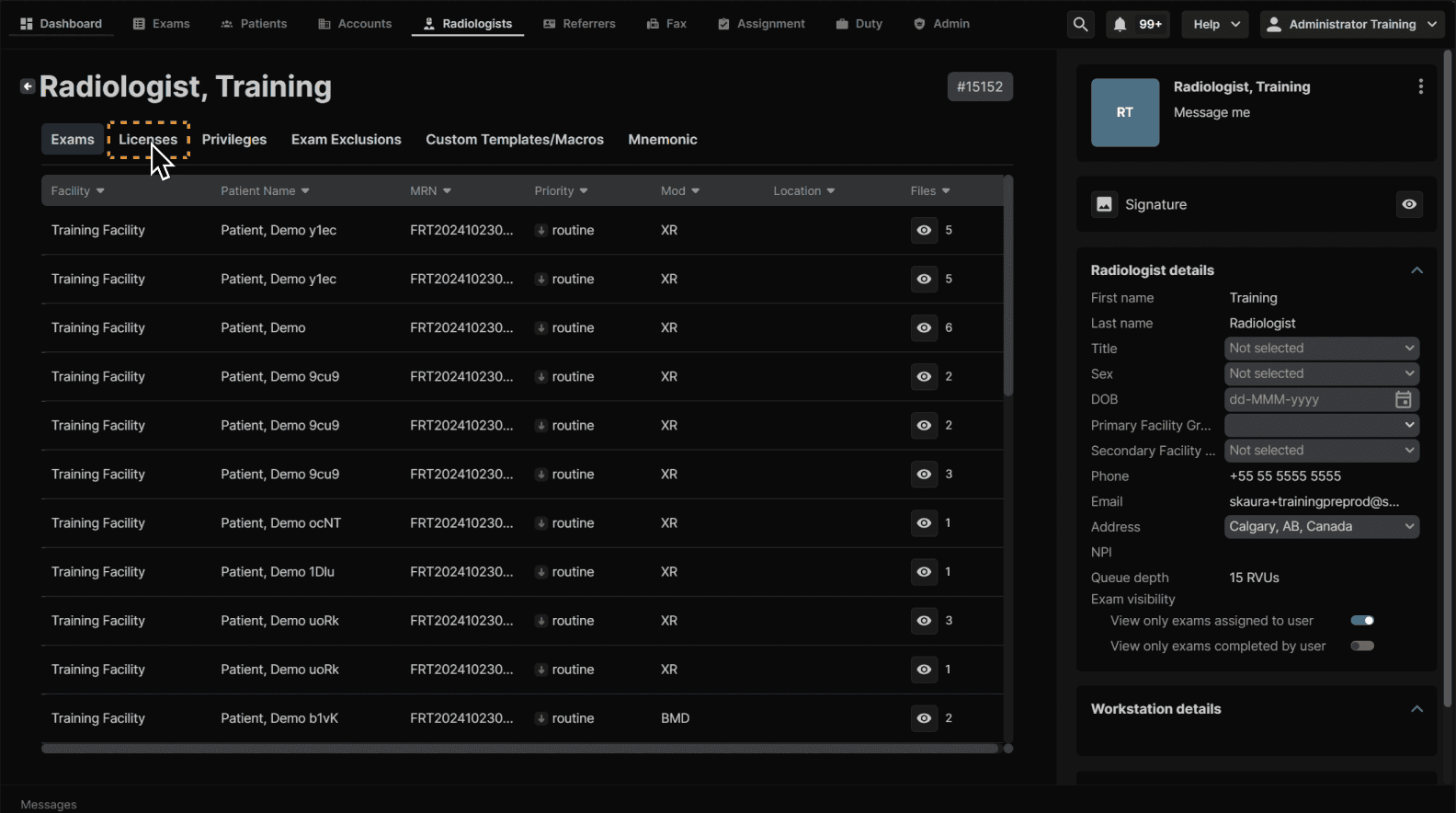
Next is Licenses. You also CANNOT add privileges for facilities in states the radiologist does not have a license in within the platform. | |
|---|---|
 |
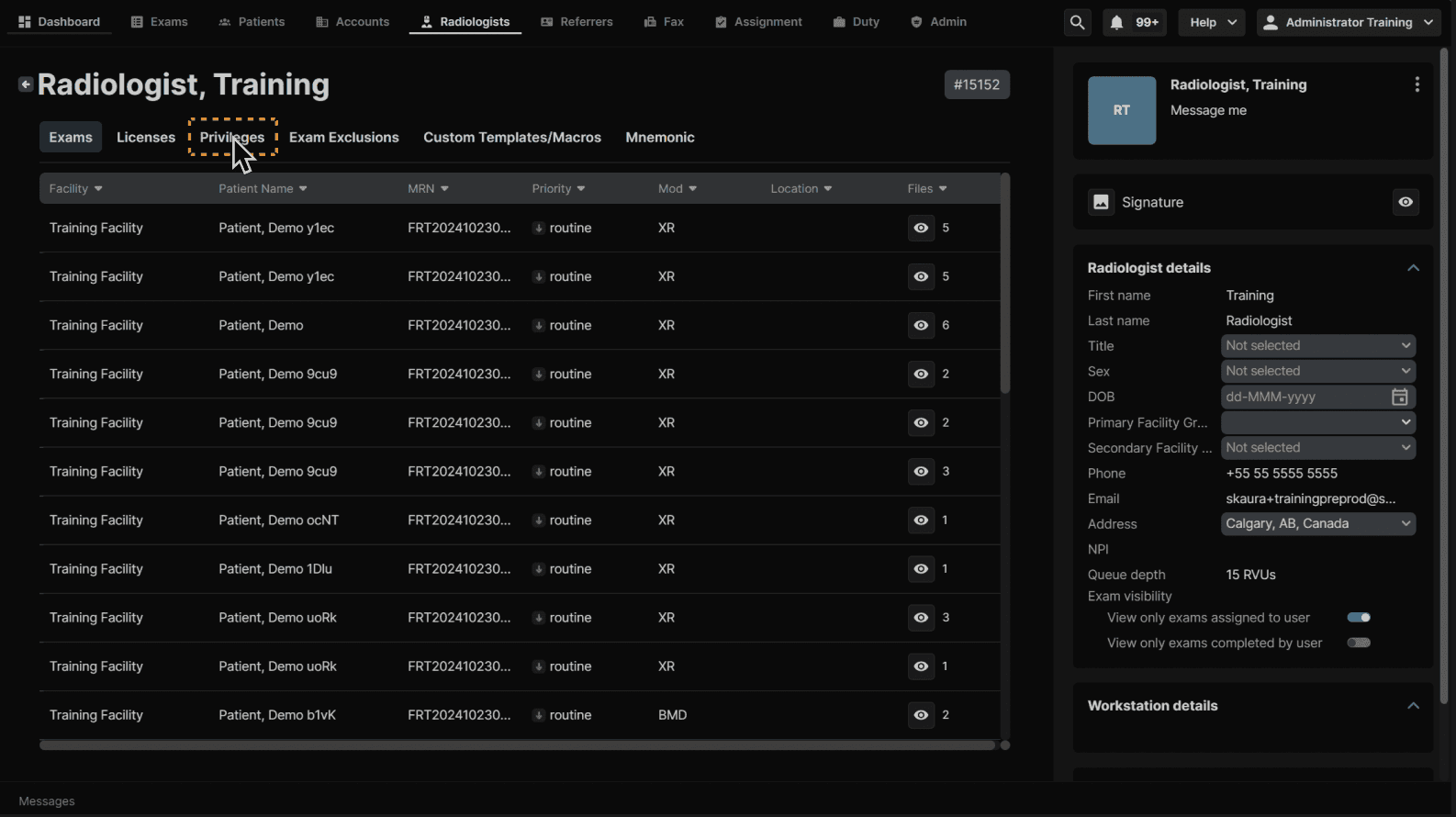
Click "Privileges" and add appropriate privileges. | |
|---|---|
 |
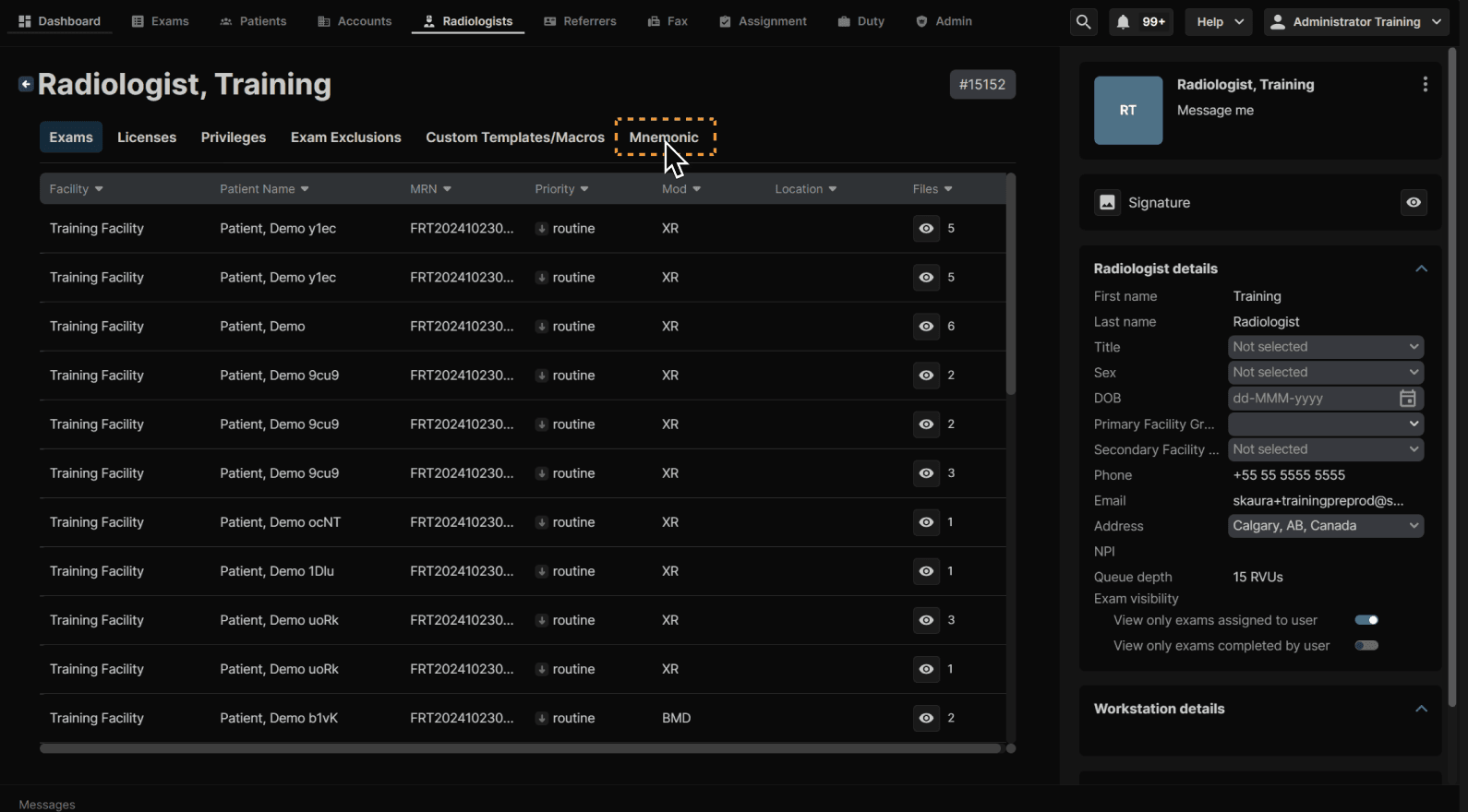
Finally Mnemonic. A radiologist's signature will not appear properly for the facility if the Mnemonic is not added. | |
|---|---|
 |