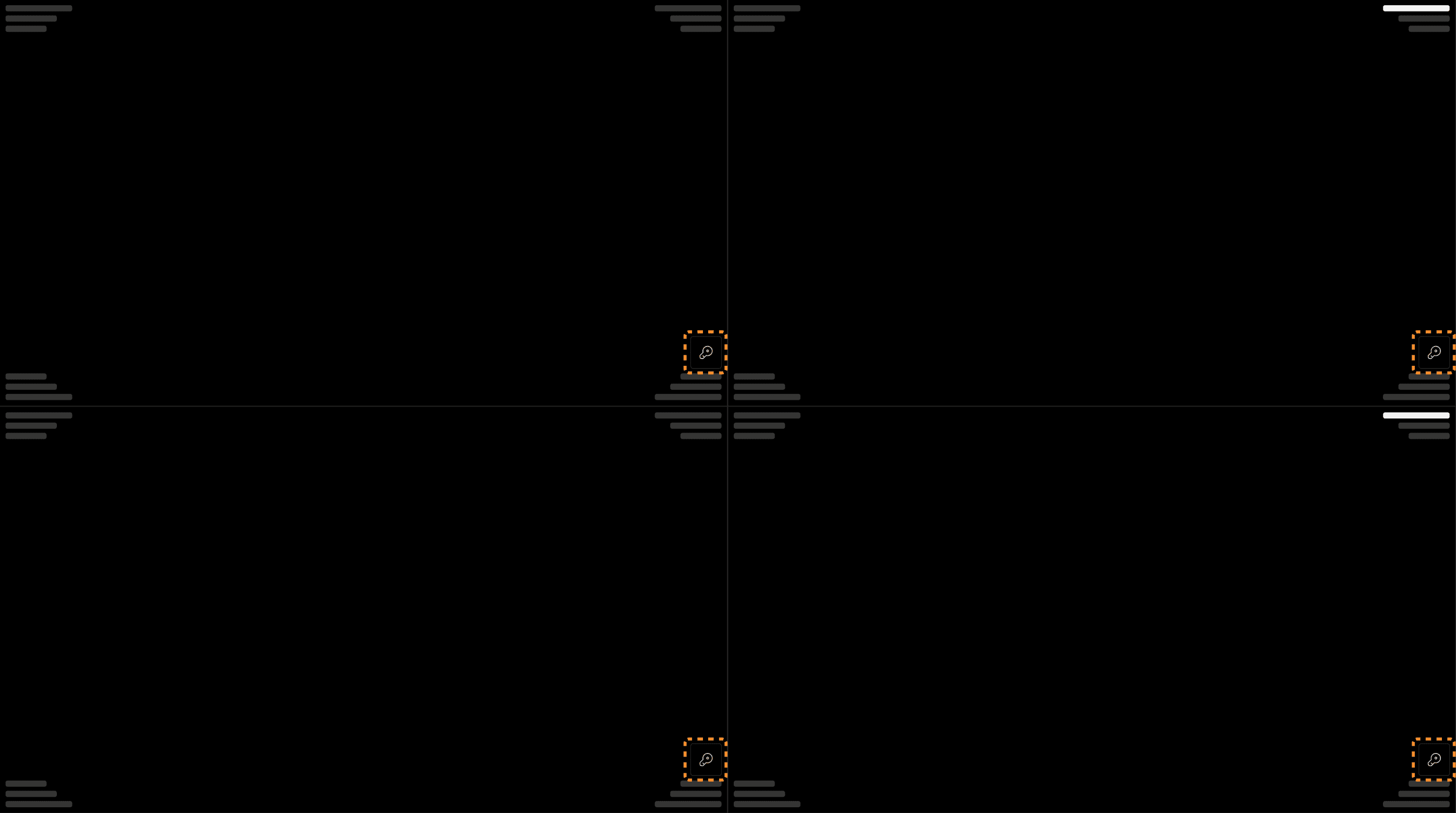
Location of the key image selector: Every viewport has a key icon button at the bottom right corner to add/remove images to/from the montage. | |
|---|---|
 |
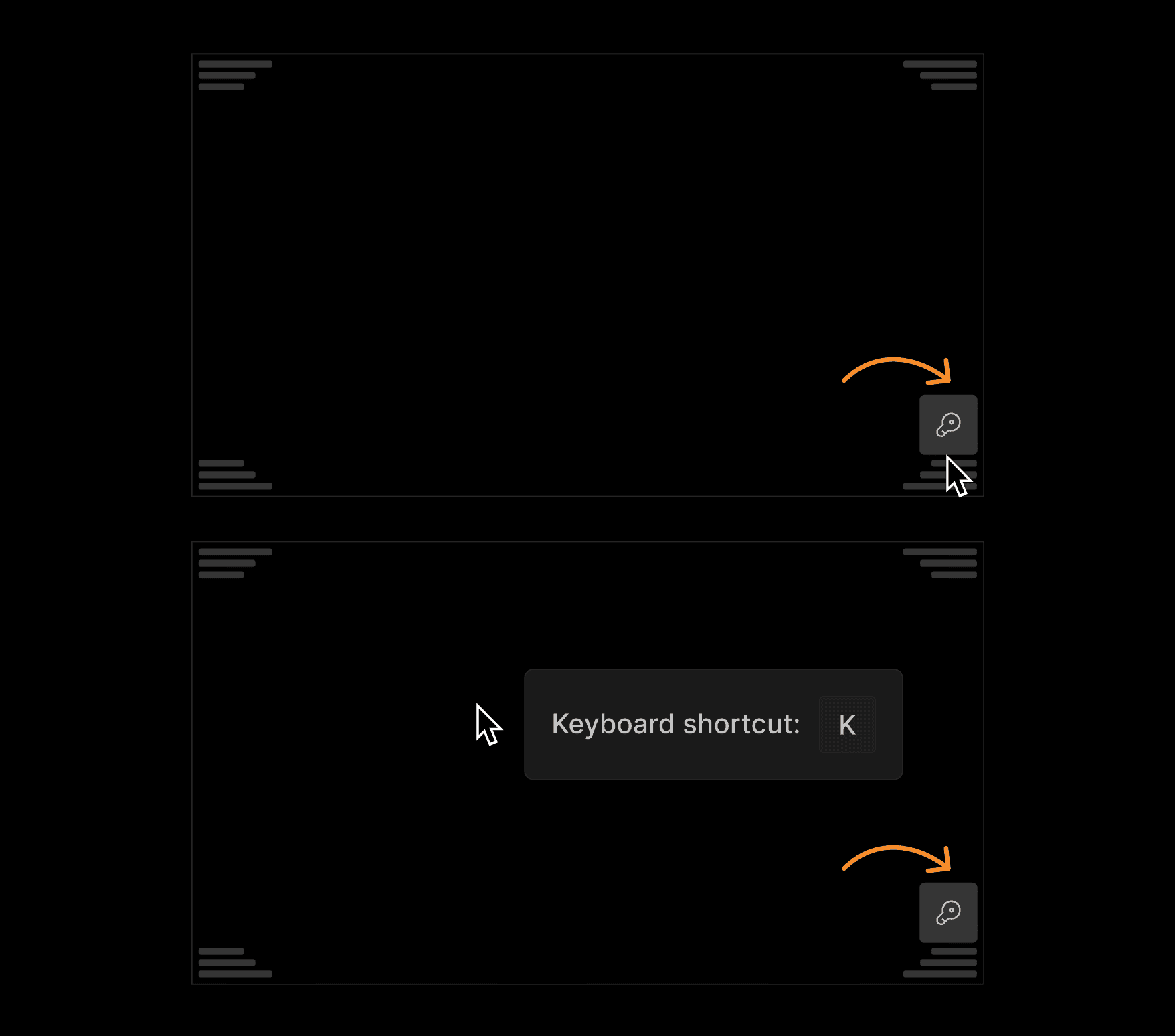
To add or remove an image click on the key icon button or apply the keyboard shortcut "K" while hovering over the viewport. | |
|---|---|
 |