Image viewing
Orientation to viewports: Single landscape monitor + dual portrait monitors
Viewport layouts for:
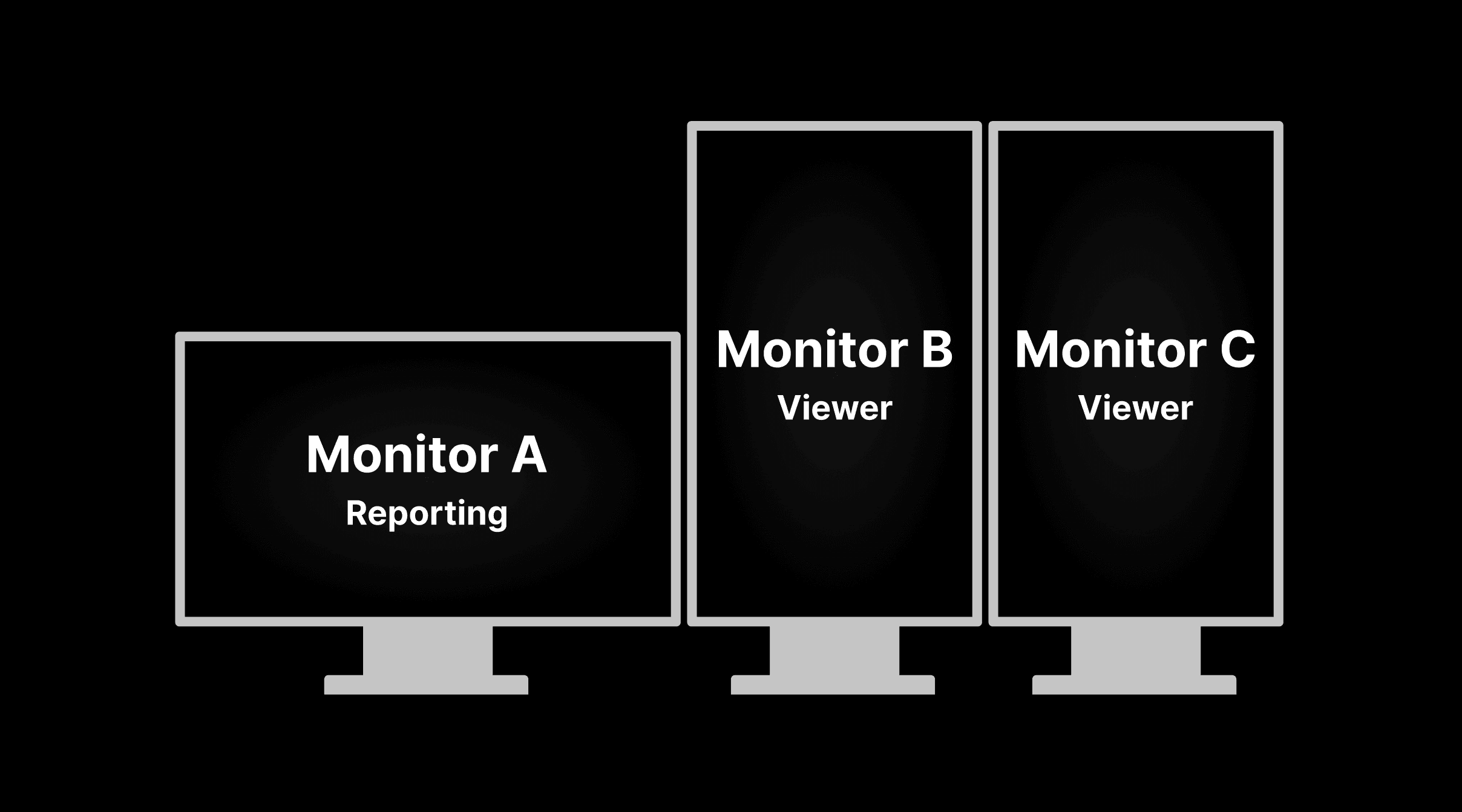
A single landscape monitor of 2MP - 8MP resolution for the exam list and reporting screens coupled with two identical portrait monitors of 2MP - 8MP resolution.
Monitor A will contain the reporting screen. Monitors B and C will contain the viewer. | |
|---|---|
 |
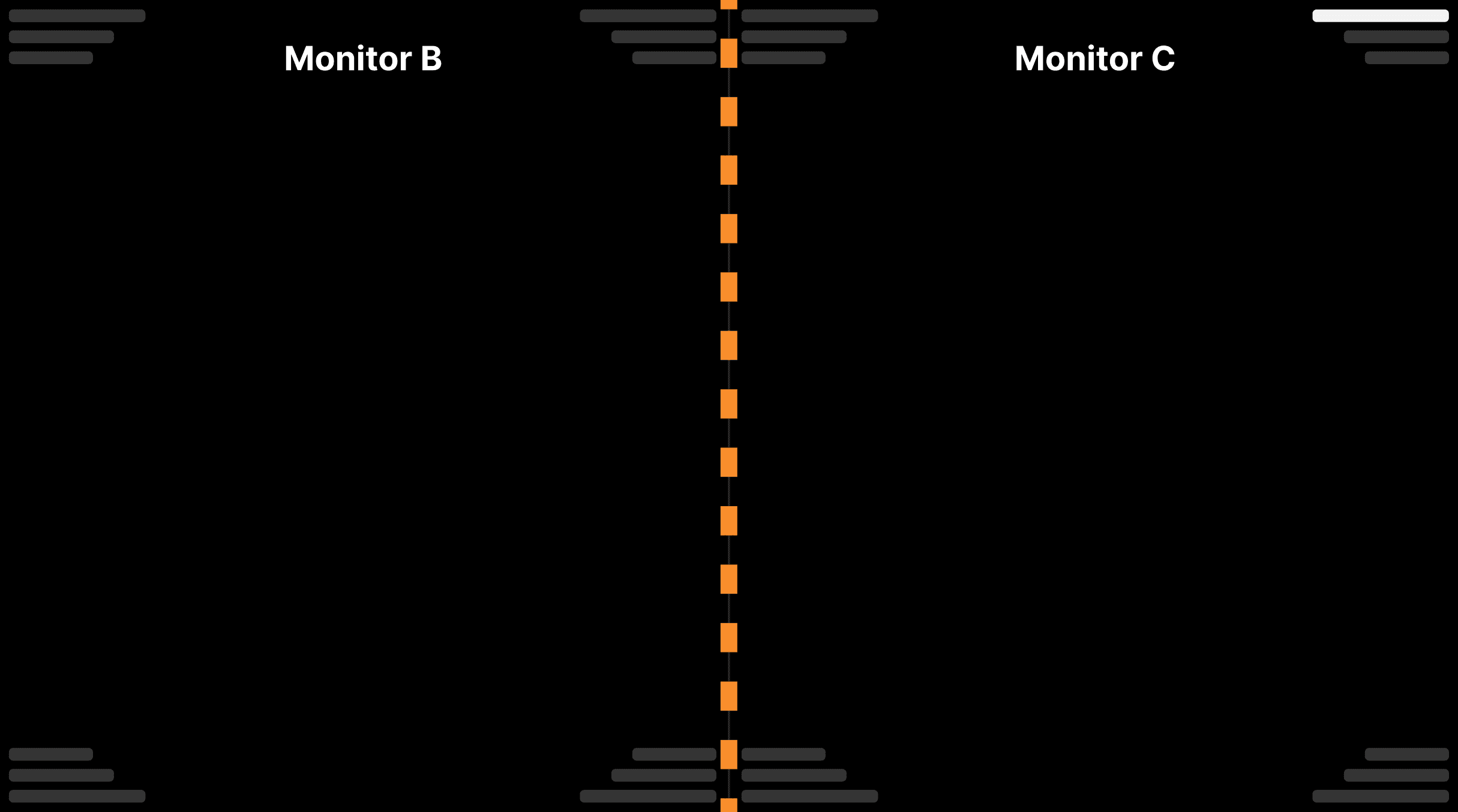
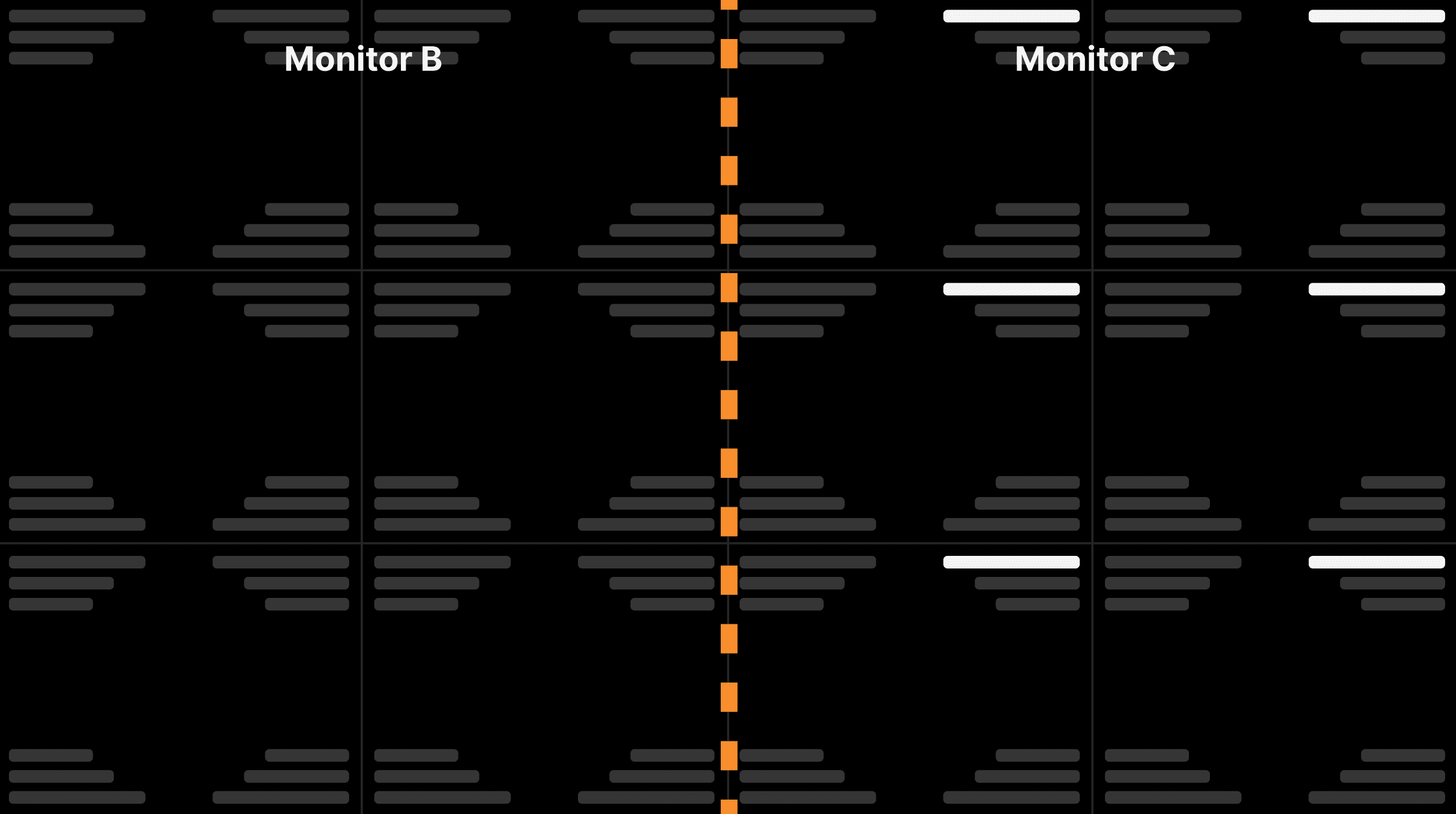
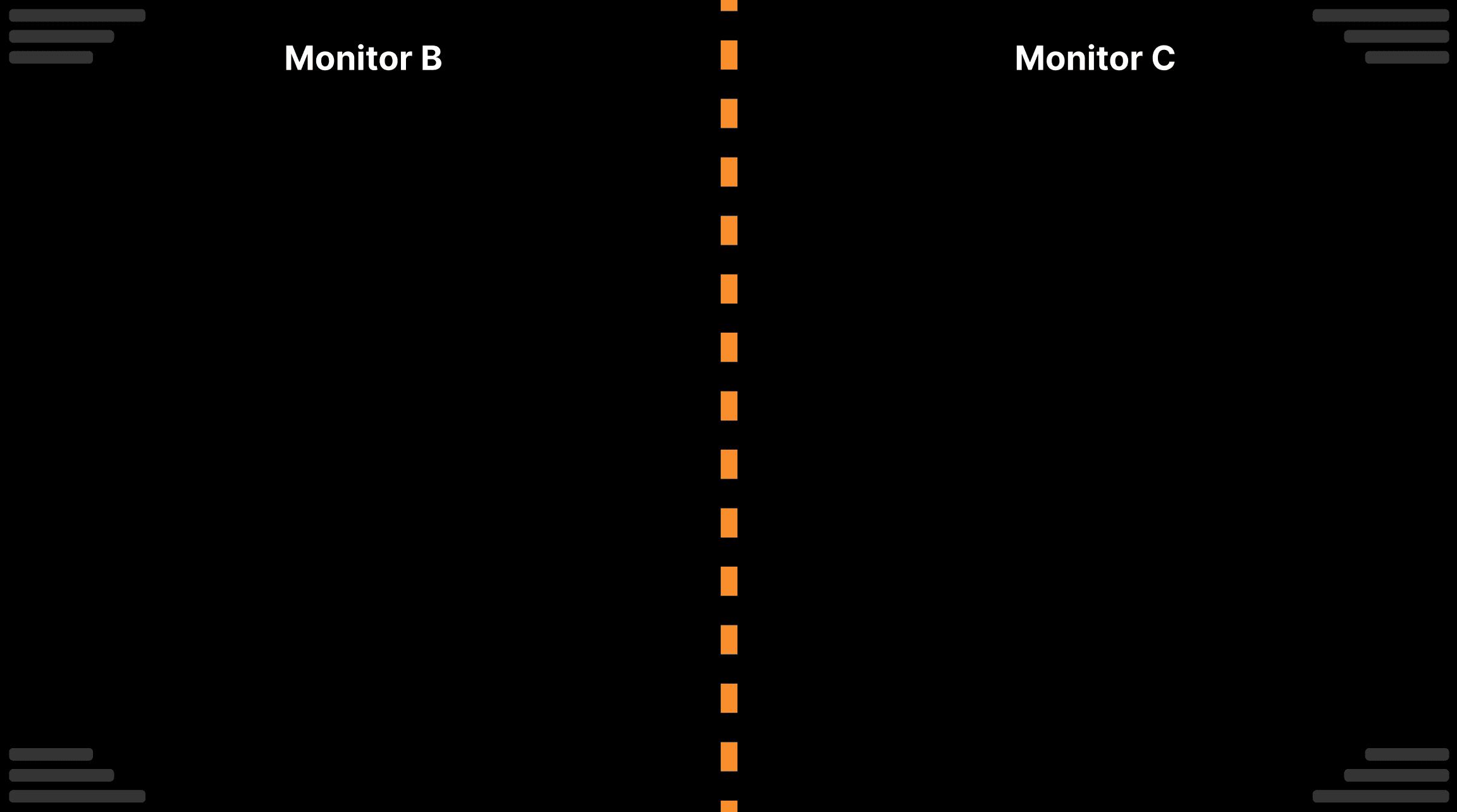
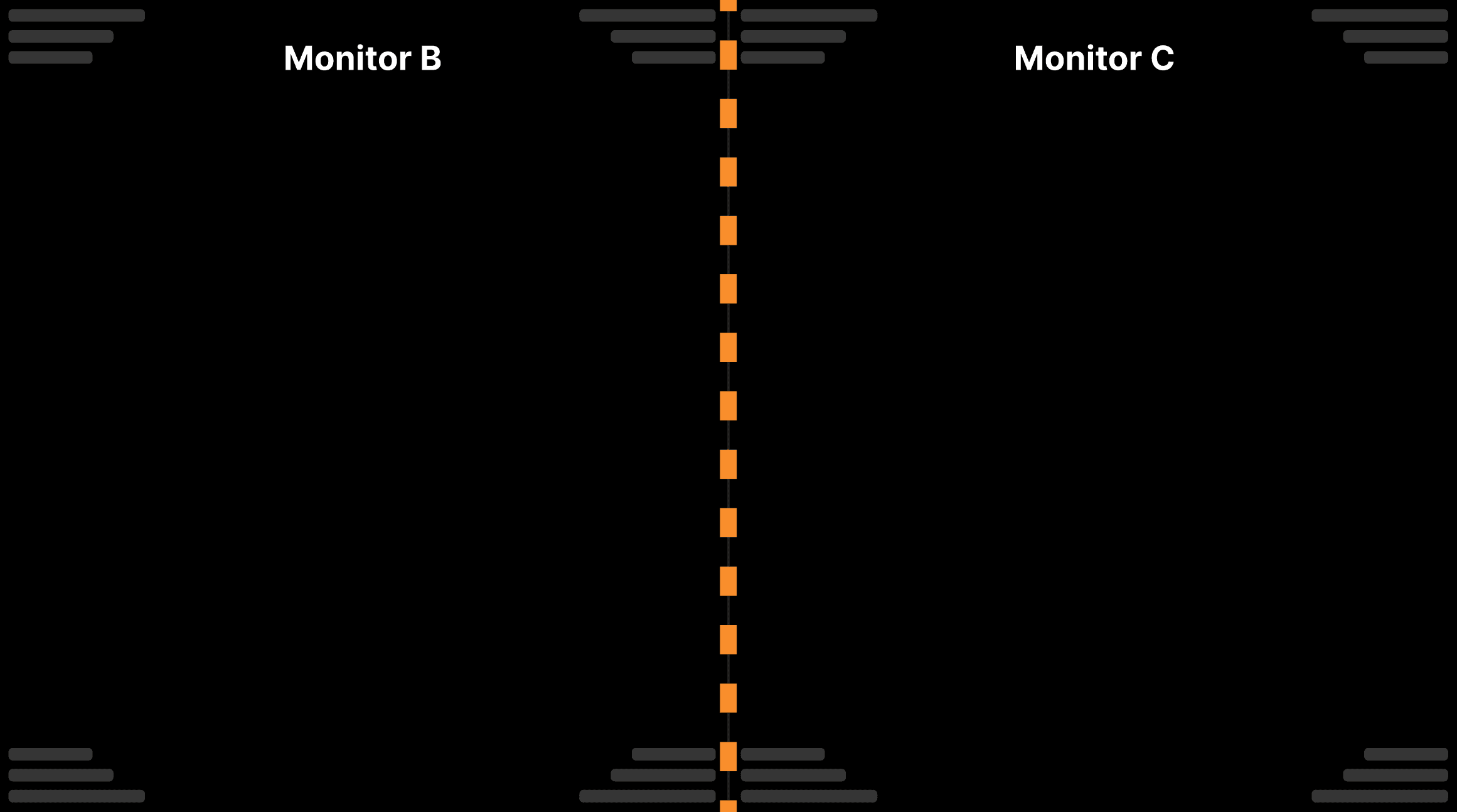
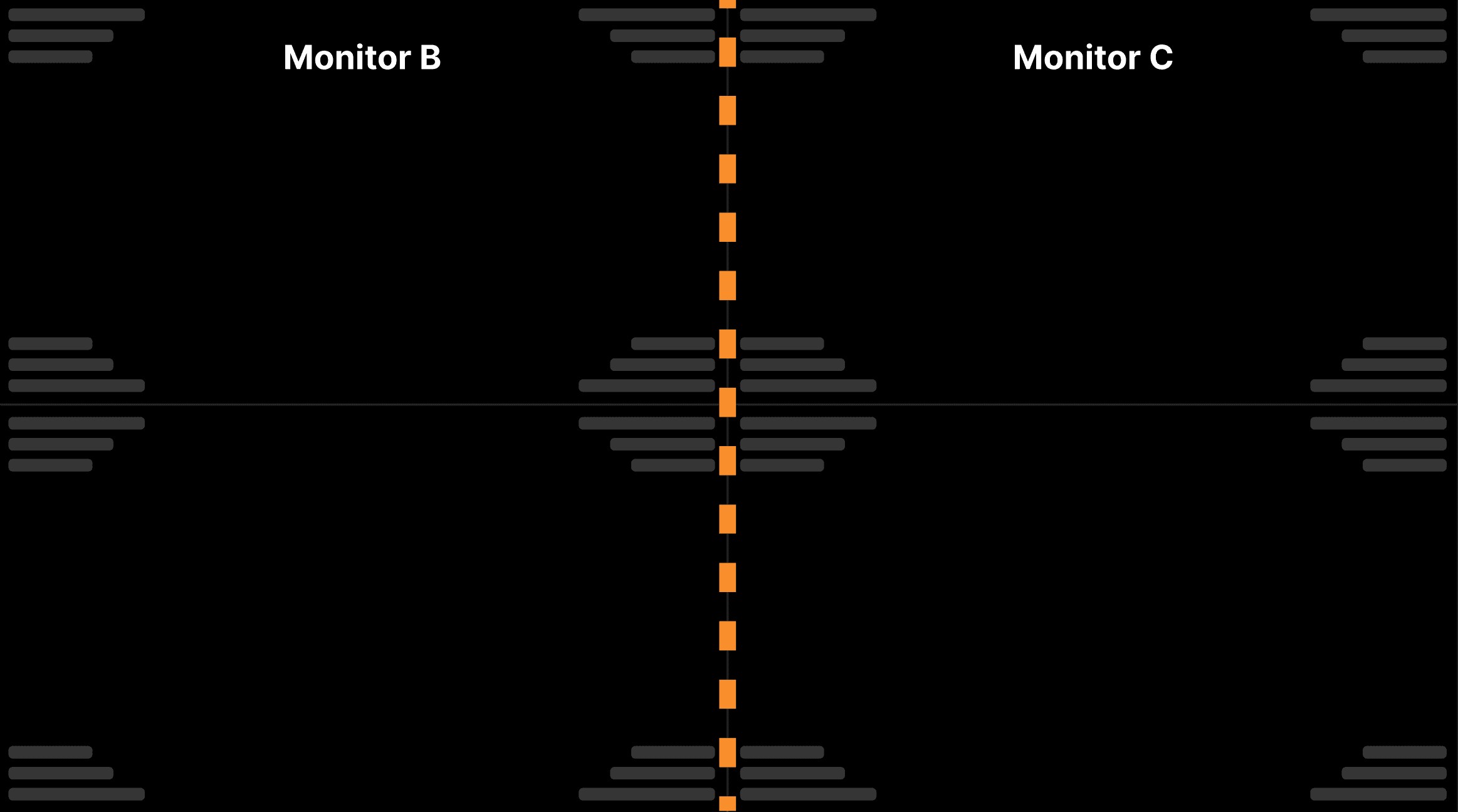
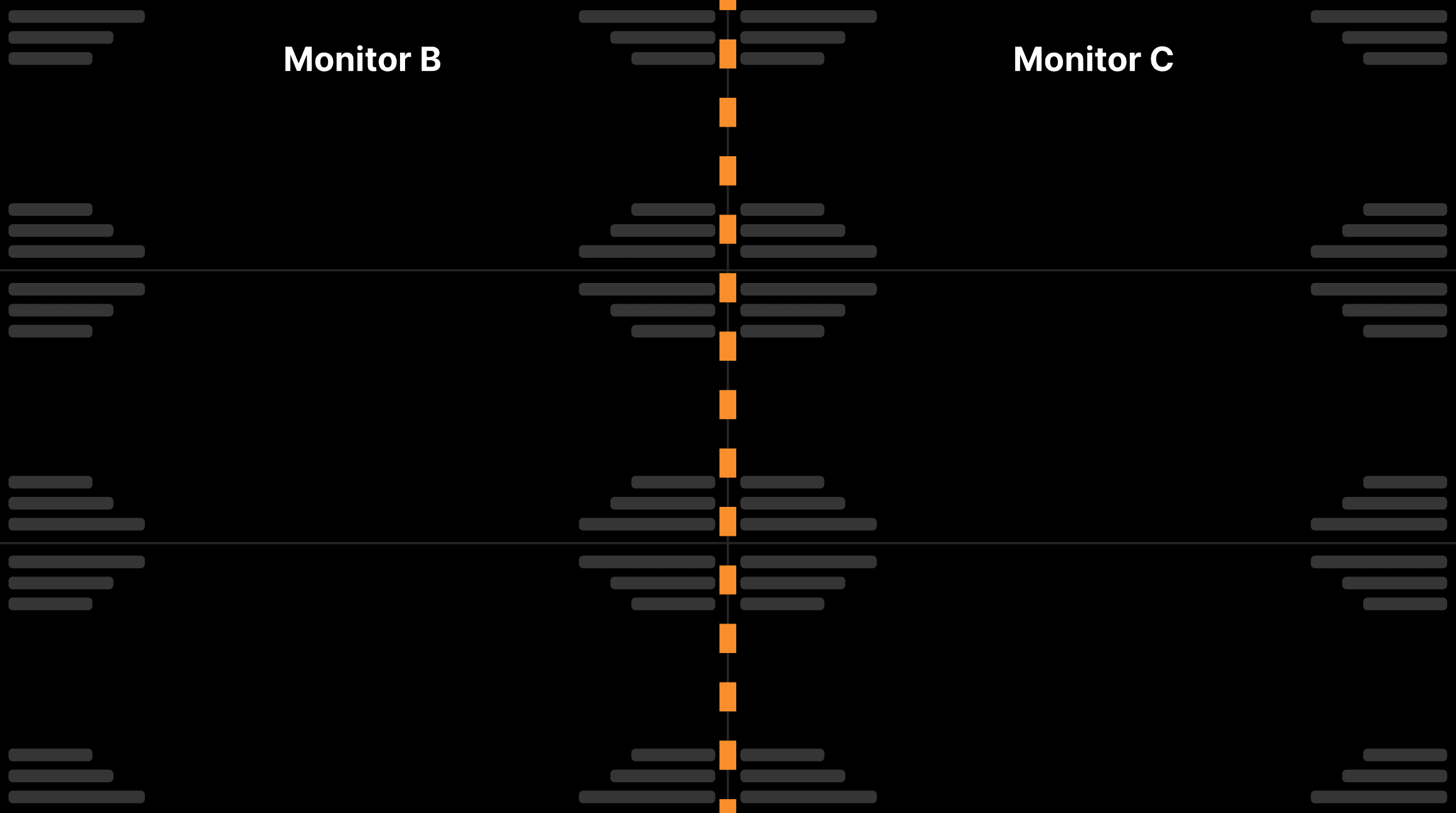
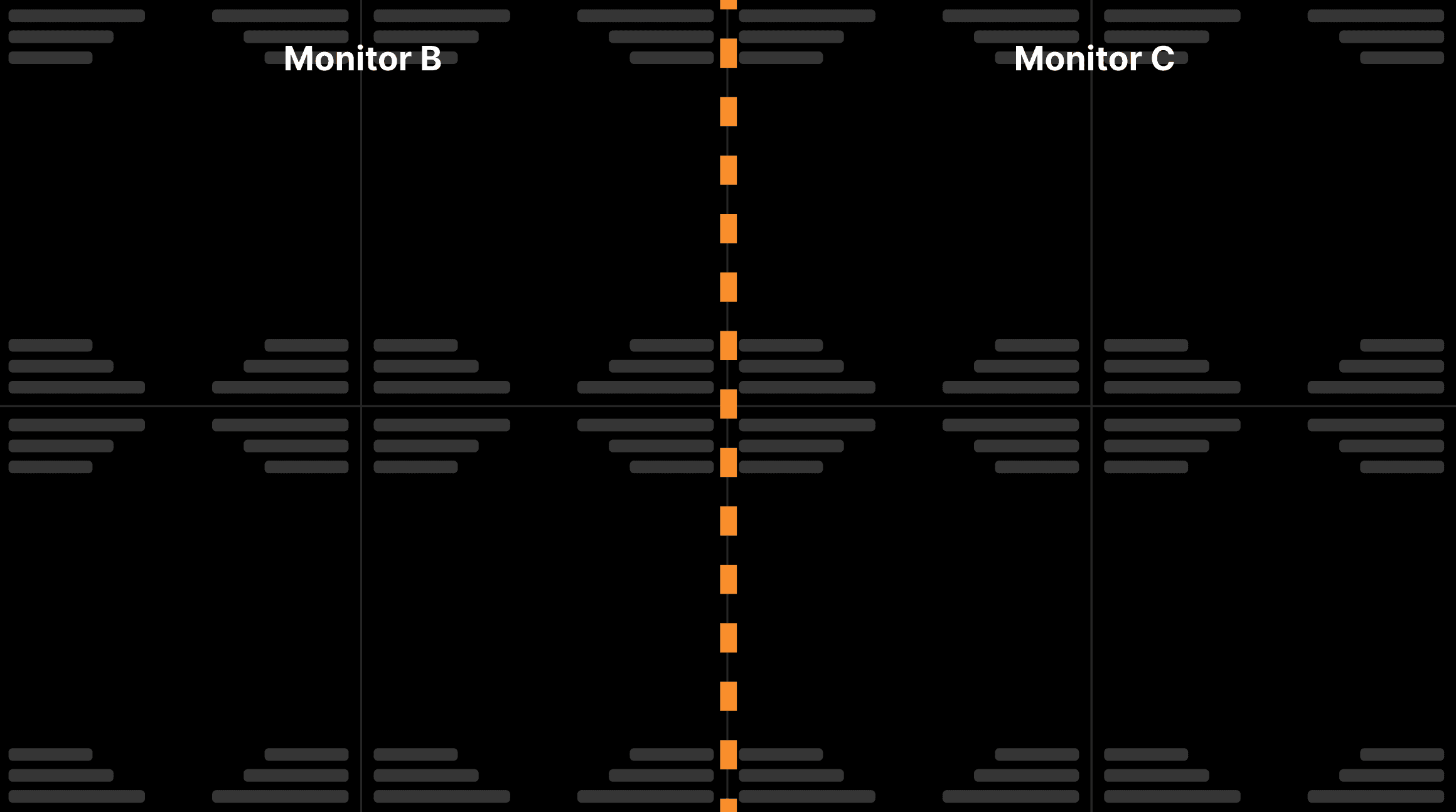
Displaying a single exam on monitors B and C (current exam). The screen will be split in half. Left half on monitor B and right half on monitor C. | |||||
|---|---|---|---|---|---|
| |||||
| |||||
| |||||
| |||||
| |||||
|
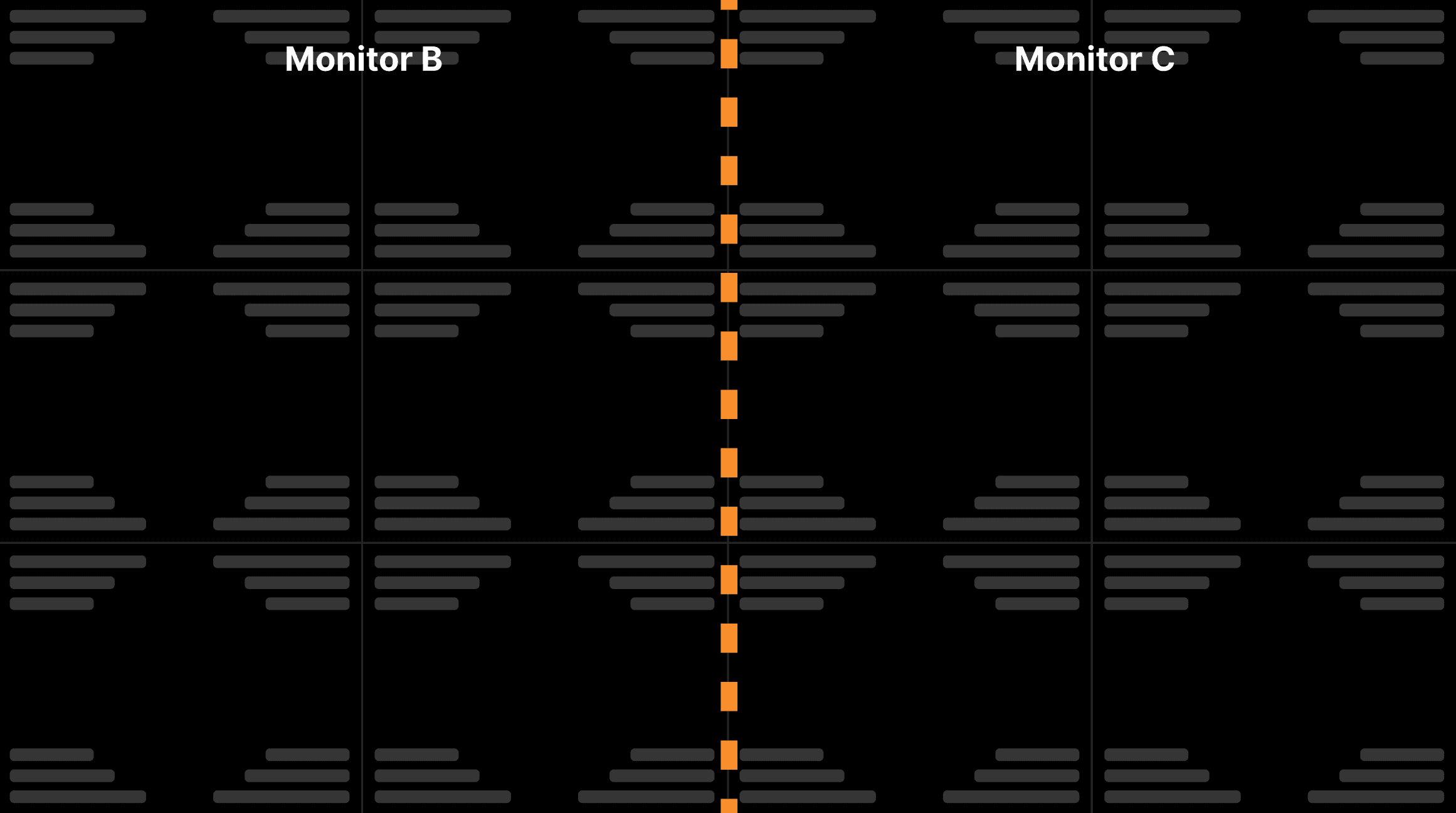
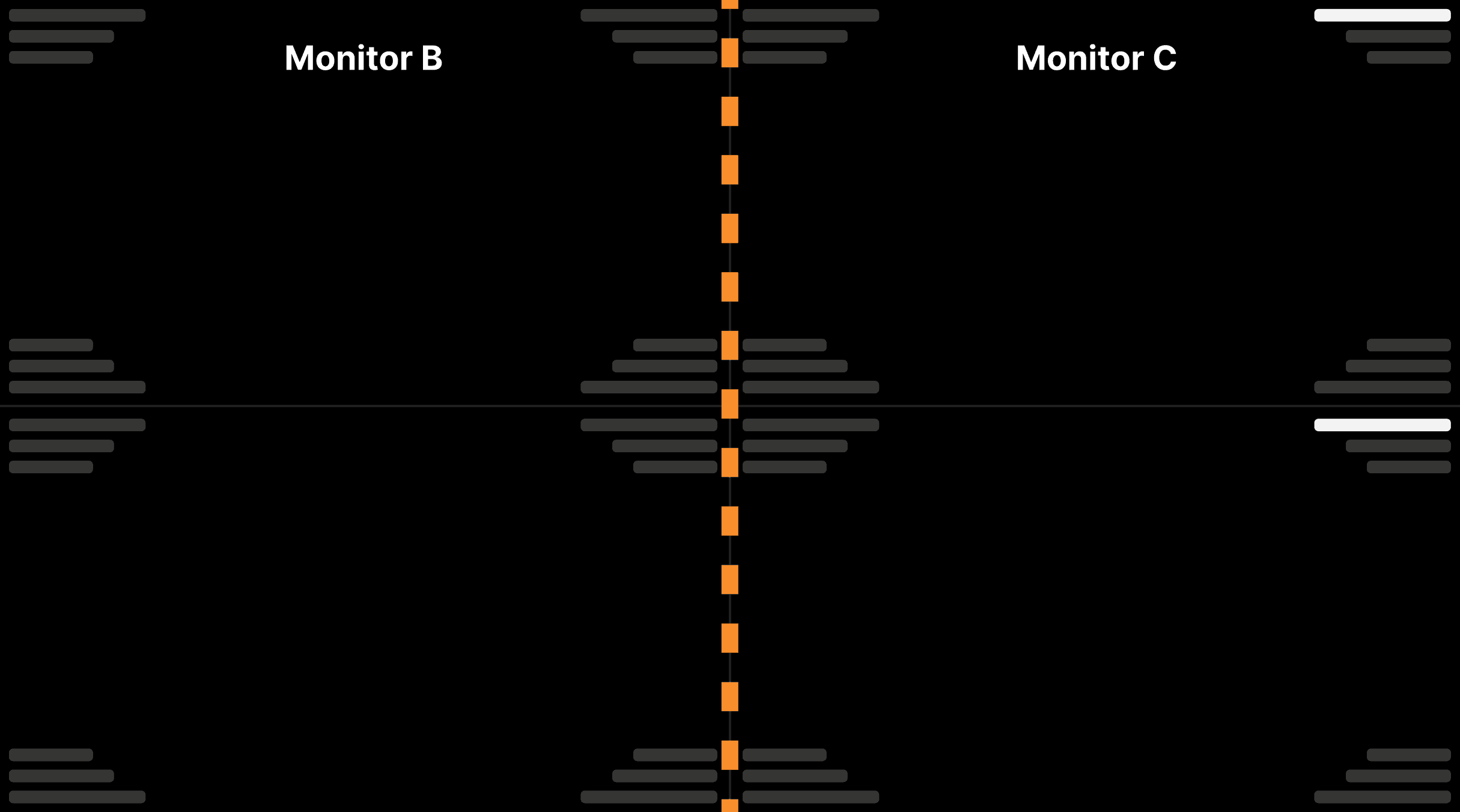
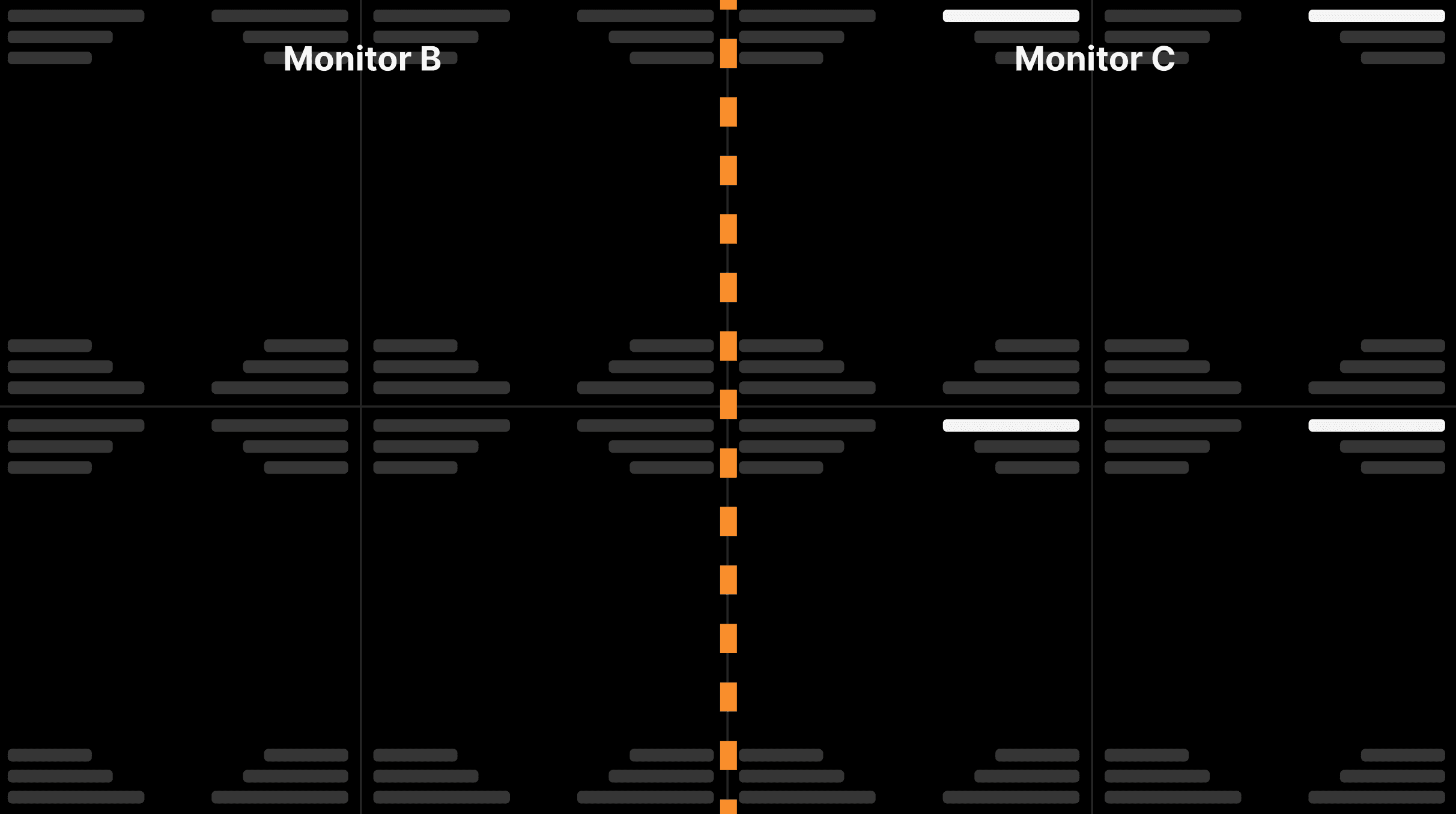
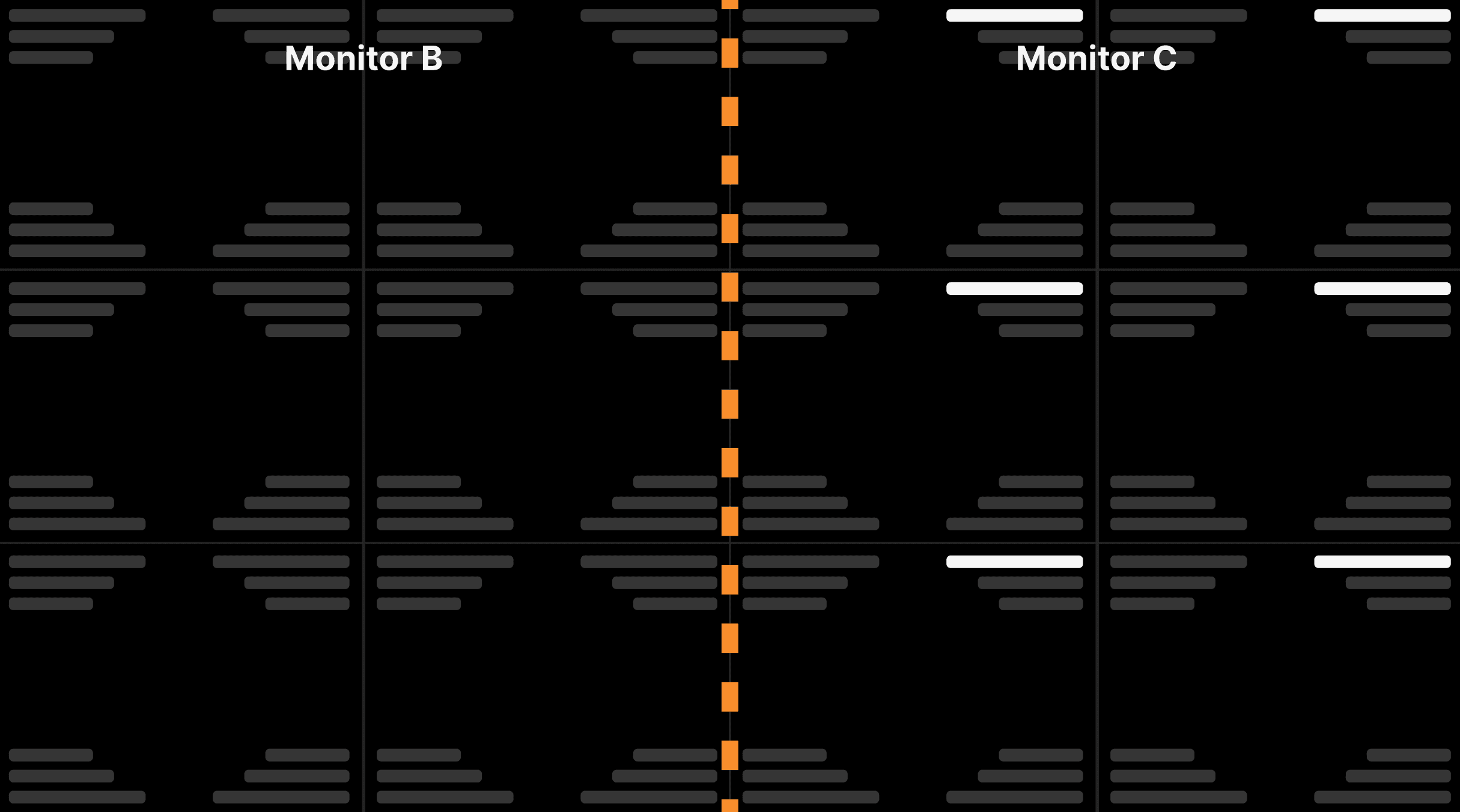
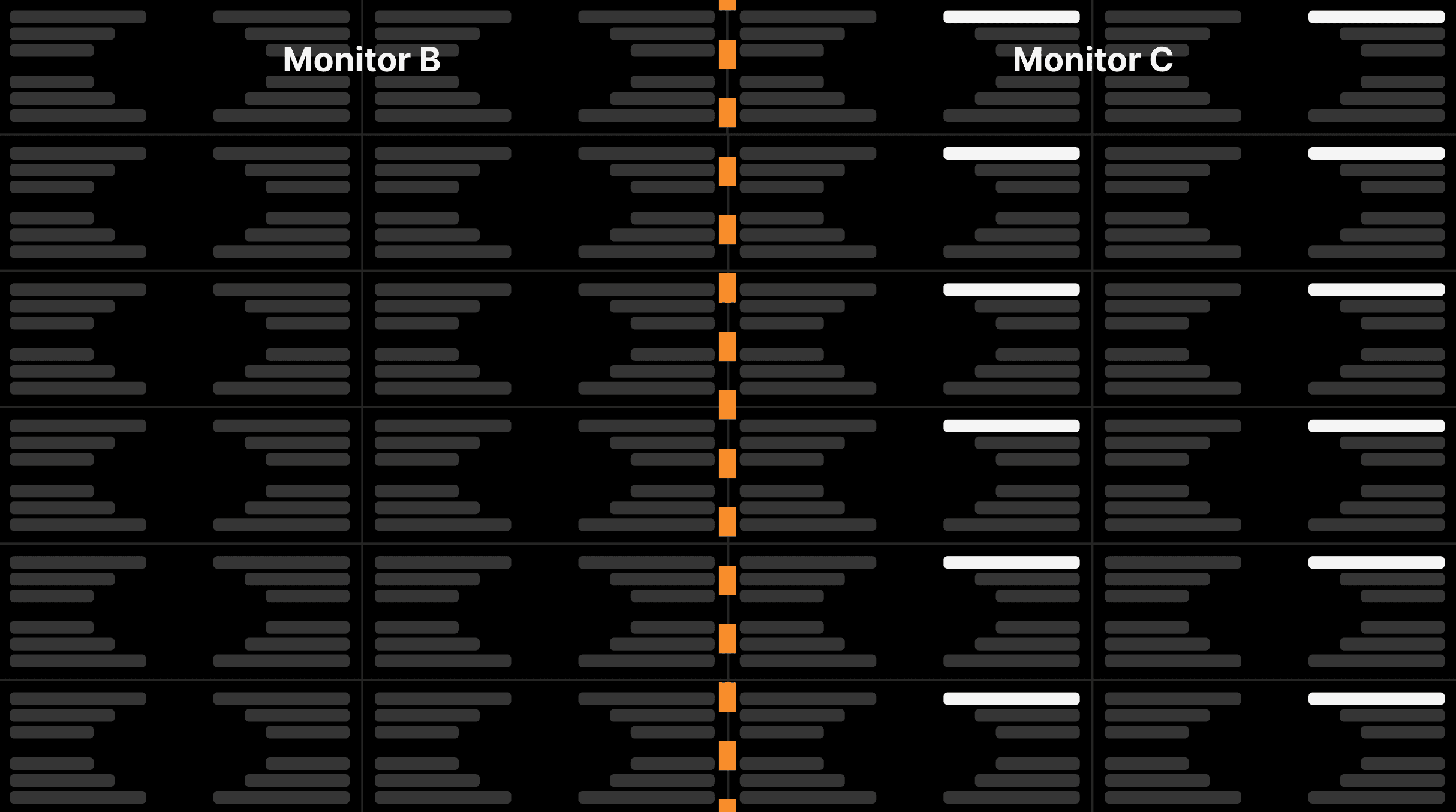
Displaying two exams on monitors B and C (current and comparison exams). Monitor B (left) will contain the current exam and monitor C (right) will contain the comparison exam: The date DICOM annotation always contain a white background for comparison exams. | |||||
|---|---|---|---|---|---|
| |||||
| |||||
| |||||
| |||||
| |||||
|