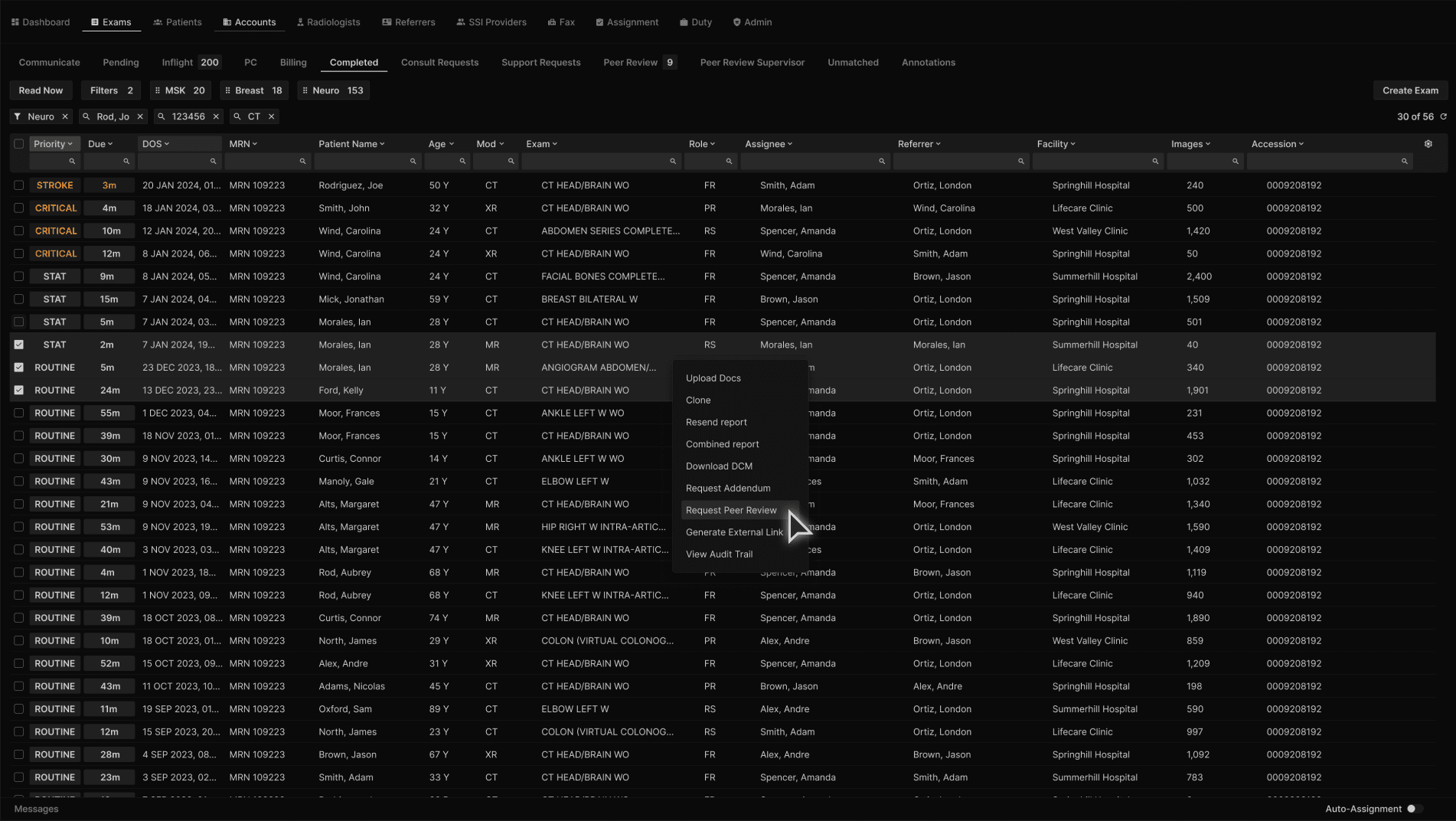
Any administrative or clinical user that has access to the Completed tab may receive and process a request for a Peer Review and be able to bulk assign exams for a focused peer review. Users will filter their list to the facility level, multi-select the exams they wish to assign, right click and select "Request Peer Review." | |
|---|---|
 |
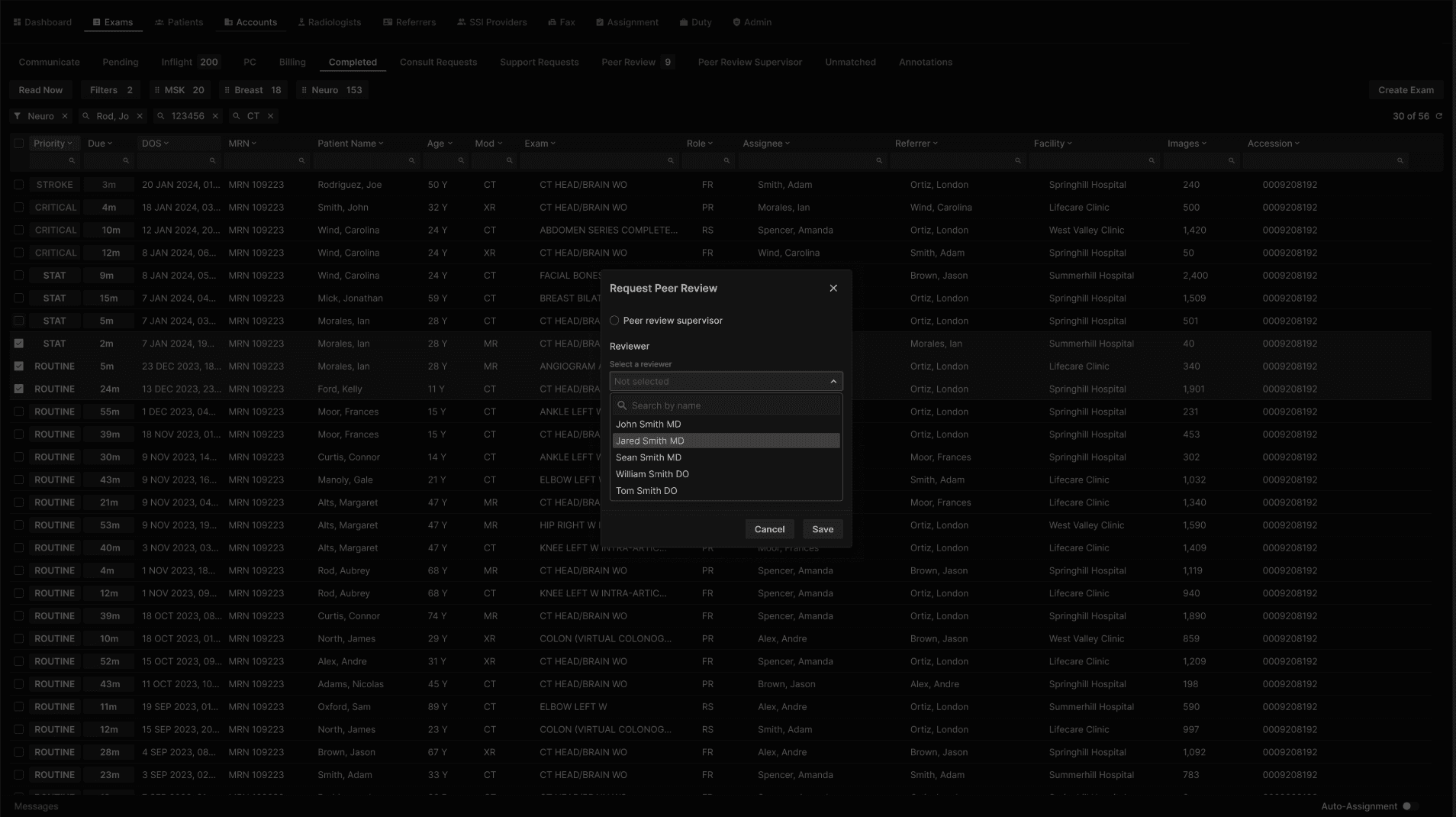
From here the user will either search for the reading physician by name, or choose from the drop down list of reading physicians privileged for the exams selected. | |
|---|---|
 |
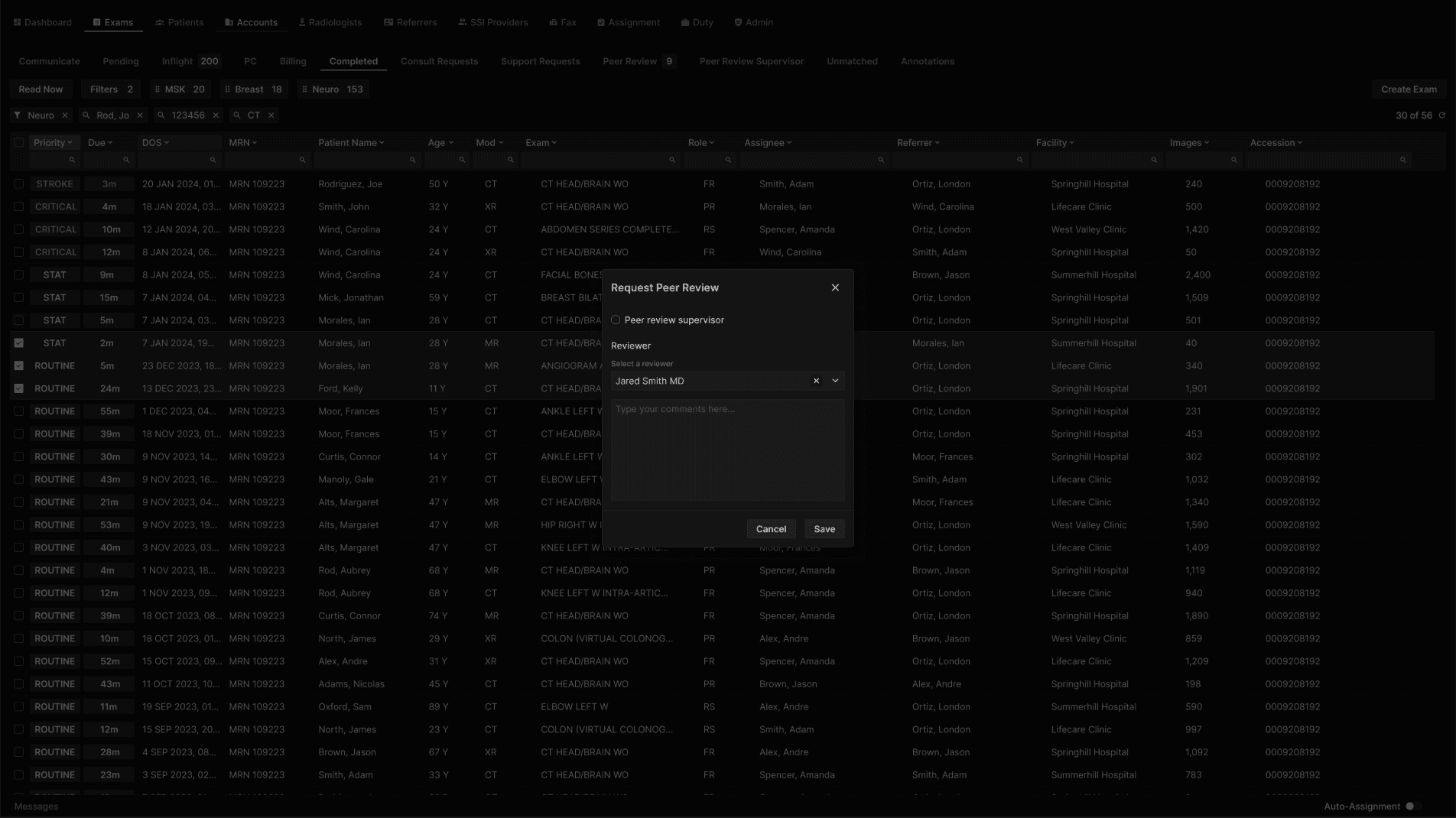
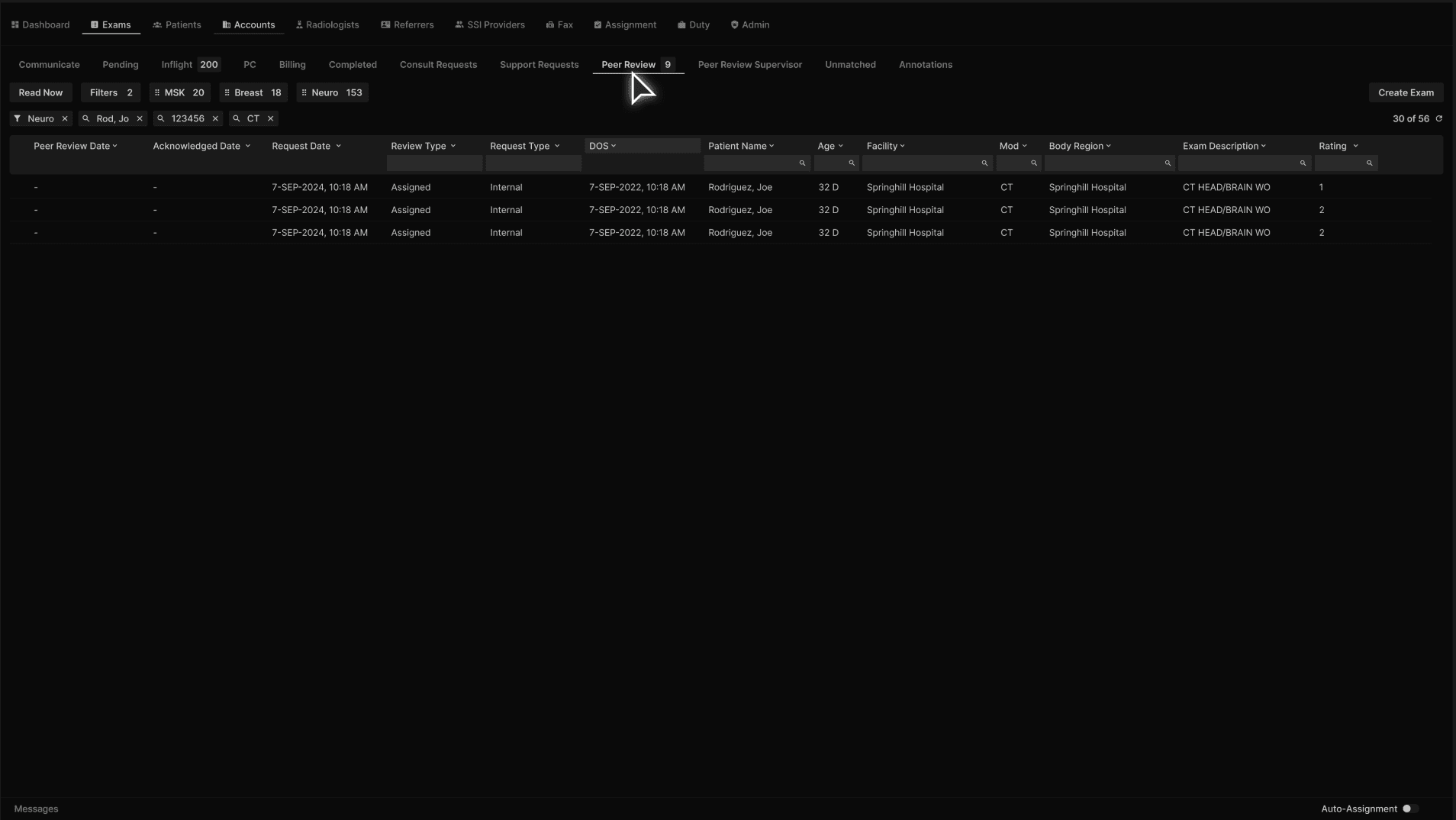
They may optionally add a comment or note. Clicking save will assign the selected exams to the reading physician and will be available to them in the “Peer Review” tab. | |
|---|---|
  |