Welcome to the world of efficient and elegant medical imaging reading and reporting.
Our technology is designed with a deep understanding of and appreciation for medical imaging professionals. As you learn about our technology, we hope you will tell us how we can improve.
A few words about our design philosophy: | ||
|---|---|---|
We believe that reading and reporting medical images are a unified cognitive process, so our technology enables reading physicians to focus on the images. | ||
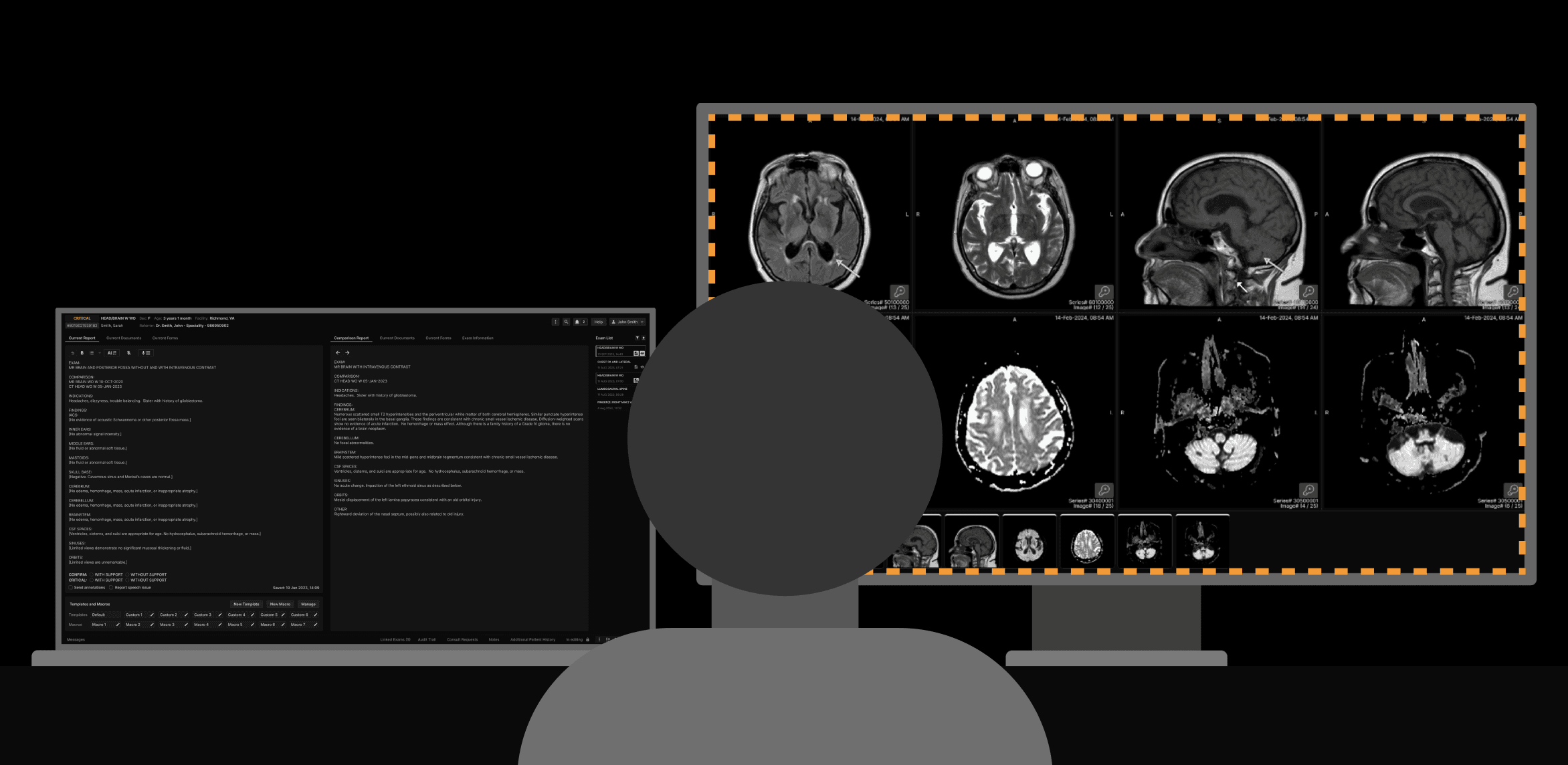 | ||
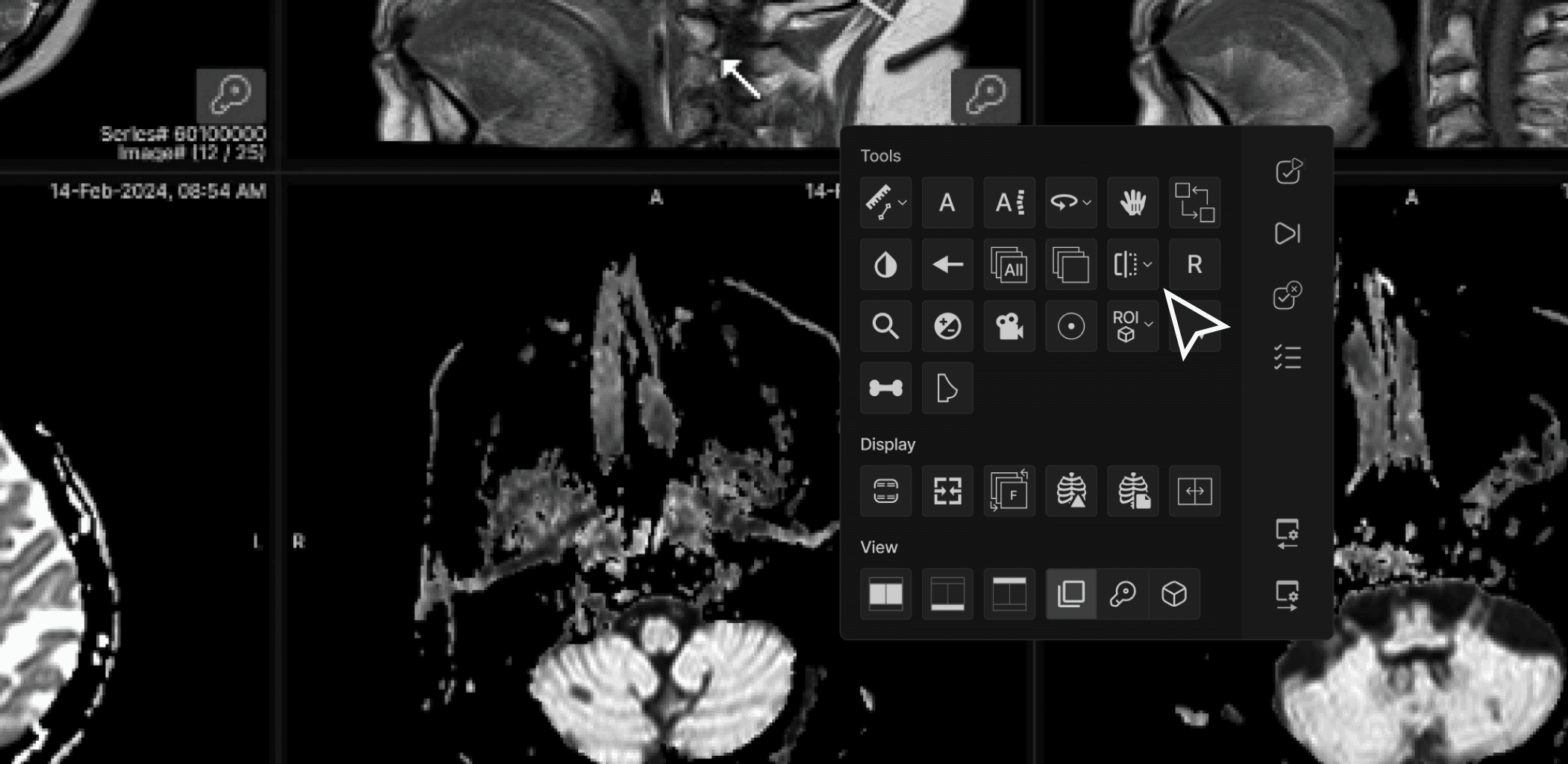
We strive to eliminate non-productive head, eye, and hand movements via a combination of elegant viewer design and unified clinical reporting. | ||
 | ||
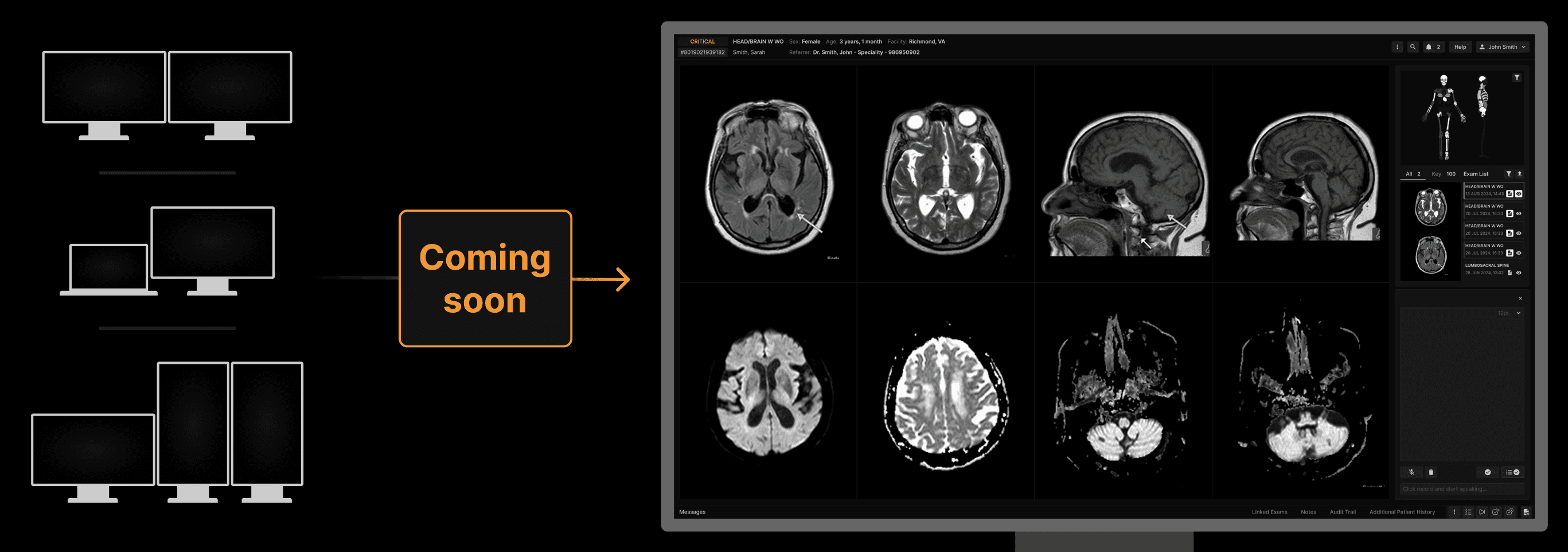
While we support multi-monitor workstations, we are developing a single monitor solution to facilitate focus and help reading physicians work in a cognitive state of flow. | ||
 | ||
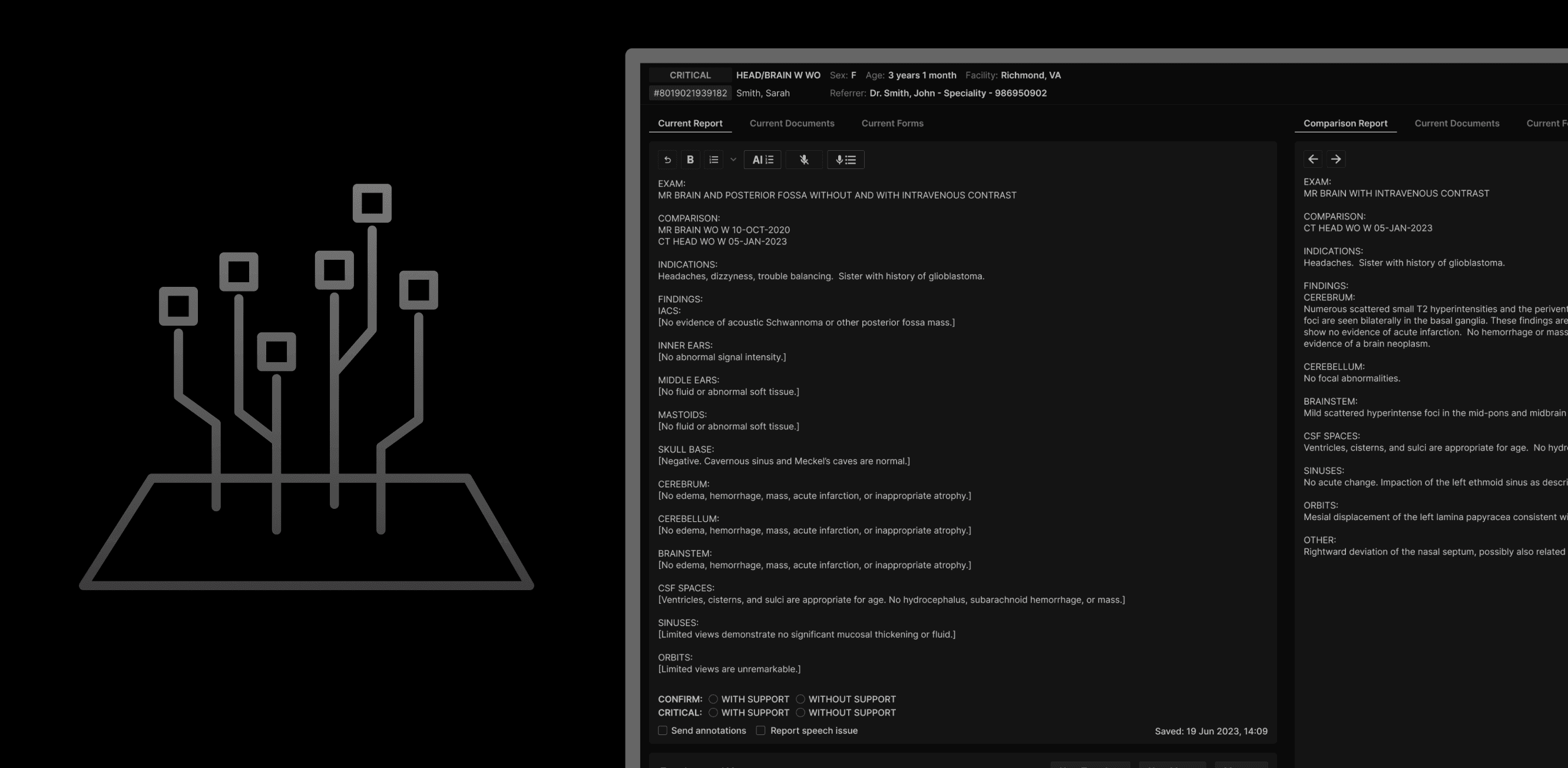
We believe the growing use of AI demands a consistent interface for managing our own and various third-party AI solutions. | ||
 | ||
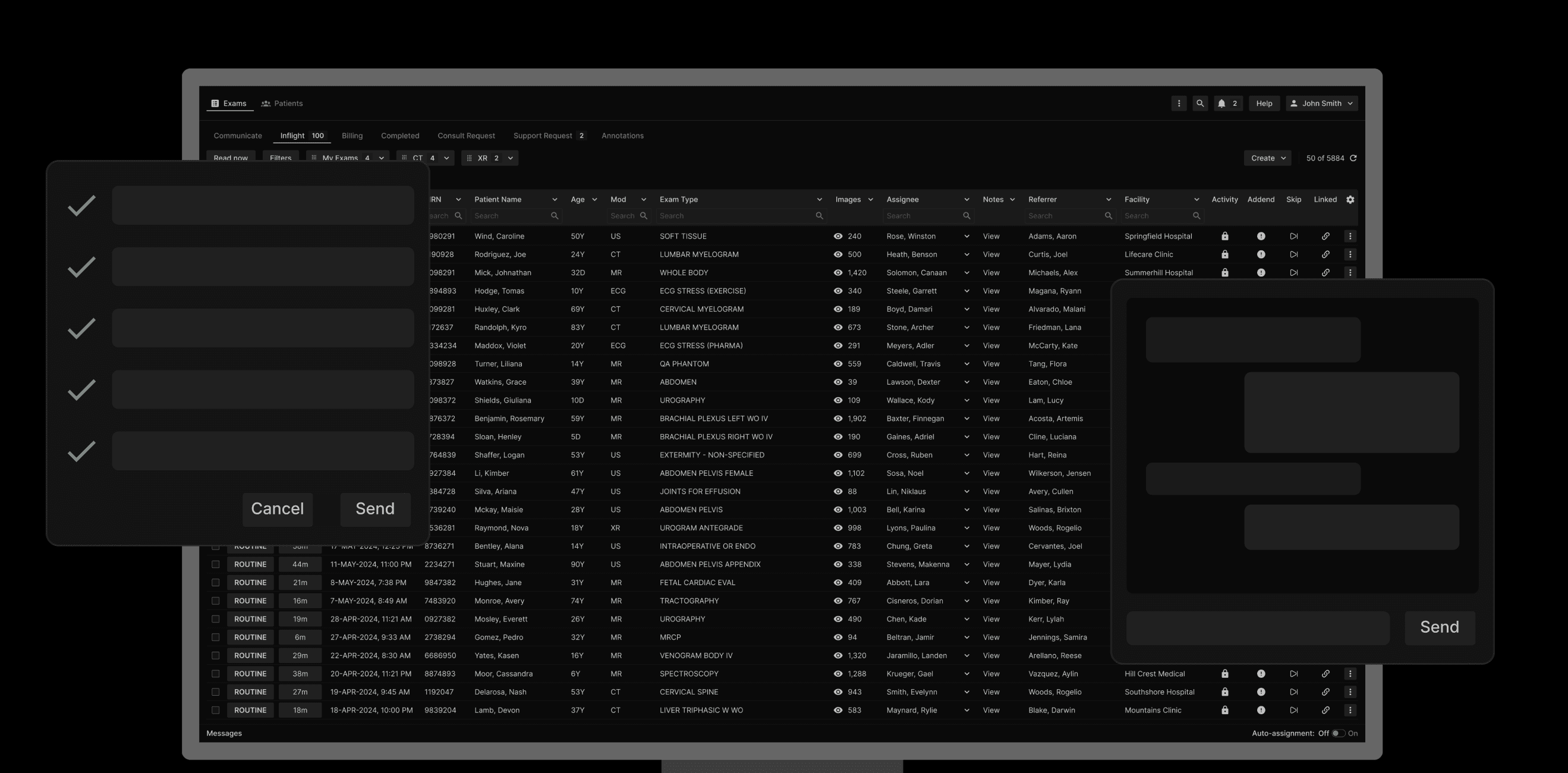
To further eliminate distractions, we have also unified vital functions such as requesting administrative or consultative assistance, critical results tracking, and messaging. | ||
 | ||
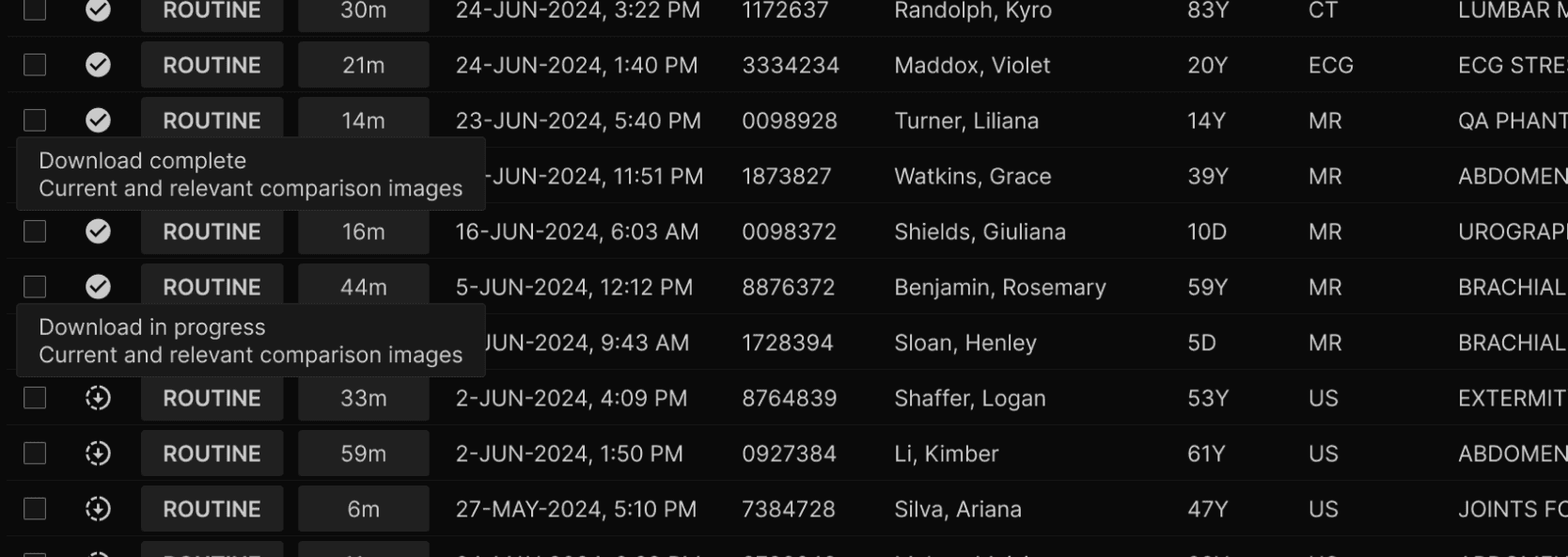
Speed of display is critical, so we have invented a zero-footprint viewer that can both pre-fetch assigned exams plus relevant comparisons to your local hard drive without ever storing unencrypted data remotely AND can dynamically switch to cloud-viewing as needed. So, whether the reader is in a high bandwidth, low latency or low bandwidth, high latency environment, fast reading performance is the norm. | ||
 |
General recommendations: | ||
|---|---|---|
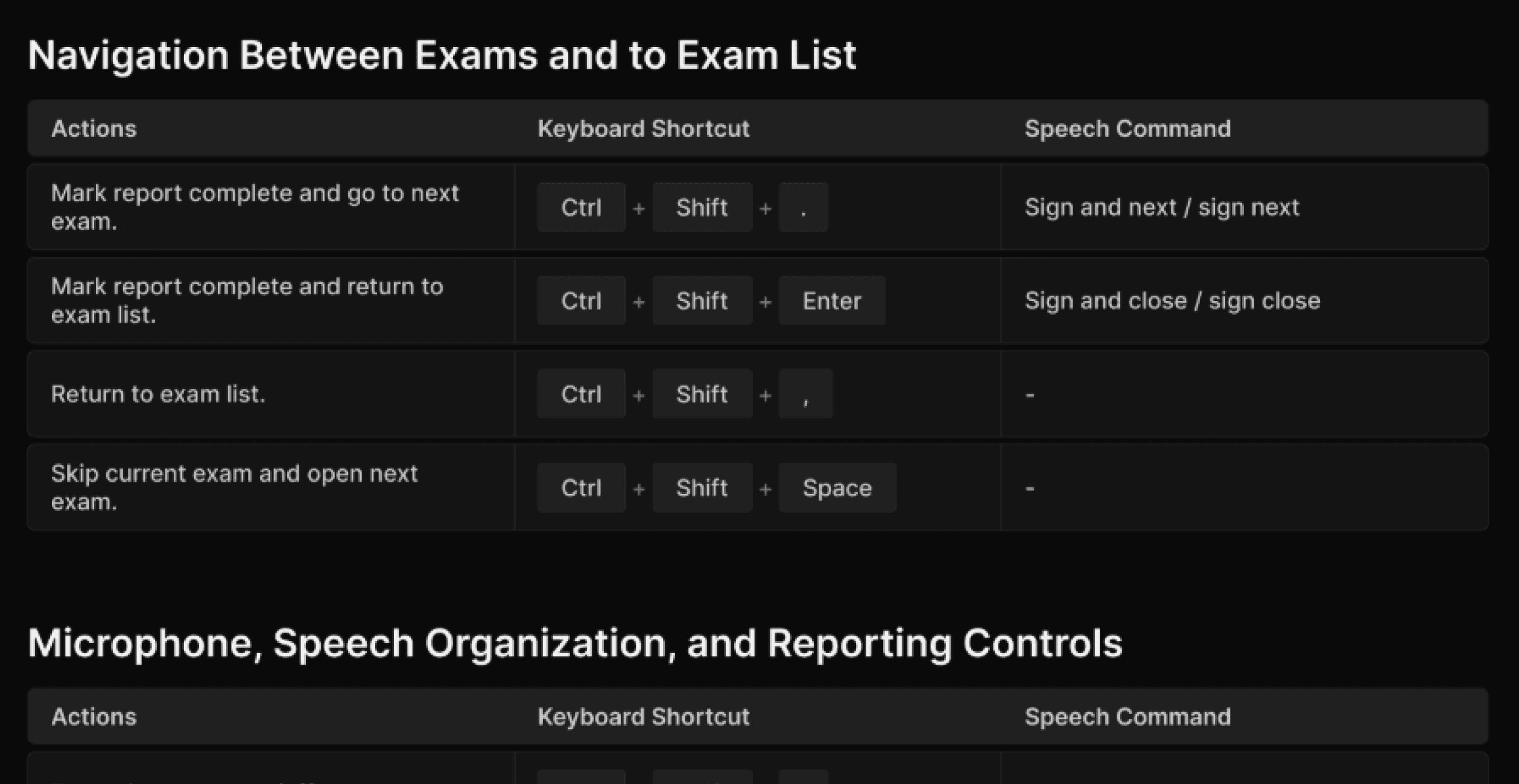
Nearly every important function can be initiated via a keyboard shortcut. Take full advantage of your favorite gaming mouse, keypad, hand-held microphone, or keyboard to maximize your efficiency. We offer pre-set profiles that you can download for many of these devices. | ||
 | ||
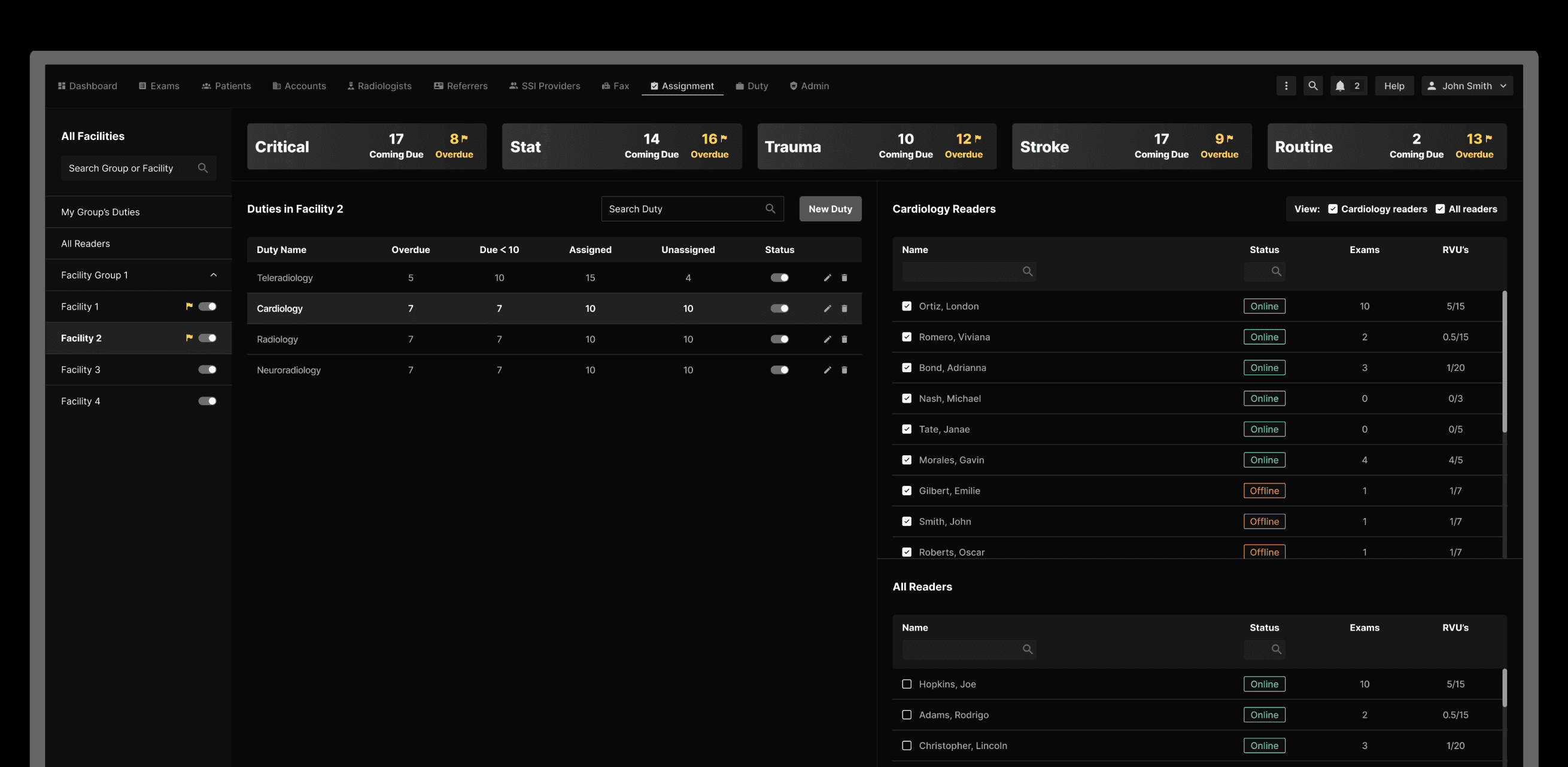
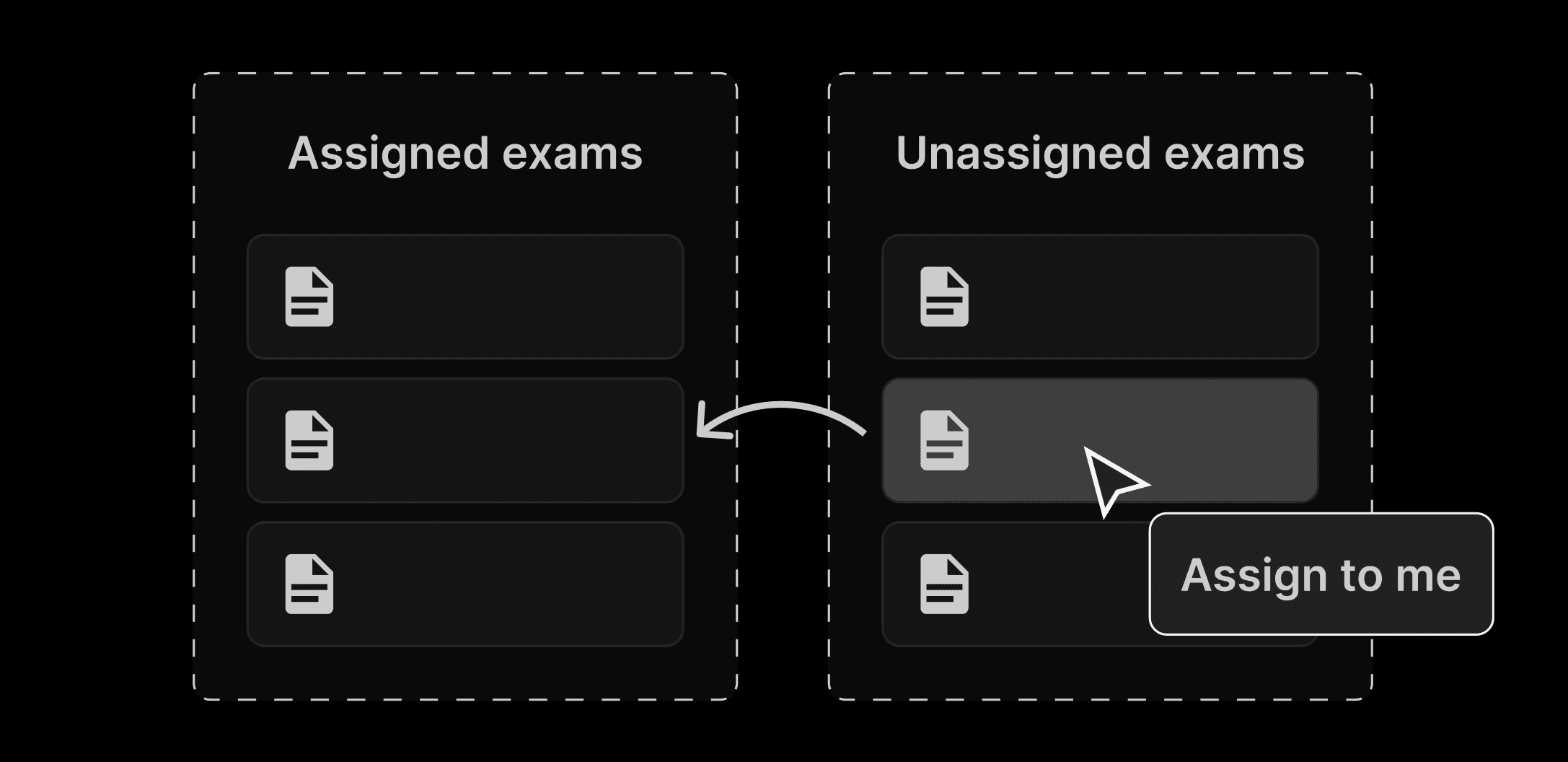
Take full advantage of the automated Duty Assignment features, which distribute work between reading physicians. The system can be configured so that a physician can read unassigned exams, assigned exams, or a combination thereof. | ||
 | ||
Assigned exams are automatically pre-cached to your local hard drive, making image display faster. You can also manually assign exams to yourself and manually request pre-caching for one or more exams. When exams are pre-cached, the relevant prior exams as determined by your group’s relevancy rules, are pre-cached as well. | ||
 | ||
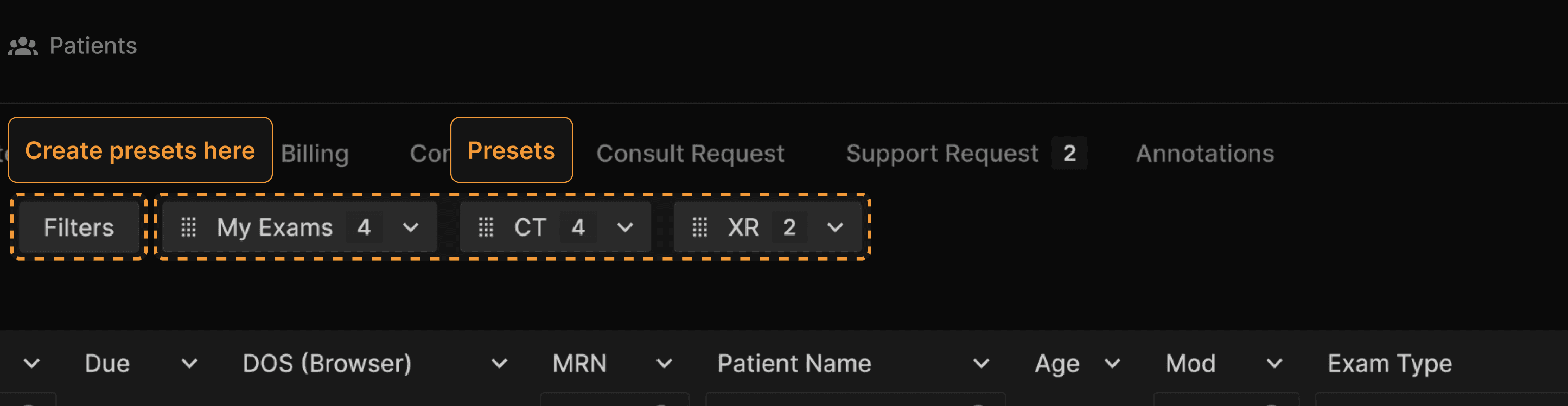
Configure Preset filters that meet your needs. The most commonly used Preset is My Exams. | ||
 | ||
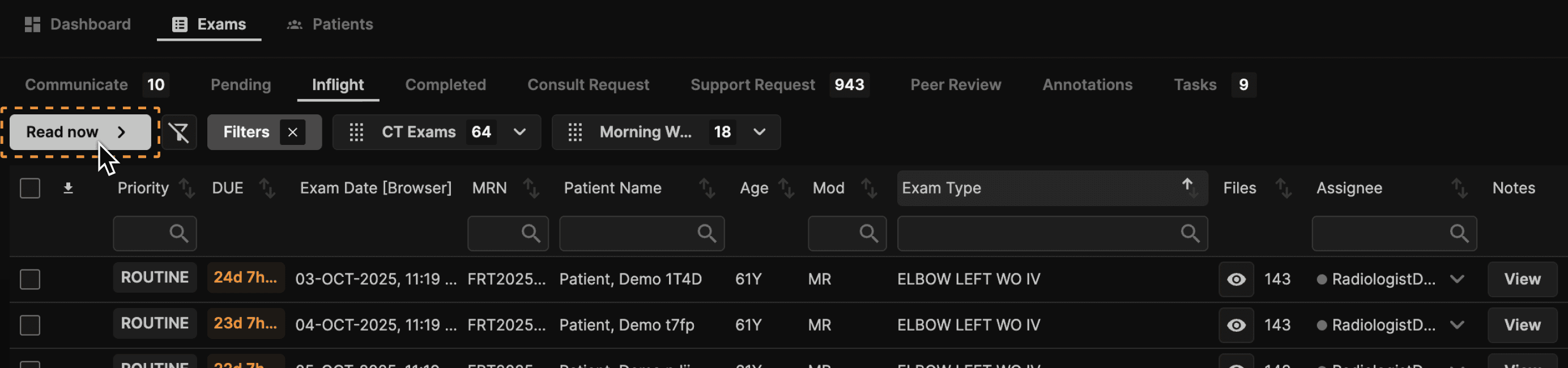
Once the list is filtered to your liking or even if it is unfiltered, the fastest way to read is to click READ NOW. The system will automatically present exams that are appropriate for you in a logical order based on priority and due time. | ||
 | ||
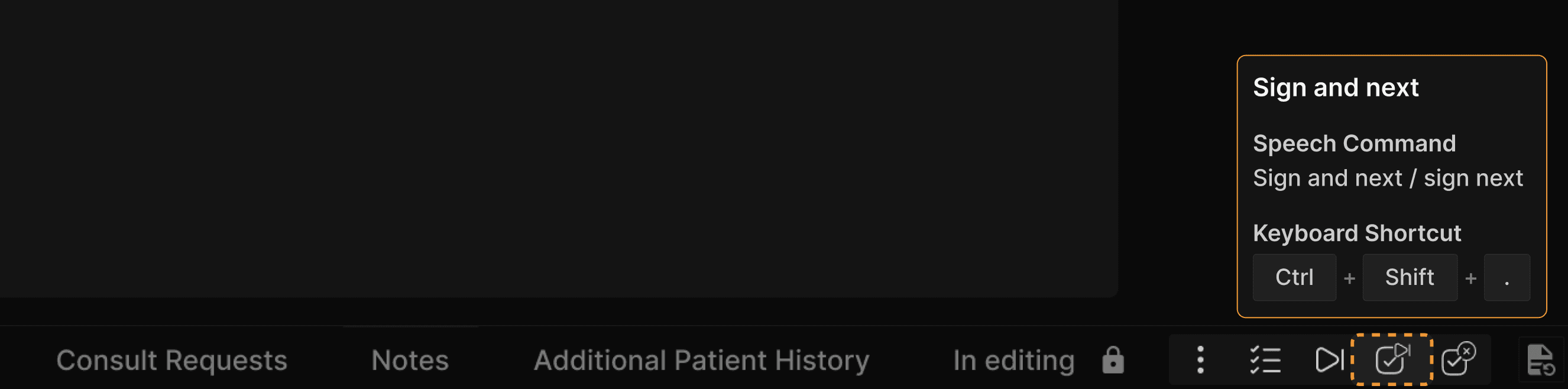
Use Sign/Next as much as possible. The less time you spend looking at the exam list, the better. | ||
 | ||
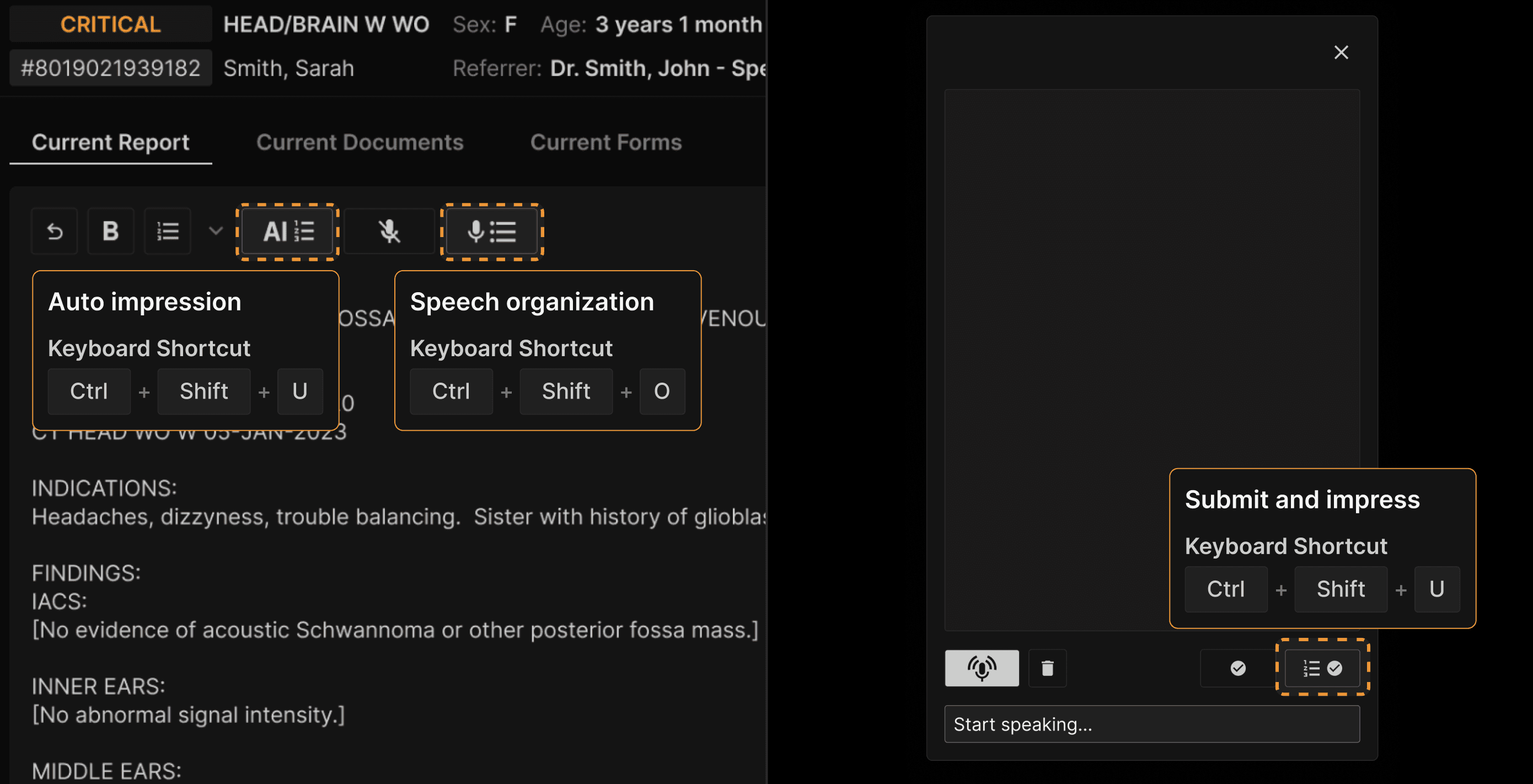
For reporting, use the Speech Organization and the Submit and Impress feature. Both can be initiated via keyboard shortcuts, and therefore configured as buttons on your mouse, hand-held microphone, or keypad. This makes for a disruptively faster way to report. If you find yourself dictating exam titles, comparisons, indications, techniques, radiation doses, measurements, breast histories, ultrasound technologist findings, interventional procedure supplies, or other such information, you have not optimized the configuration of the system. Of course you must carefully proofread your reports, but the system can automate almost all of the tedious, repetitive, and error-prone processes you have previously done. | ||
 | ||
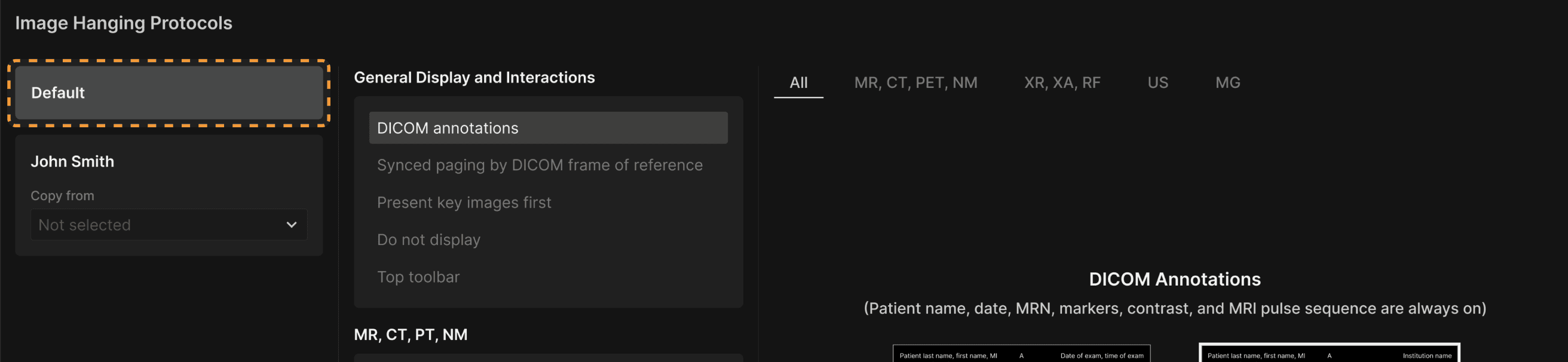
For viewing, most users are best off starting with the default hanging protocols. If you keep this option, when the system is updated, we will update your protocols to take advantage of new features. | ||
 | ||
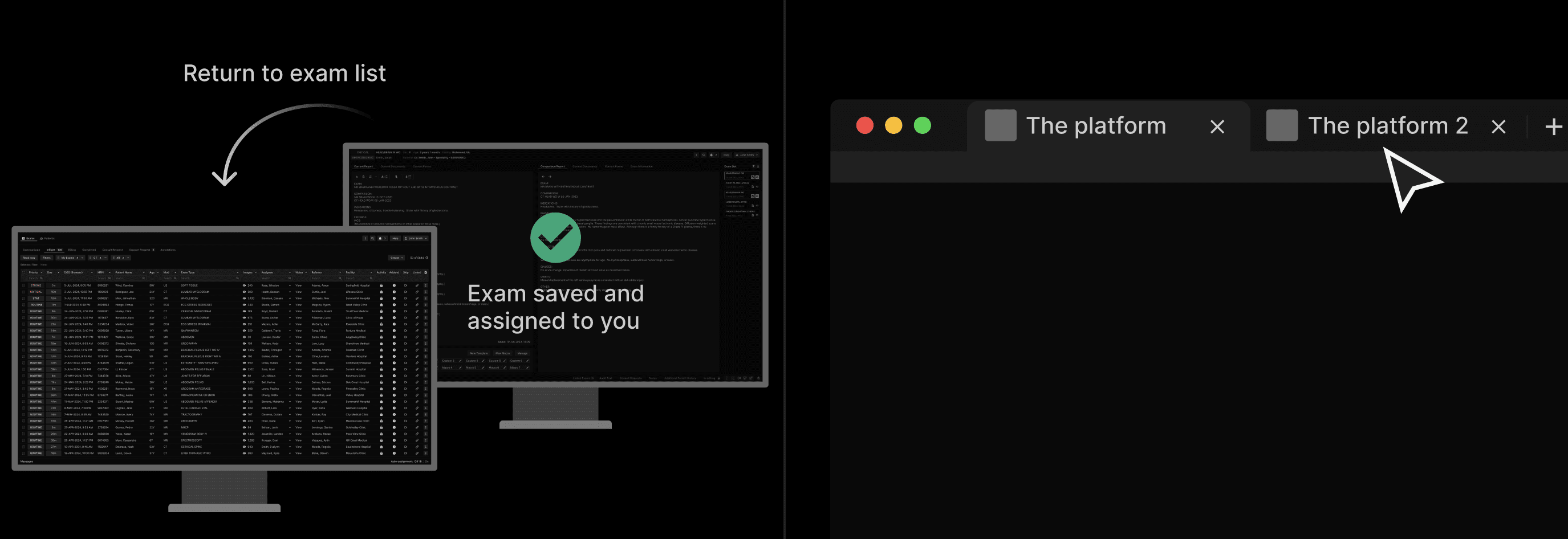
To handle interruptions, you may return to the exam list any time you are reading an exam. The system will save your report as you left it and the exam will be assigned to you if not already assigned. However, if you use this method, the image presentation will not be preserved as you left it. If you prefer, you may open another Chrome tab and launch another instance of the platform. Be careful, as always, if you take this approach, since you will be displaying two or more different patients’ images and reports at the same time. | ||
 |