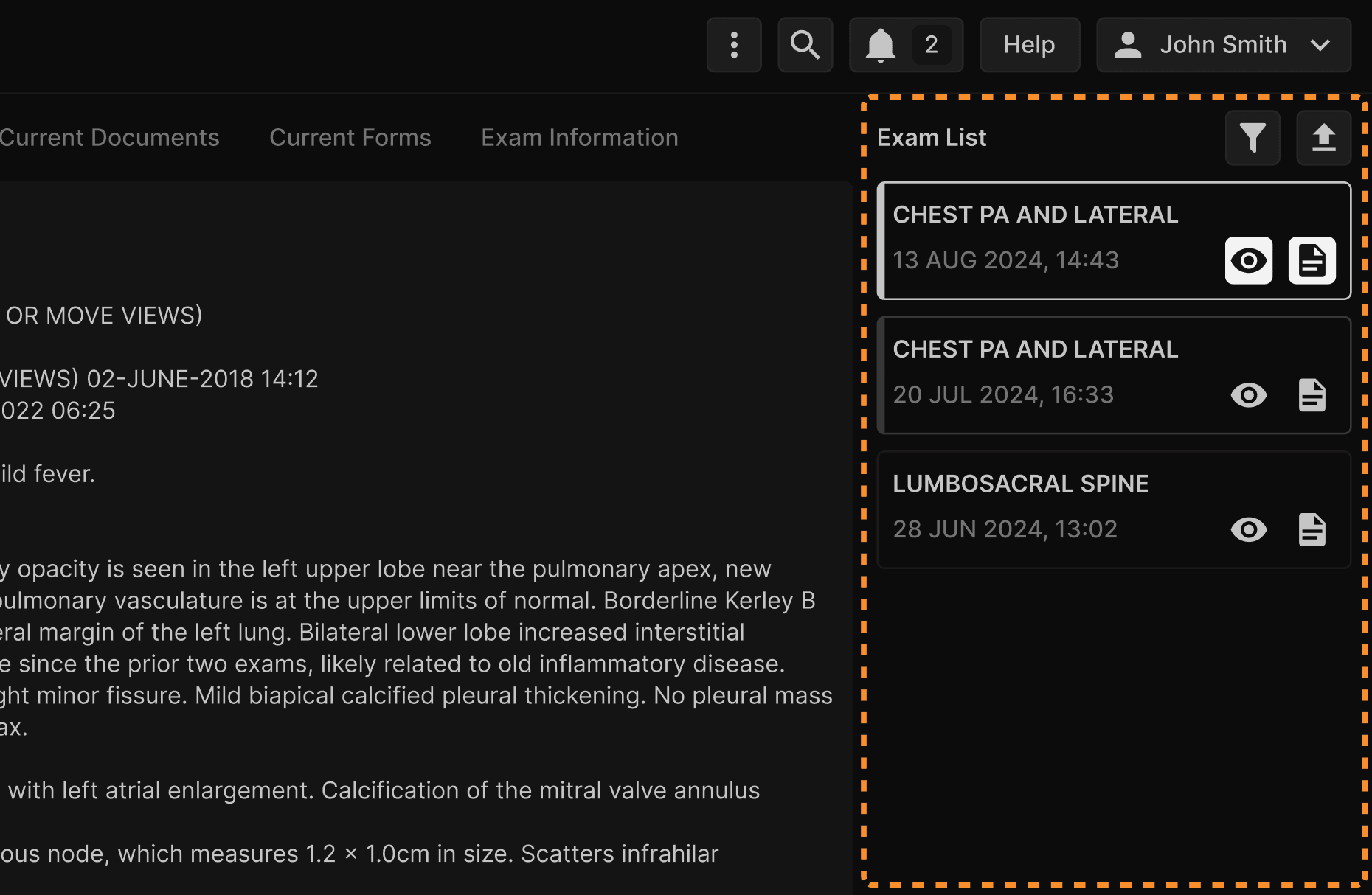
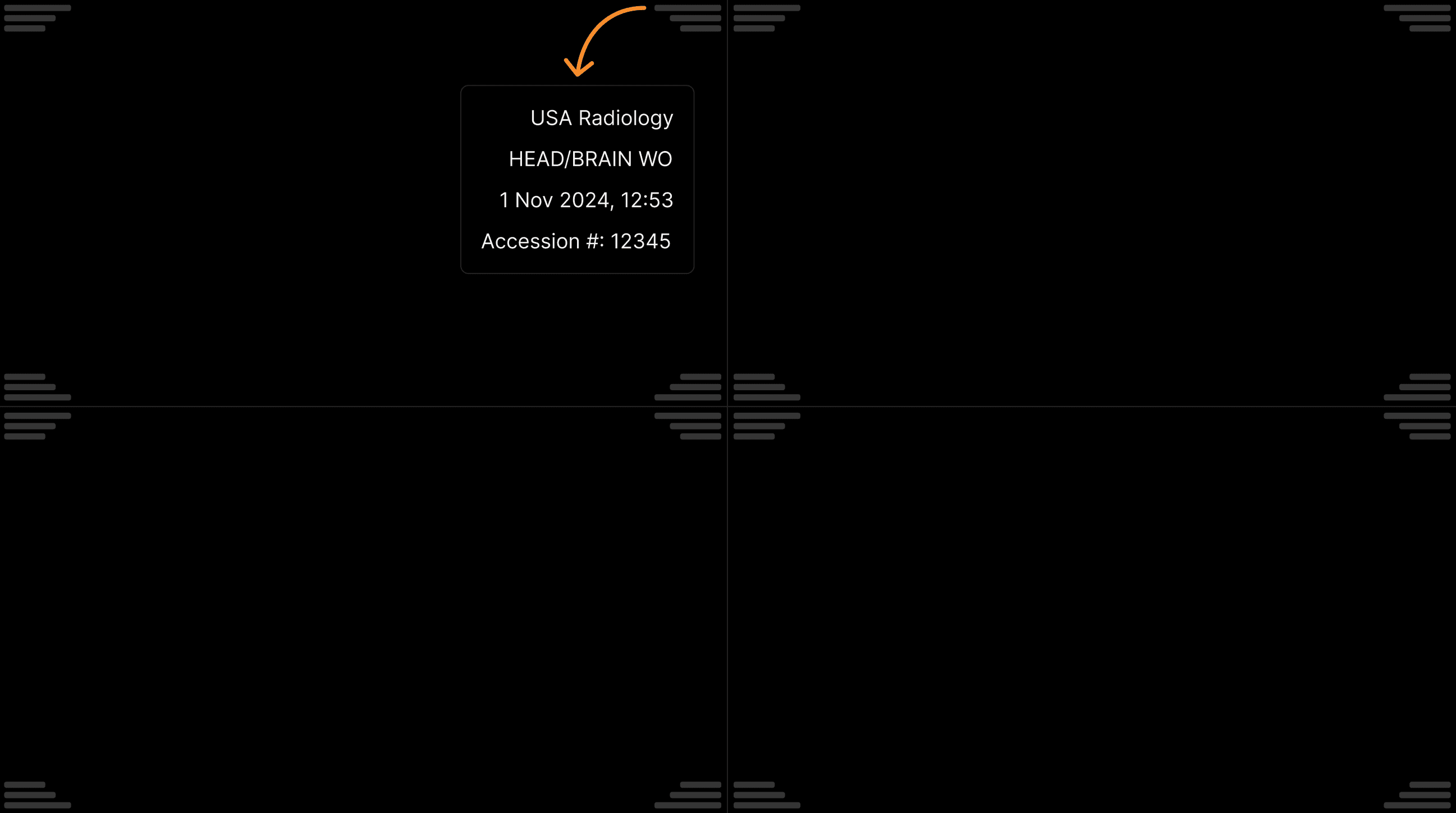
Displaying a single exam (current exam)Single panel: Current exam. | |
|---|---|
 |
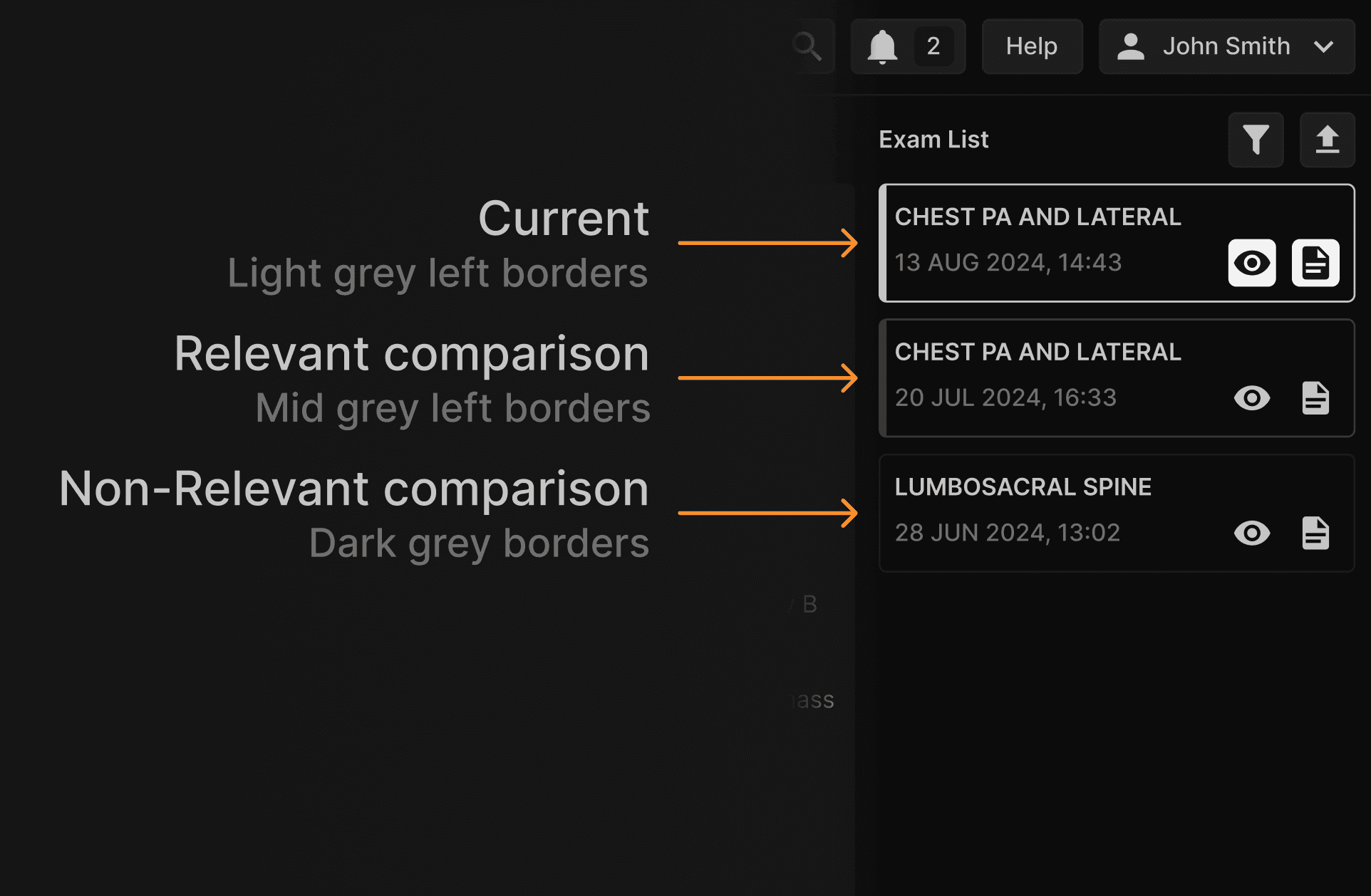
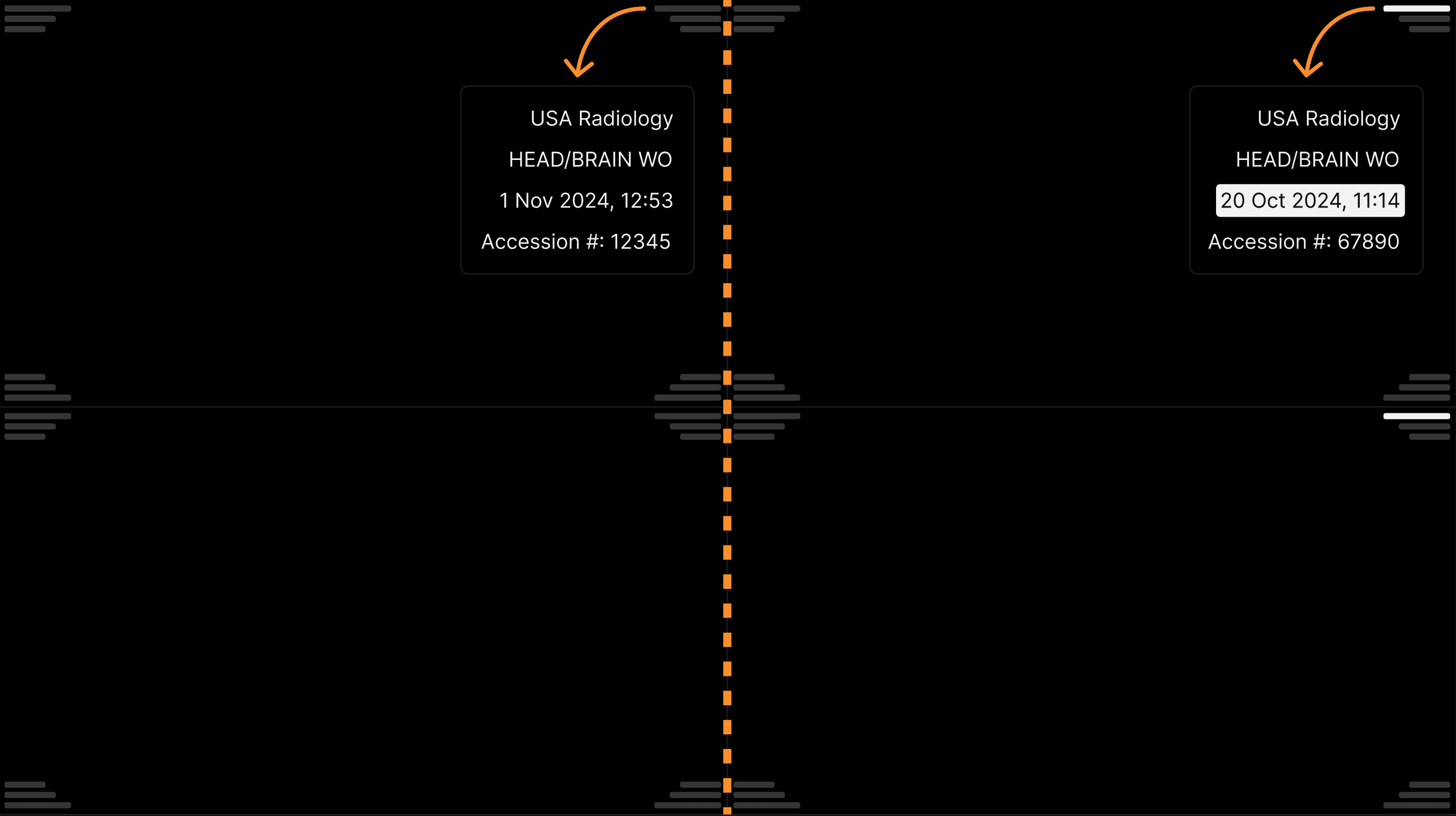
Displaying two exams (current and comparison exams)The left panel shows the current exam and the right panel the comparison exam. Comparison exam image series will always have the date displayed with a white background for a quick understanding of what viewports belong the the current and comparison exams. | |
|---|---|
 |
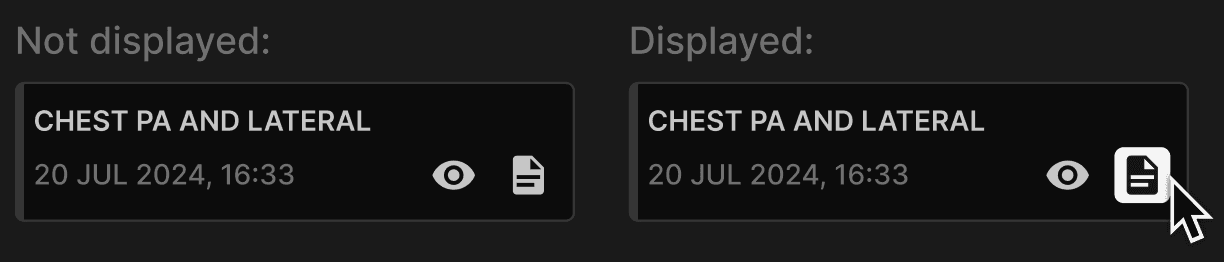
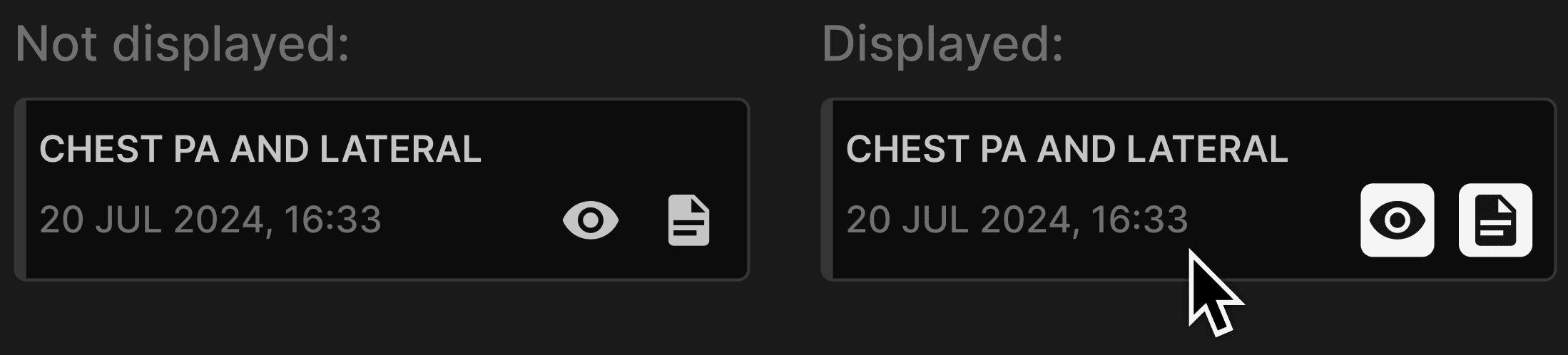
Displaying images or reports using the exam list panel | |||||||||||||||||||
|---|---|---|---|---|---|---|---|---|---|---|---|---|---|---|---|---|---|---|---|
| |||||||||||||||||||