A single landscape monitor of 2MP - 8MP resolution. | ||
|---|---|---|
 |
Dual landscape monitors of 2MP - 8MP resolution. | ||
|---|---|---|
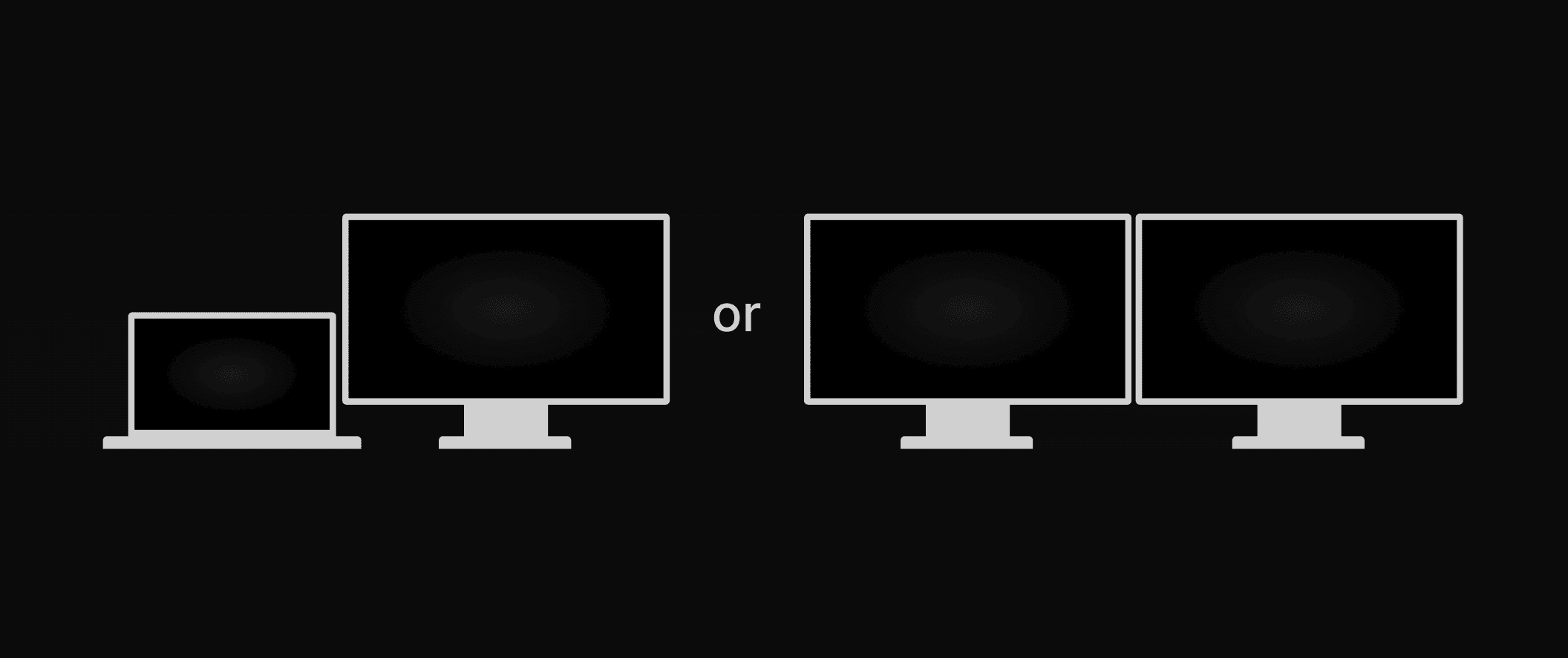 |
A single landscape monitor of 2MP - 8MP resolution for the exam list and reporting screens coupled with two identical portrait monitors of 2MP - 8MP resolution. | ||
|---|---|---|
 |
Other monitor configurations are not tested or supported and may result in a suboptimal or misleading user experience. Obtain and maintain monitors in accordance with professional standards and guidelines. For diagnostic reading of mammograms, employ monitors specifically cleared by the FDA.
Display Resolution (Ideal Resolution is at Least 2K) | ||
|---|---|---|
Windows - To set your resolution to 2K in Windows, you can do the following:
| ||
Mac - To set your Mac's resolution to 2K, you can do the following:
You can view the available resolutions as a list or in a thumbnail view. To view the resolutions as a list, you can:
|
Scale (Set at 100%) | ||
|---|---|---|
Windows - To set your scale to 100% on Windows, you can do the following:
| ||
Mac - To set your screen scale to 100% on a Mac, you can try these steps:
|