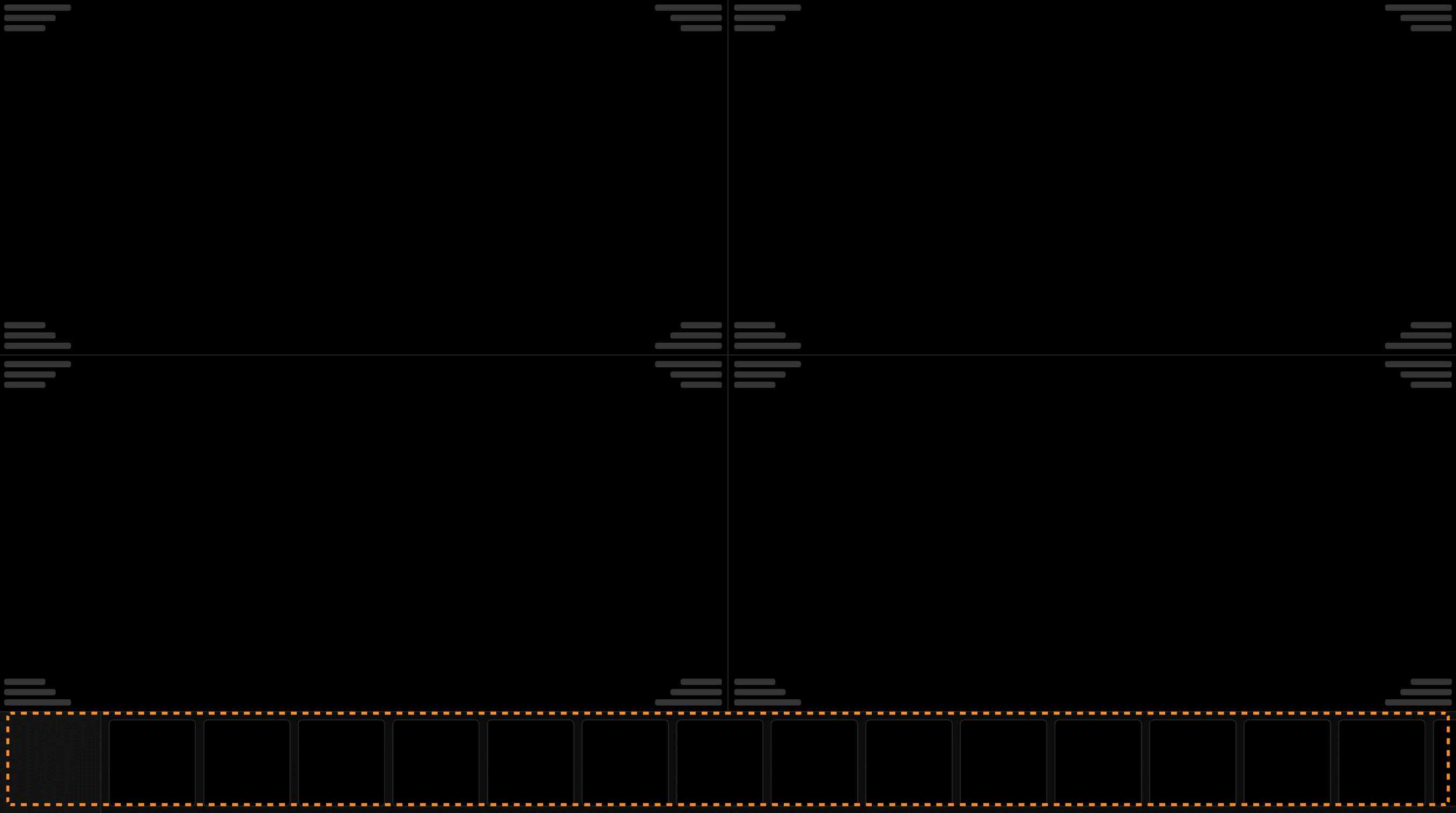
Displaying a exam (current exam): Thumbnails are located at the bottom of the viewer as shown in this example. | |
|---|---|
 |
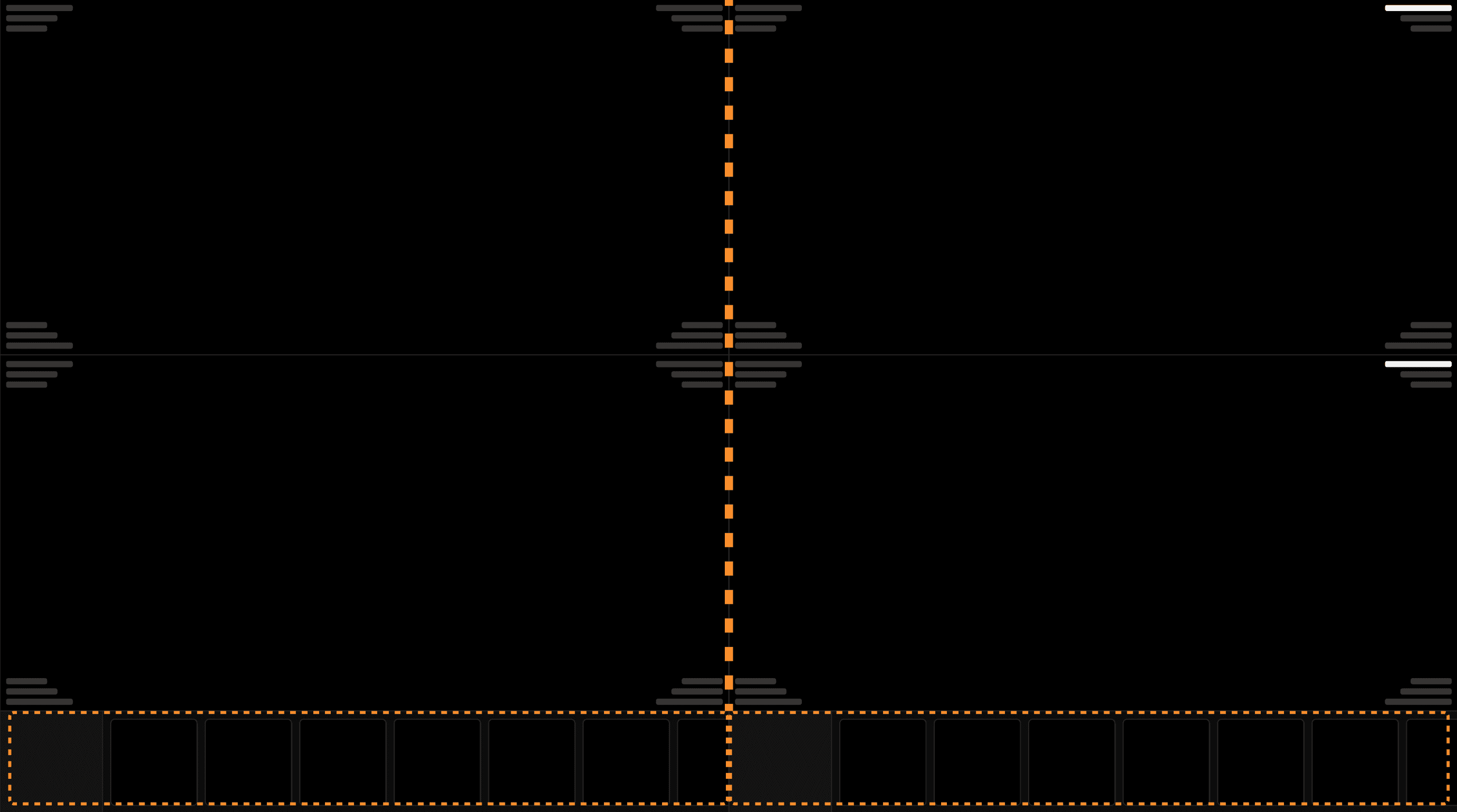
Displaying two exams (current and comparison exams): Thumbnails are located at the bottom of the viewer per panel as shown in this example. | |
|---|---|
 |
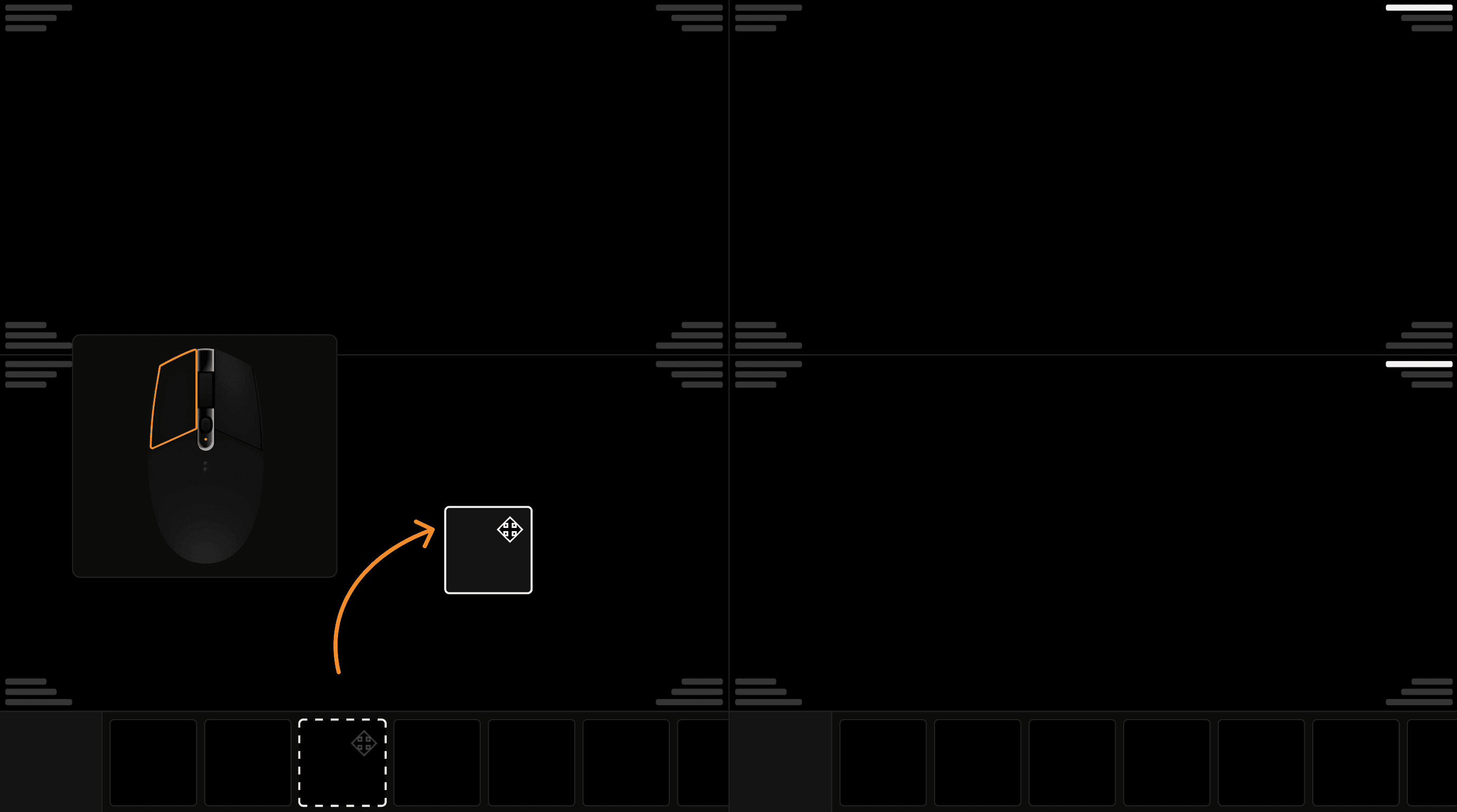
Display an image series in a viewport: Left click and drag the desired thumbnail into the panel. Thumbnails can be dragged and dropped on any viewport on the right or left panels. | |
|---|---|
 |