Faster Image Loading - Hybrid Rendering | ||
|---|---|---|
This release introduces major performance improvements that delivers faster image display, including exams that are not locally cached for a smoother, more efficient reading workflow. This will be configured on a per-user basis by system administrator. | ||
Key Enhancements
| ||
These enhancements reduce wait times, improve responsiveness, and support a more seamless reading experience. |
Edge Enhancement Tool | ||
|---|---|---|
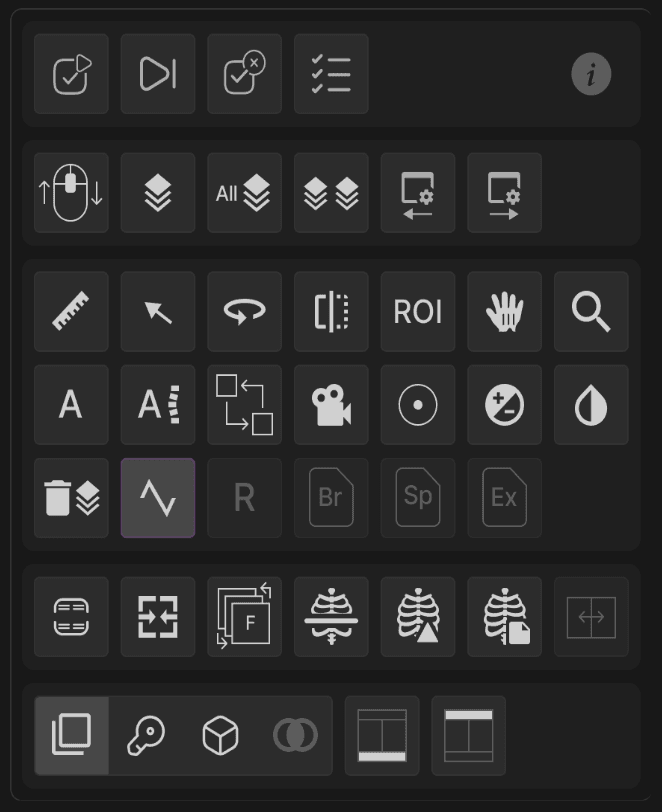
The Edge Enhancement tool improves image sharpness, helping you visualize fine details with greater clarity during review. | ||
 | ||
Key Features
| ||
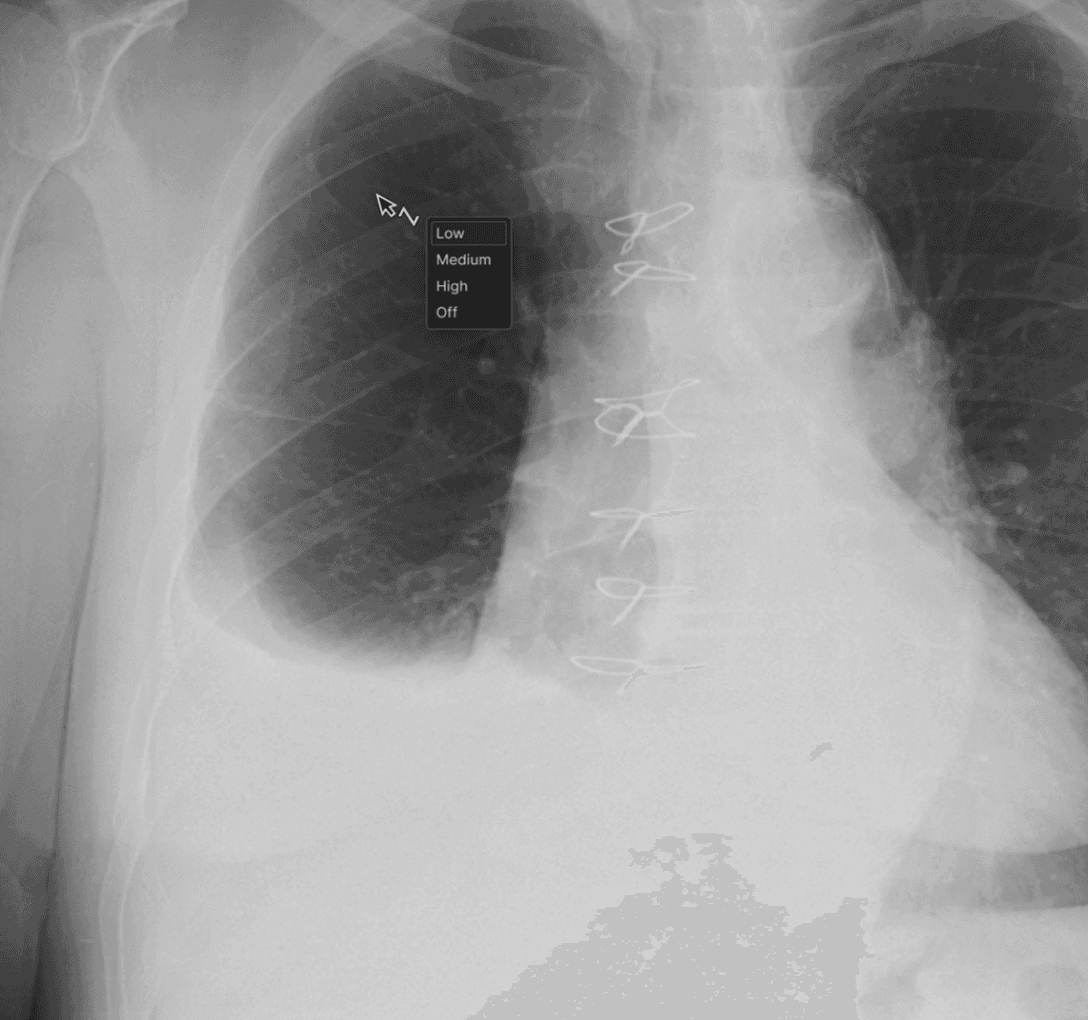 | ||
This enhancement provides more control over image visualization, improving efficiency and diagnostic confidence during case review. |
Series-Level Window/Level (W/L) Adjustments for MR | ||
|---|---|---|
The viewer now supports applying Window/Level (W/L) adjustments across an entire MR series, ensuring consistent brightness and contrast during review. | ||
Key Enhancements
| ||
This update streamlines MR interpretation by providing consistent visualization and reducing repetitive manual adjustments. |
New Keyboard Shortcuts | ||
|---|---|---|
Reverse series order: Ctrl + R Invert image scrolling to switch directionality of scrolling compared to the modality’s default order for CT, MR, PT, and NM. (e.g.,head-to-foot vs. foot-to-head).
| ||
Advance to next comparison exam: Shift + Backspace Quickly toggle between the previous and next comparison exams using Backspace and Shift+Backspace, respectively.
|