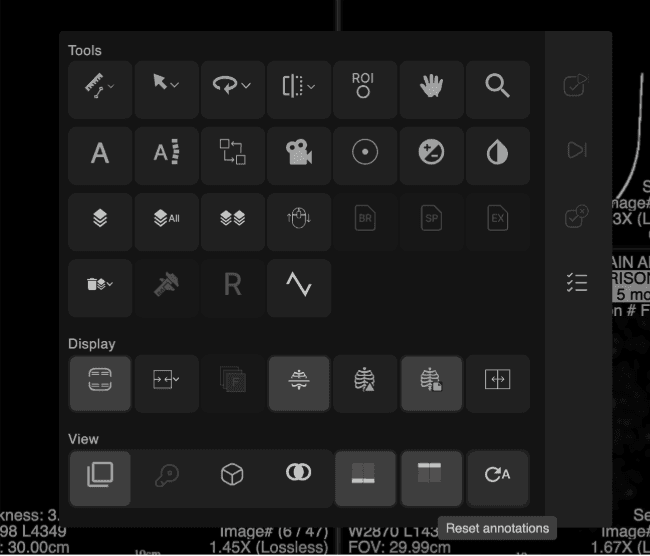
Power Wheel Configuration
|
|---|
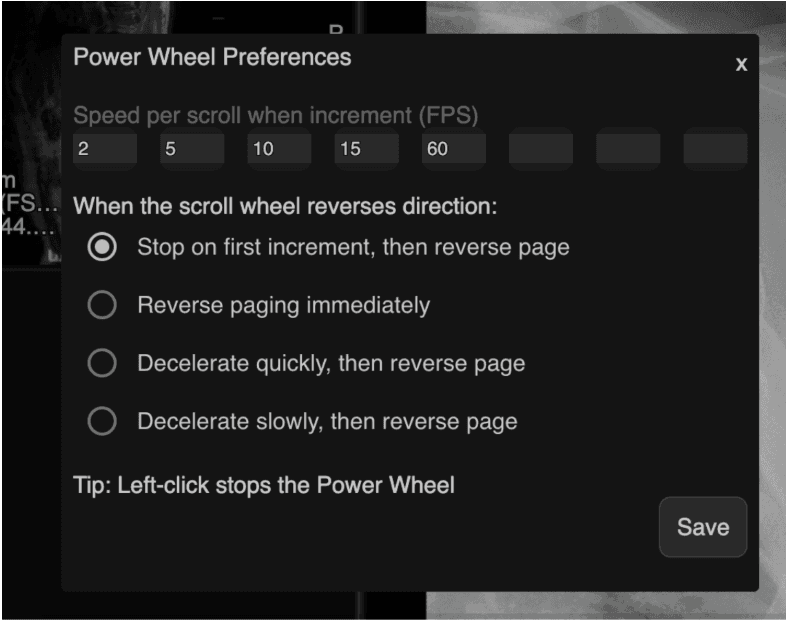
Users can now customize Power Wheel behavior — including scroll speed increments and direction reversal mode — and save their preferences for persistent use across sessions. |
How to Access With the Power Wheel visible in the viewer, right-click on the Power Wheel control. The "Power Wheel Preferences" dialog opens, showing current speed settings and the active reverse direction mode. Make changes and click "Save" to apply. Preferences are stored persistently. Click "×" to exit without saving.
|
Speed Configuration Users can define up to 8 speed increments. Default speeds: 2, 10, 20, 40, 60. Each speed value must be a numeric value greater than 0 and no greater than 60. Non-numeric input is blocked.
|
Reverse Direction Modes Four scroll reversal behaviors are available: Stop on first increment, then reverse direction — scrolling stops within one increment before reversing. Reverse paging immediately — direction reverses without a stop. Decelerate quickly, then reverse page — brief deceleration before reversing. Decelerate slowly, then reverse page — gradual deceleration before reversing.
|
Notes Left-clicking the Power Wheel continues to stop it immediately. This behavior is unchanged. Preferences are saved to the viewer configuration store and persist across sessions.
|
 |